
neonmamacita
Inspiring
December 1, 2017
Question

How do I see Text Warp parameters without changing them?

  • December 1, 2017
  • 1 reply
  • 247 views

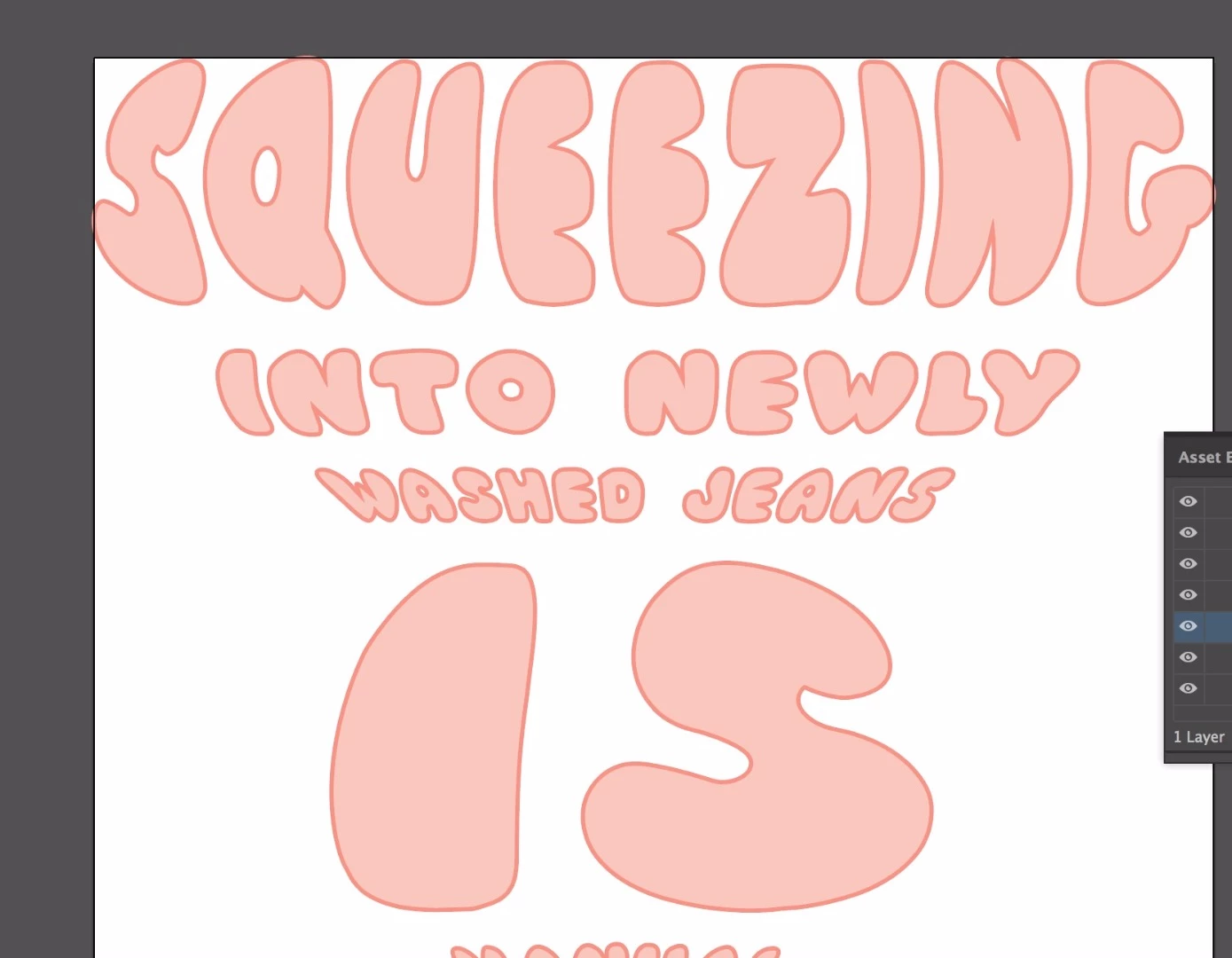
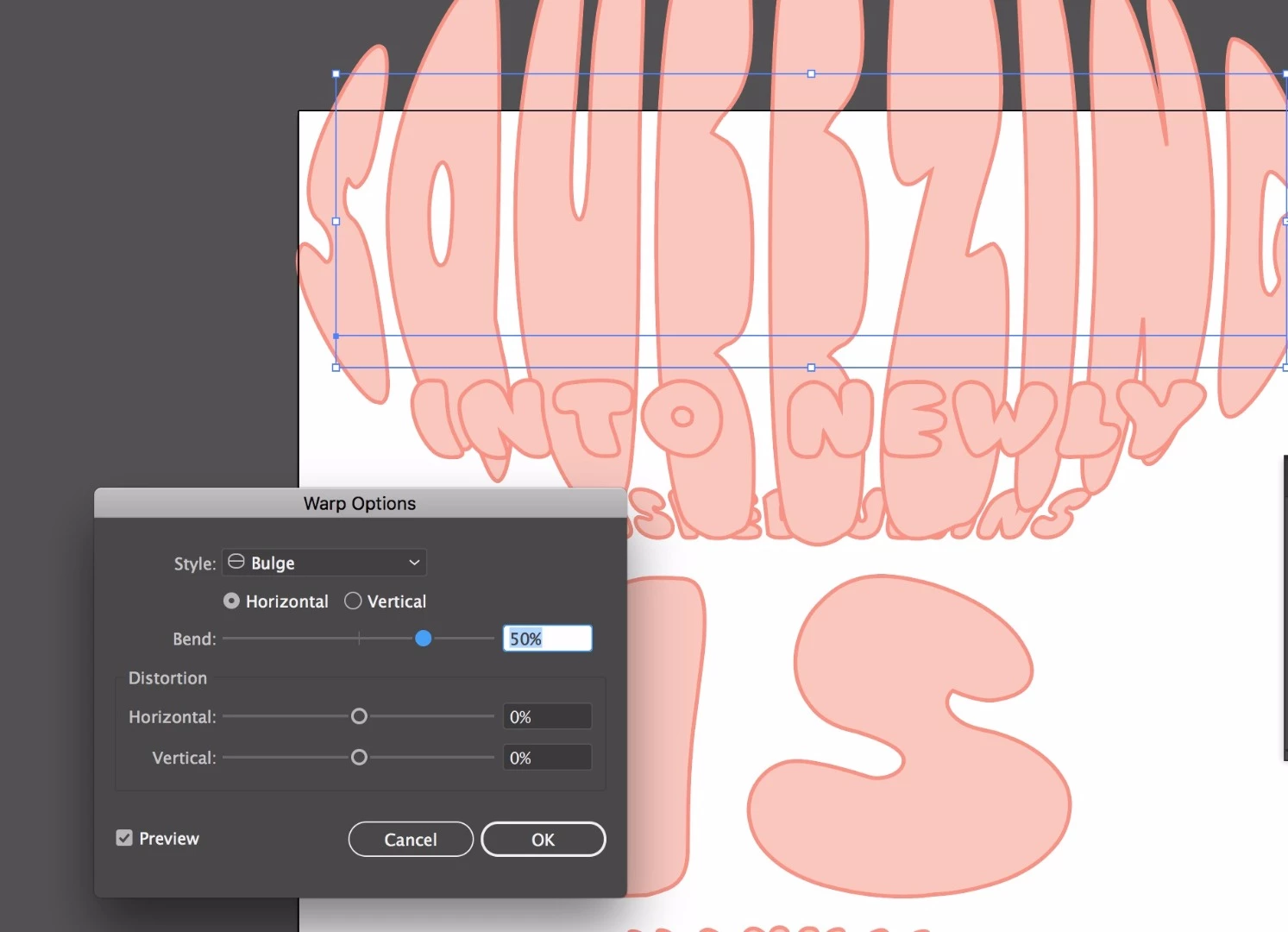
I warped some text (bulge effect) and want to see what the parameters are set at at so I can recreate it in photoshop. How do I  see what it is set at rather than apply another Warp effect to it? As you can see here, it's applying another effect over the one that I already have and I don't want to do that.

Alternatively, can I bring the text into photoshop (maintaining the warp effect) but keep it as text rather than a smart object? I want to do 3D extrusion with this type in photoshop.
    This topic has been closed for replies.

    1 reply

    Monika Gause
    Community Expert
    Community Expert
    December 1, 2017

    If you applied it as an effect you can just click that effect in hte appearance panel.

    If it's not an effect you can check it in Object > Envelope > Make with different preset (or the like, have a German version)

    neonmamacita
    Inspiring
    December 1, 2017

    Thanks Monika. Here is my appearance panel, I don't see the Warp Effect unless it's hiding somewhere- any idea?

    Also I think the Envelope option must be just for the German version... dang!

    Monika Gause
    Community Expert
    Community Expert
    December 1, 2017

    Does the layers panel show any signs of some live object?

    If not, you have bad luck, because everything has been expanded already.