Question
How do I stop Illustrator from using an object's stroke width when aligning
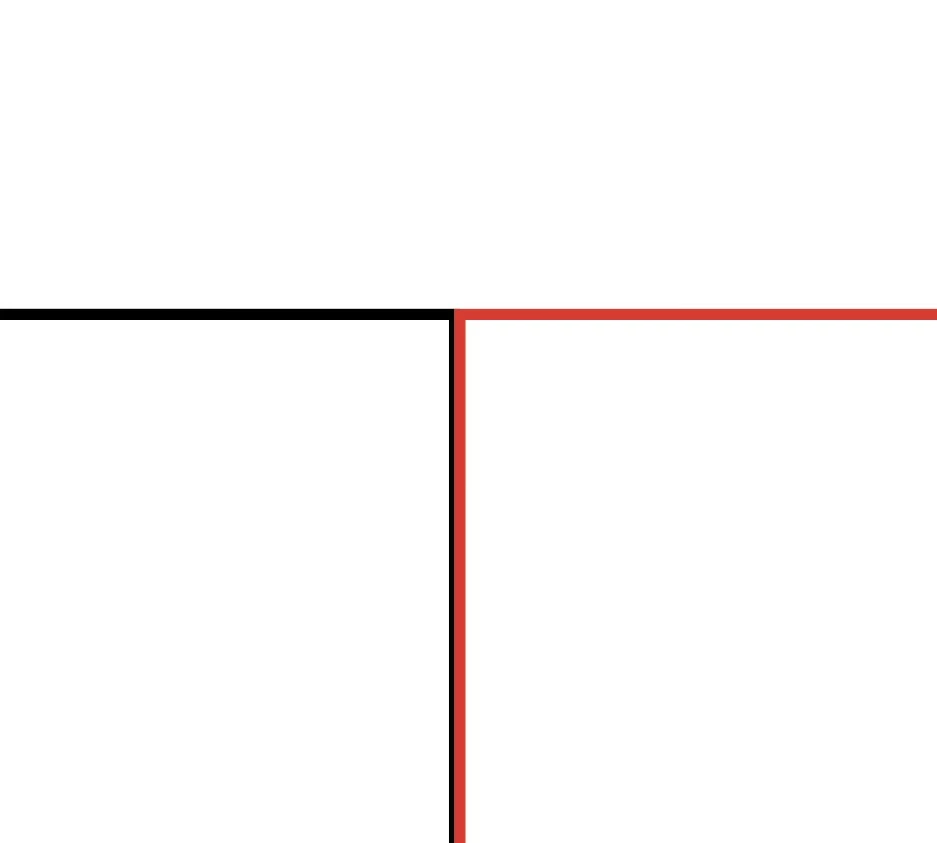
How do stop Adobe Ilustrator from aligning an object by it's stroke width. I want to align to the center of the stroke path. So when aligning an object with a stroke "edge to edge" then change my view from Preview to the "Outline" view, my object's still has a gap between the objects. I also hate it when the height and width include the stroke width.

 AdChoices