megt69125162
Participant
December 17, 2019
Question

How do I Weave a Shape in front of and behind another?

  • December 17, 2019
  • 3 replies
  • 5594 views

Hi!

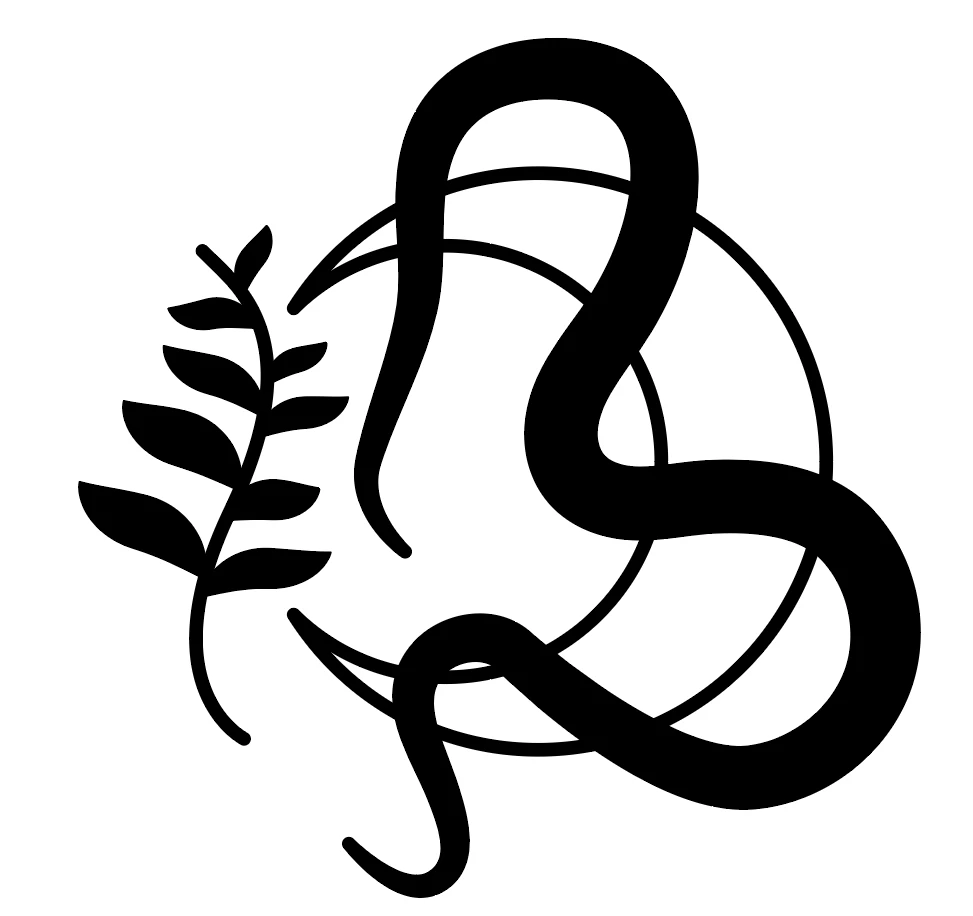
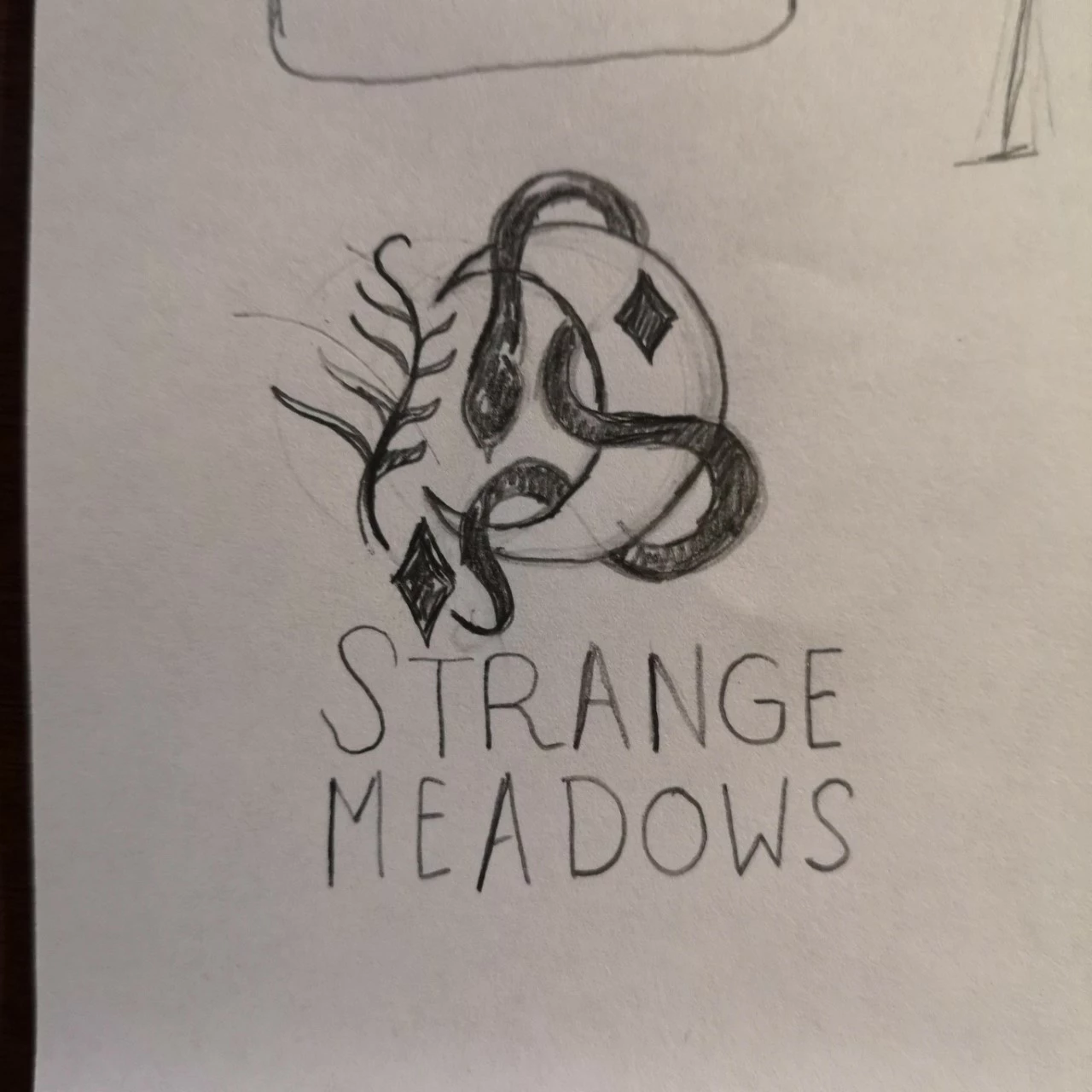
I'm working on a design where I have a snake shape weaving behind and in front of a moon shape.

However, I don't know how to selectively hide parts of the snake shape, so it looks like it's twining round the moon shape, as in the sketch below.

I've tried a couple of pathfinder tool variations, but it ends up very messy! 
This topic has been closed for replies.

3 replies

rcraighead
Legend
December 17, 2019
  • Convert "Moon" shape to "Static Symbol"
  • Duplicate it in-place above snake
  • Create 3 polygons overlapping areas to hide
  • Convert these shapes to a "Compound Path"
  • Select Compound Path and top Moon Symbol instance
  • Make Clipping Mask

I've offset the duplicate Symbol Instance in the "Outline" view to make clear what is happening.


Legend
December 17, 2019

You can do this with a transparency mask. Draw shapes in rich black to cover the areas you want to mask - then group those two shapes together. Select the group and the snake, and Make Mask.

JonathanArias
Legend
December 17, 2019

i think this video from Jeff Witchel may have the answer you are lookign for:

https://vimeo.com/56202209