_Imageunavailable_
Participant
December 26, 2017
Answered

How do you delete a file?

  • December 26, 2017
  • 2 replies
  • 2102 views

I can't figure out how to delete a file from inside the Adobe Illustrator program (I am using a mac)

    This topic has been closed for replies.
    Correct answer Bill Silbert

    The files are saved in the Creative Cloud (here are two pictures showing the problem from different perspectives)
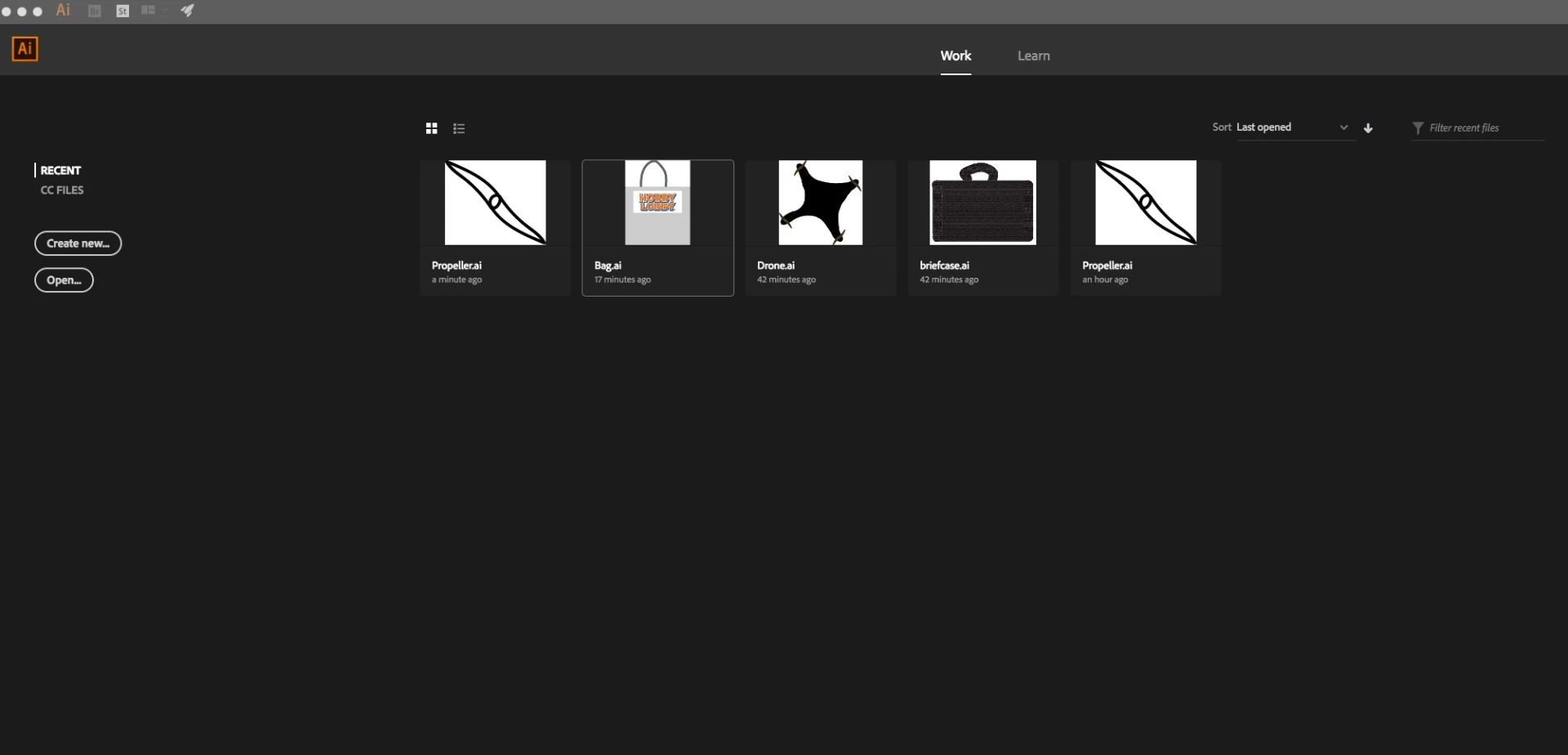
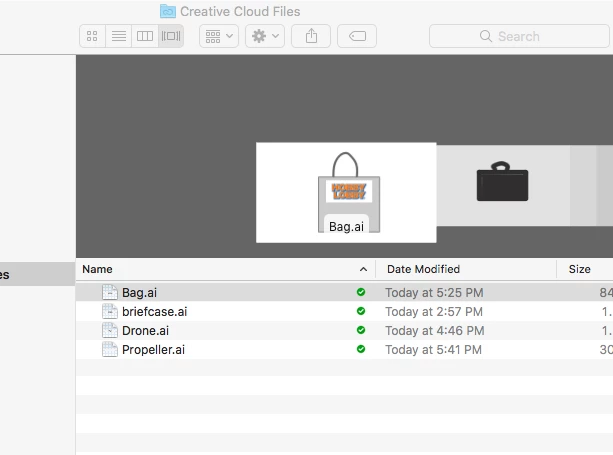
    I personally always save to my hard drive so I can't say if what you're seeing on the cloud is an unusual occurrence. What I can suggest, however, is to try signing out of your cloud account and then signing back in again and see if the extra file is still there when you re-sign in.

    2 replies

    Legend
    December 26, 2017

    Not sure why you would want to delete an older version of a file, but this seems as if it might be normal and as described in here: Versioning FAQ

    Bill Silbert
    Community Expert
    Community Expert
    December 26, 2017

    You can't delete a file from within the program. To delete an Illustrator file you must find it in its location in whatever folder its in on the macintosh desktop and drag it to the trash and then empty the trash.

    _Imageunavailable_
    Participant
    December 26, 2017

    The only problem is that I have a duplicate file... but there is not actually another file there is just a copy of the thumbnail and I don't know how to delete it

    Bill Silbert
    Community Expert
    Community Expert
    December 26, 2017

    Where are you seeing the file? Does it show up in the desktop folder? Can you post a screen shot showing what you're seeing?