May 20, 2013
Answered

How do you inverse a clipping mask

  • May 20, 2013
  • 5 replies
  • 158353 views

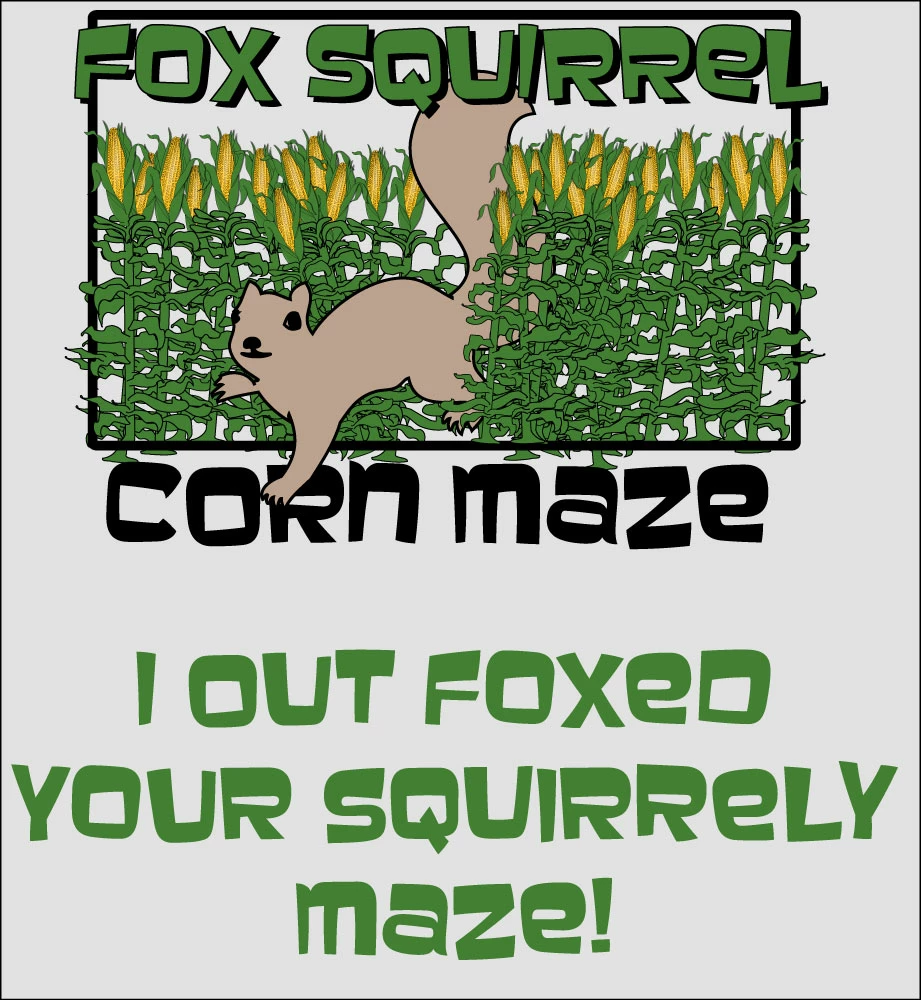
I'm working on a tshirt and can only use 3 colors (Green, Black and Yellow).  If you look at the attached image, I need to make the brown color that is inside of the squirrel mask out the items behind it (corn stalks, rectangle and part of the "R" in "Corn Maze".  The tshirt will be grey so once the Clipping Mask is applied, it will allow the grey tshirt to become the color for the squirrel. 

The problem I'm running into is if I duplicate the squirrel and use him as a clipping mask, it does the opposite of what I'm trying to accomplish.  I need to mask out everything inside the squirrel, not everything outside the squirrel.  In photoshop, I could just inverse the selection.  Not sure how to inverse a Clipping Mask. 

Any help would be greatly appreciated.
This topic has been closed for replies.
Correct answer Monika Gause

Monika Gause wrote:

Then it would be about how I would pronounce it, anyway ;-)

Wouldn't that W sound like a V?


[scott w] wrote:

Monika Gause wrote:

Then it would be about how I would pronounce it, anyway ;-)

Wouldn't that W sound like a V?

In German: yes. But non when I#m trying the skquawirrrrrel in English ;-)

@Students:

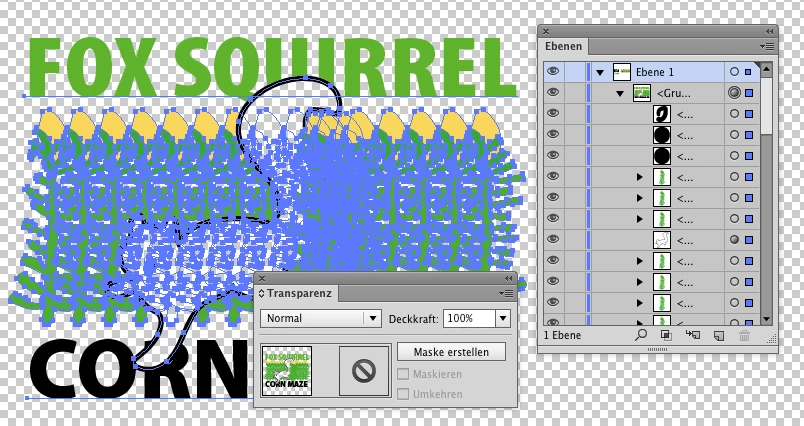
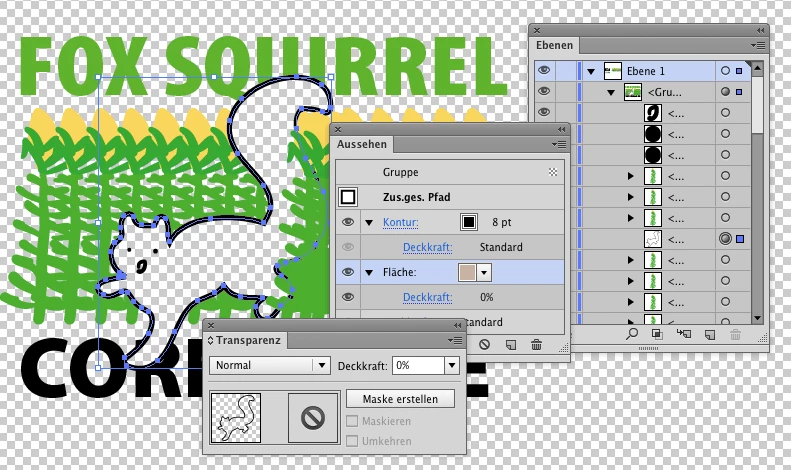
Everything needs to be grouped:

For just the squirrel (not its nose or other details) you set the fill to opacity 0

Sorry for the German panels:

Aussehen = Appearance

Ebenen = Layers

5 replies

pixxxelschubser
Community Expert
Community Expert
April 6, 2021

[ 8 years old topic locked ]

Participant
April 6, 2021

1. Create a rectangle around the object you are going to use as clipping mask

2. Use Pathfinder to minus shape from rectangle

3. Use new shape as your clipping mask

Jacob Bugge
Community Expert
Community Expert
May 21, 2013

Students,

This thread seems to confirm the value and justification of (many) different answers, including different interpretations of what is needed (which may coincide with what is asked).

One aspect is the use of the document. I for one always try to reckon with possible untold (future) needs, such as an image on a coloured background for web advertising the T shirt and similar.

By the way, nice play on the names of mahiz.

The Fox Squirrel Corn Maze thread lives.

JETalmage
Inspiring
May 21, 2013

The tshirt will be grey so once the Clipping Mask is applied, it will allow the grey tshirt to become the color for the squirrel.

So simply fill the squirrel with white. So long as it is not defined as a spot color, white will not print as a color separation, but it will knock out anything behind it.

JET

May 20, 2013

The original artwork (done by a previous designer) was pretty much full color and when they went to print it on a tshirt, the tshirts were going to cost them a lot more if they were full color so they suggested for them to reduce it to 3 colors.

I ended up just redrawing it and starting from scratch but they wanted to keep it similar to the original design but simple enough in design to print as a 3 color.

As you can see below, with the green gradients and the .jpg full color squirrel, the original design had to be modified quite a bit.

_scott__
Legend
May 20, 2013

Clipping masks only work in one direction. Encompass what you want visible INSIDE the clipping path. Everything outsdie the clipping path will be hidden. There's no way to invert a clipping path.