fleshmanz
Inspiring
June 24, 2026
Question

How do you wrap this shape around a circle?

  • June 24, 2026
  • 4 replies
  • 0 views

Hi,

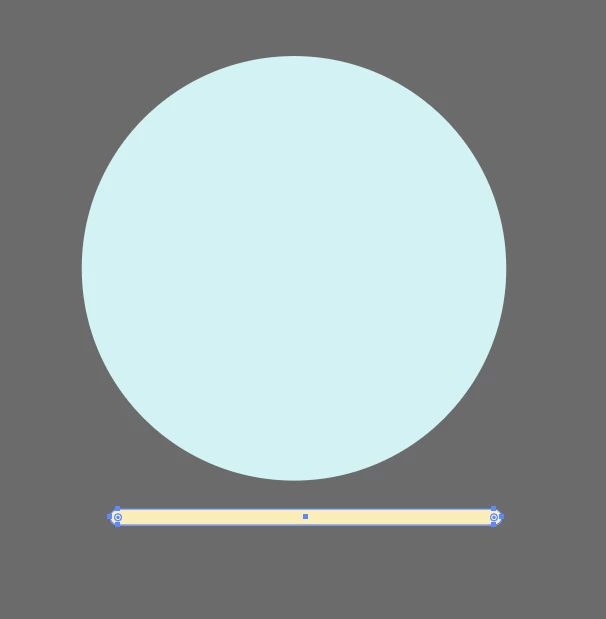
I have this yellow bar that I want to follow around the circle at the bottom.


I’ve tried;

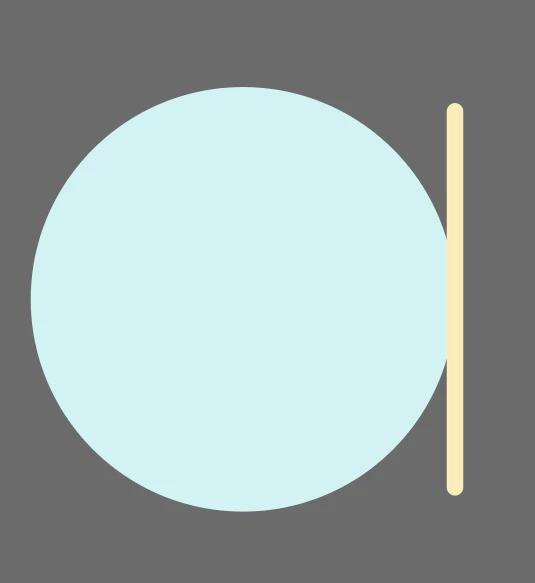
  1. Select both objects > Objects on Path but this only puts the yellow bar on the side.
     
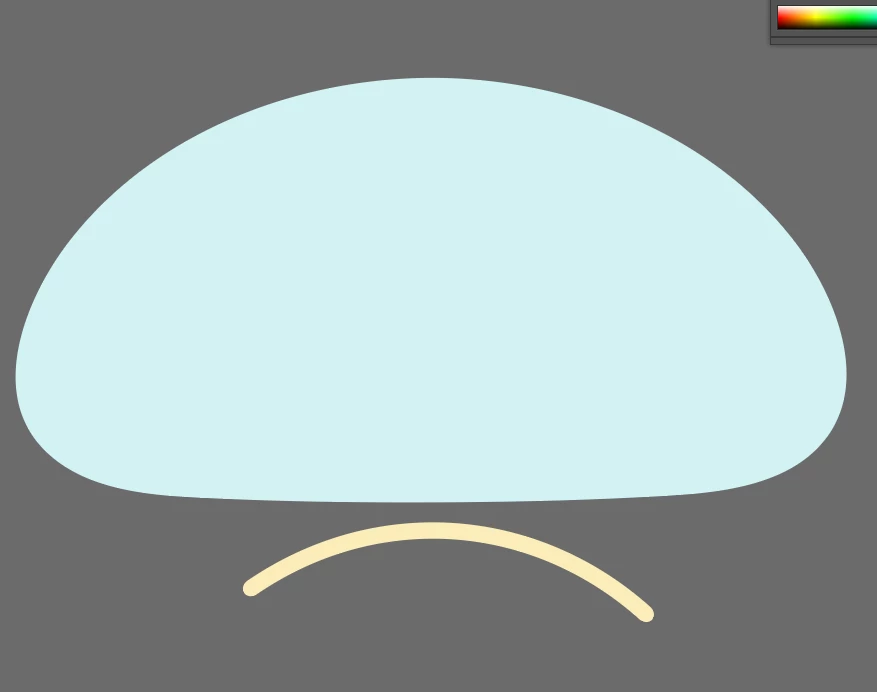
  2. Select both objects > Object > Envelope Distort > Make with Warp but this just makes everything curved
     

Is there a better way of doing it?

    4 replies

    Nataliia_M
    Known Participant
    June 24, 2026

    Hi ​@fleshmanz 

    As I am not sure what exact result you are looking for, I have a couple of options for you.

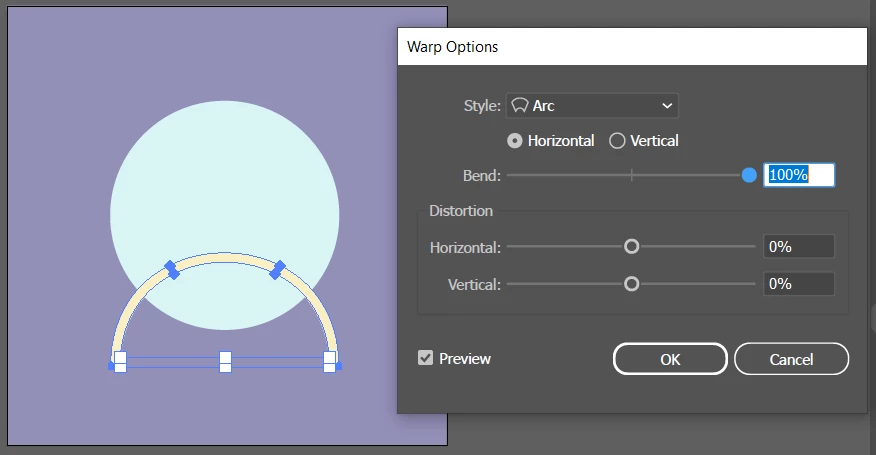
    1. You can select the bar and go Object → Envelope Distort → Make with Warp. Use the Arc preset and 100% Bend. Then align the bar and the circle. As the main shape is a circle, this can work.


    1. If you want a more manual way, but with more control too, please check the steps and video.
      a) Copy the circle itself (Ctrl+C)
      b) Paste it in front (Ctrl+F)
      c) use Scissors Tool (C) to cut the necessary segment of the circle
      d) delete unnecessary parts
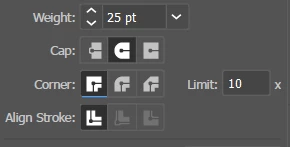
      d) select that segment of the circle and set Fill to None and Stroke to the desired colour and weight.
      e) change Stroke Cup to Round


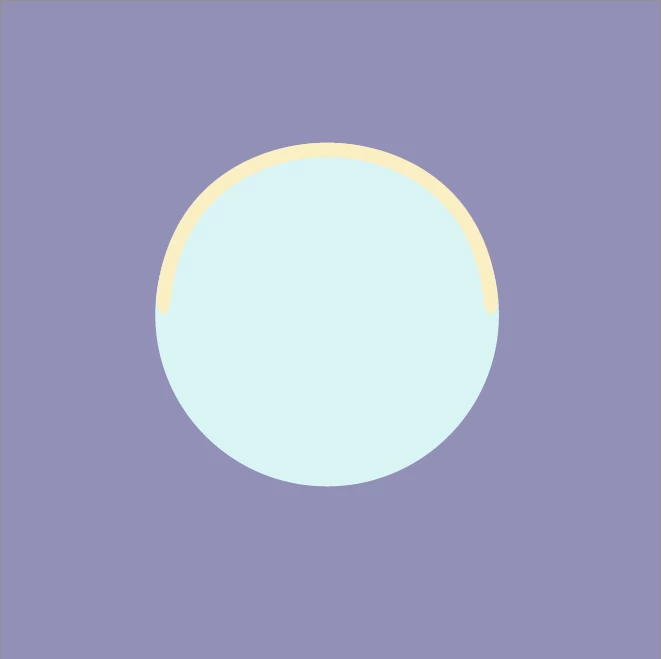
      You will get something like this:


    Warmly, Nataliia
    fleshmanz
    fleshmanzAuthor
    Inspiring
    June 24, 2026

    Nevermind I just Made 2 circles one smaller, use shape tool to make a hole using the small one, then made a big Rectangle to cut the new donut ring in half, and the used white arrow select tool to curve the edges, then just positioned it over the original Circle.


    I just thought there was a simpler method, shame you can’t wrap objects around a path.

    Doug A Roberts
    Community Expert
    Community Expert
    June 24, 2026

    Is this an example, or is it literally all you need to do? If the latter, I would draw a new concentric circle outside the original (or offset path) and cut it where I need it to end.

    fleshmanz
    fleshmanzAuthor
    Inspiring
    June 24, 2026

    I’m trying to attach the yellow rectangle I’ve made which I’ve rounded the edges.

    But all the youtube tutorials of adding shapes to a circular path are not working it treats the rectangle as a solid shape I need it to wrap around the edge of the circle.

    Anubhav M
    Community Manager
    Community Manager
    June 24, 2026

    Hello ​@fleshmanz 


    Thanks for reaching out. Would you mind trying the suggestions shared in this help article (https://helpx.adobe.com/illustrator/using/reshaping-objects-effects.html) and let us know if it helps?


    Looking forward to hearing from you.

    Anubhav

    fleshmanz
    fleshmanzAuthor
    Inspiring
    June 24, 2026

    No didn’t help