savakms
Participant
October 20, 2019
Question

How does illustrator convert to CMYK?

  • October 20, 2019
  • 3 replies
  • 3288 views

Hello everyone,

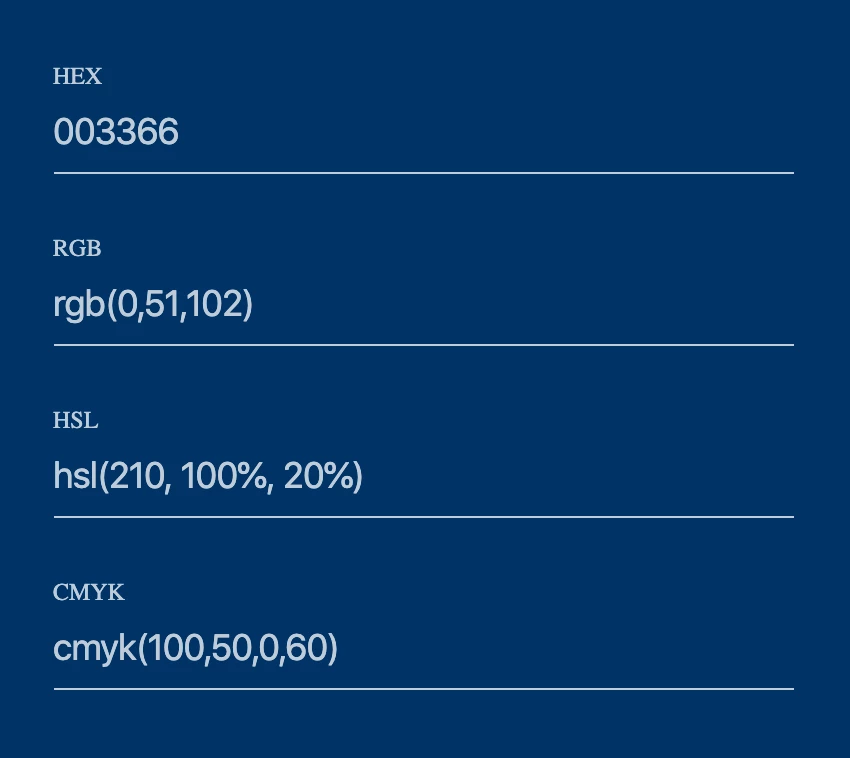
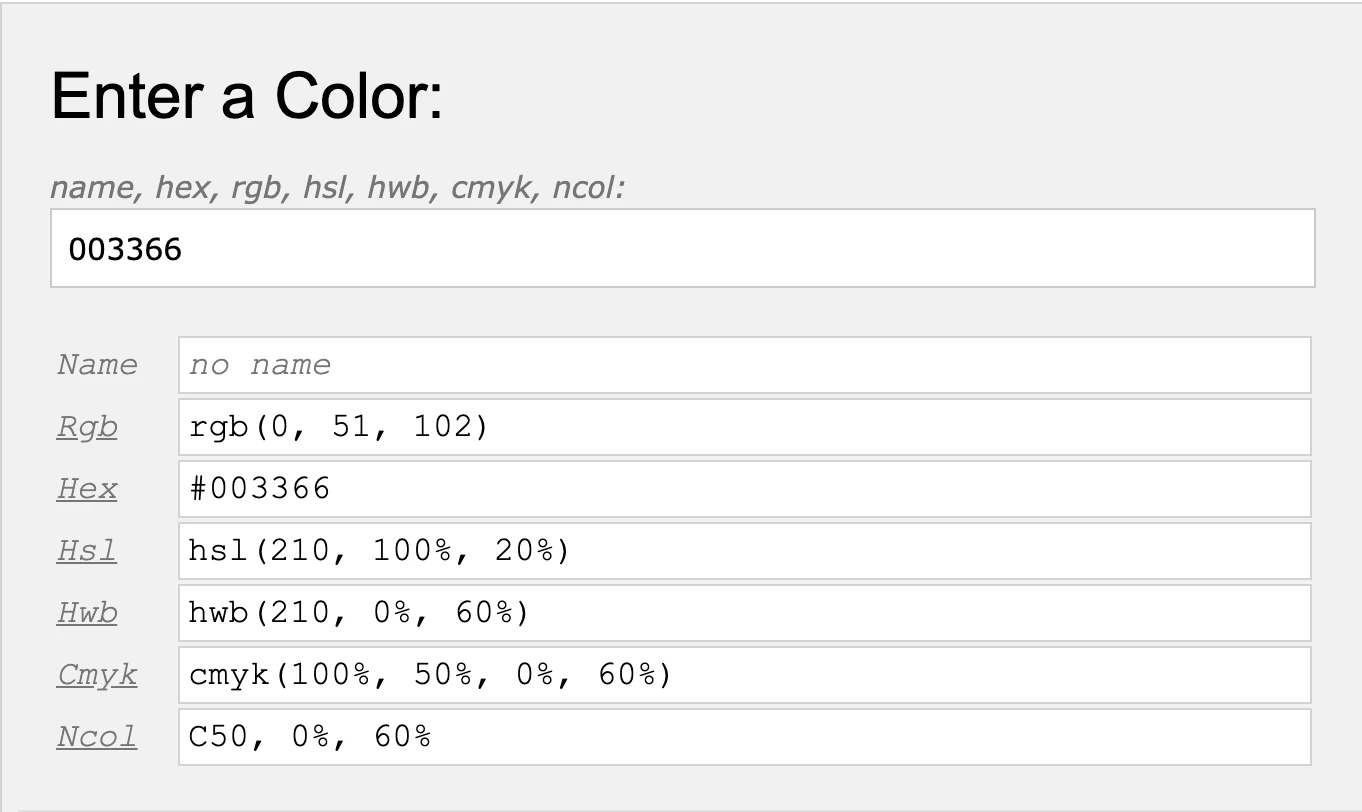
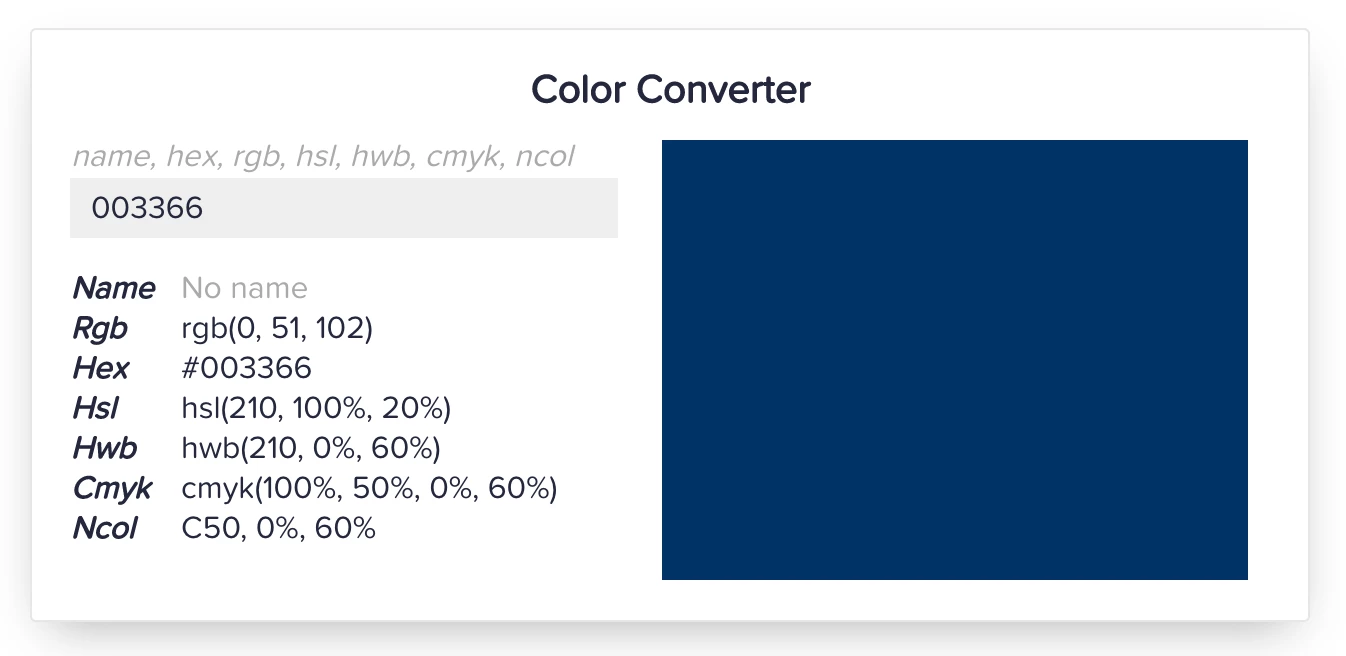
I encountered such a problem: there is a color #003366, all converters say that in CMYK its value will be 100 50 0 60,

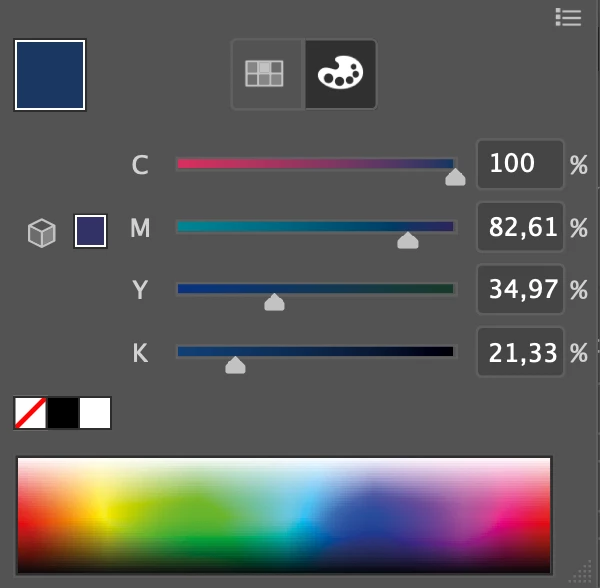
but the illustrator shows in a completely different way. What does it depend on? Color profiles: sRGB and FOGRA39.
 

This topic has been closed for replies.

3 replies

Ton Frederiks
Community Expert
Community Expert
October 21, 2019

These RGB to CMYK converters do not use color management, but use simple formulas to calculate CMYK values.

They assume that we live in a perfect world with perfect inks.

They use RGB CMY colors and assume that CMY inks look the same, but they don't.

Here is how they do the (wrong) conversion:

https://www.rapidtables.com/convert/color/rgb-to-cmyk.html


Monika Gause
Community Expert
Community Expert
October 20, 2019

"All converters" might be set to some US American color management. Or something completely dysfunctional. Or none at all.


You will have to learn how color management works. There is no alternative to that. All modern publishing software has it. Since you are using FOGRA - is there any chance you can read German? In that case: download the PDF/X and colormnagement guide from cleverprinting.de. It's free.

savakms
savakmsAuthor
Participant
October 21, 2019

I am in Russia, by default in my city FOGRA39 is used. In the color management settings in illustrator, Universal settings for Europe 3 are used. I studied everything that can be done with regard to color management, but I still do not understand by what principle the conversion is performed. Moreover, those values ​​that converters offer are better than those that illustrator offers. Both in terms of printing and in terms of convenience.

Mylenium
Legend
October 21, 2019

What @Test_Screen_Name already said - forget the nonsense with those online "converters". It's simply not how color management works. I would suggest you spend your time actually reading up on CM rather than getting worked up over such useless things...


Mylenium

Inspiring
October 20, 2019

Interesting. I just tried it: RGB converted correctly (0, 51, 102) but I got 100, 86.62, 33.02, 22.78 for CMYK.

savakms
savakmsAuthor
Participant
October 21, 2019

I changed the settings to US and got the same result as yours, but it's still not what the converters show. And really interesting...