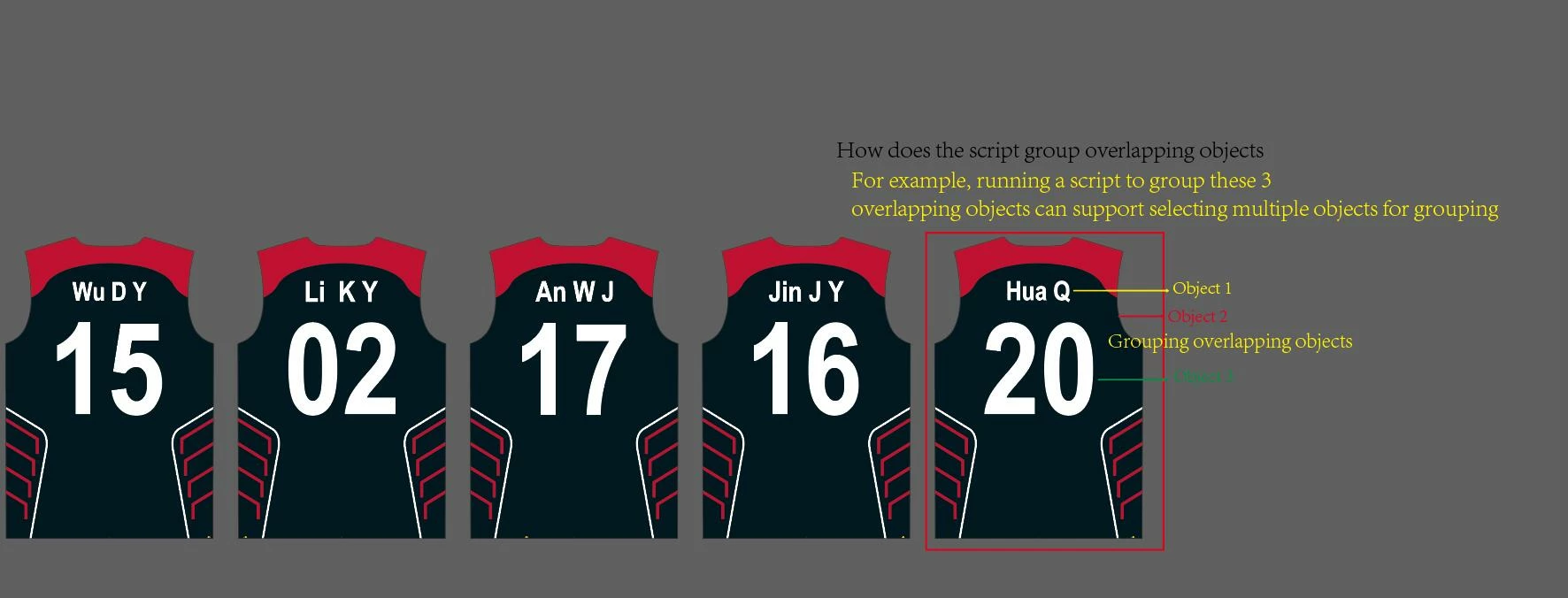
Hello femkeblanco,This is an AI file. Please take a look. Thank you for your help
https://drive.google.com/file/d/1X9weP_Blz2MKpxZyPIt-tff3Kx4QDYFV/view?usp=sharing
Quick solution for this particular use-case, no charge. (DM me if you need something more sophisticated.)
(function() {

var items = app.activeDocument.activeLayer.pageItems

var clippingGroups = []
var otherItems = []

// find all of the clipping groups in this layer
for (var i = 0; i < items.length; i++) {
	var item = items[i]
	if (item.typename === "GroupItem" && item.pageItems[0].clipping) {
	    clippingGroups.push(item)
	} else {
	    otherItems.push(item)
	}
}

// now move all items that overlap a clipping group into that group
// this assumes page items always appear in stacking order, and preserves that order
// only items that lie fully within a clipping group’s rectangular bounds are moved into that group
// caution: any items hidden under a clipping group will be moved into that group, making them visible
// (we could compare zOrderPosition to skip them but that property is buggy)
for (var i = otherItems.length - 1; i >= 0; i--) {
    var item = otherItems[i]
    var bounds = item.geometricBounds
    var il = bounds[0], it = bounds[1], ir = bounds[2], ib = bounds[3]
    for (var j = 0; j < clippingGroups.length; j++) {
        var group = clippingGroups[j]
        var bounds = group.geometricBounds
        var cl = bounds[0], ct = bounds[1], cr = bounds[2], cb = bounds[3]
        if (il >= cl && ir <= cr && ib >= cb && it <= ct) {
            item.move(group.pageItems[0], ElementPlacement.PLACEAFTER)
            break
        }
    }
}

})()



 AdChoices