This topic is closed to new replies. Start a new post to keep the conversation going.
Monika Gause
Monika GauseCorrect answer
Community Expert
September 28, 2023

Interesting.

Like this: 

5 replies

kphotopage
Legend
September 28, 2023

Infomamun,Hi.

I think I solved the mystery.


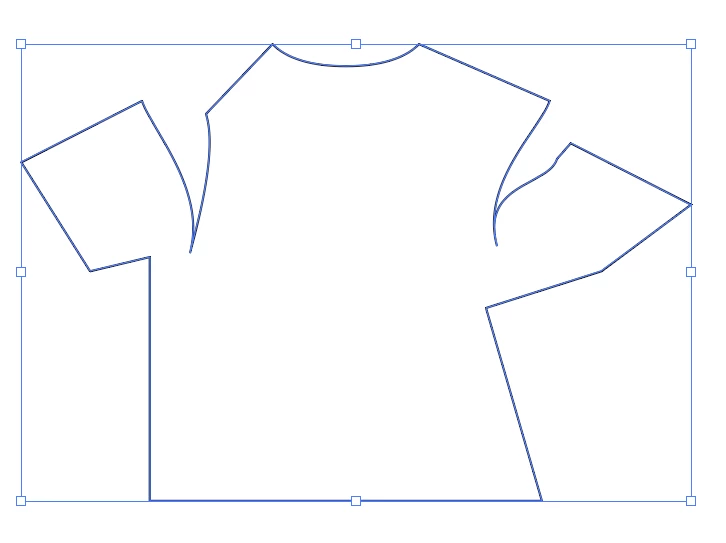
I took your original shirt and separated all the paths.

Select your closed path of shirt. Then go to Select>Object>Direction handles. Then cut. Delete what’s left (all anchor points). Then paste in place.


That revealed the two arcs were duplicated and pasted in place.


So knowing that, I did the same on test paths.

I have two rectangles open paths and two arcs pasted on top of each other.

Then Object>Path Join.

Wow, I got ONE closed path.

Truly interesting.


K

Translate
Monika Gause
Community Expert
Community Expert
September 28, 2023

If you do that with a design like the shirt, you might or might not end up with the result above. I tested it and ot this:

Translate
Monika Gause
Community Expert
Monika GauseCommunity ExpertCorrect answer
Community Expert
September 28, 2023

Interesting.

Like this: 

Translate
infomamun
infomamunAuthor
Inspiring
September 28, 2023

Soon after posting the question, I discovered this tricks of the original tech pack creator! Very interesting but I don't think I should do this way, there are easier ways than this complex technic... LOL!

Translate
Monika Gause
Community Expert
Community Expert
September 28, 2023

Yes, there are definitely easier ways and this technique will throw you off when you have to edit one of those duplicated paths. Or apply something simple as a brush to simulate stitching

Translate