here, this looks more like what they're doing. what I did was dragged the brush out of the brush window, which will give you the brush definition, then I expanded the paths, which I probably didn't need to do, then I applied a simple white to black gradient to it, then expanded the gradient which allowed me to use up to 255 objects to expand it, but I only chose to do 100, and you can't see them on this picture anyway. then I selected it and changed the opacity to darken, and then I created a new brush just like I created the original. but this time instead of making the color settings "Tints and Shades" I had no color settings as that would have messed up the effect. then I just did a simple command C command F and selected the new brush which since it was an exact match to the previous brush, AI had both brushes do the exact same thing and there are no sloppy edges. you could also create a graphic style for this brush, but it probably wouldn't be worth it because you'd be forced to manually change the color of the colored brush on the bottom in the appearance menu each time you wanted to change the color. this way, you would just do your artwork with the colorful brush, and then when you felt you were done, you could just make up an action which would go "Copy, Paste in front, change appearance to [brush], select next object below" and you could start in the layers panel and select the top brush stroke, (probably the last brush stroke you made in the piece) and go through the whole thing and do that to each one by just clicking play over and over until you got each one of the brush strokes.
actually, you'd want to start at the bottom, and go up since Select next object above would select the next object above, and select next object below would just select the original one you already did the work on.
art brushes. with the pen tool, you make a line in one color, then you copy and paste it slightly above and change the color. then you do that a few times. then you select the whole thing, click the brushes menu, and drag the thing into the window with all the brushes in it. a menu will pop up asking you what kind of brush to make it into: Scatter, Art, or Pattern. Calligraphic and bristle will be grayed out. a scatter brush enables you to draw multiple copies of what you placed into the brushes box and you can describe how they will be treated by changing the settings. so you could make a tennis ball and make a brush that has that tennis ball repeated a bunch of times like they were fired out of a huge cannon or something. or you could make a blade of grass and have it follow the line you draw with the brush tool. pattern is complicated. but art brush is simple.
Art brushes basically just take a thing you drew, and it can be very complex, and basically stretch it along a path. it could be a simple blob, it could be several different colored lines, or it could be a picture of the mona lisa. either way, AI will try to make it stretch along the path you draw depending on how you tell it to do so, which you can fiddle around with in the settings by double clicking on the brush. i made this art brush in about 5 seconds.
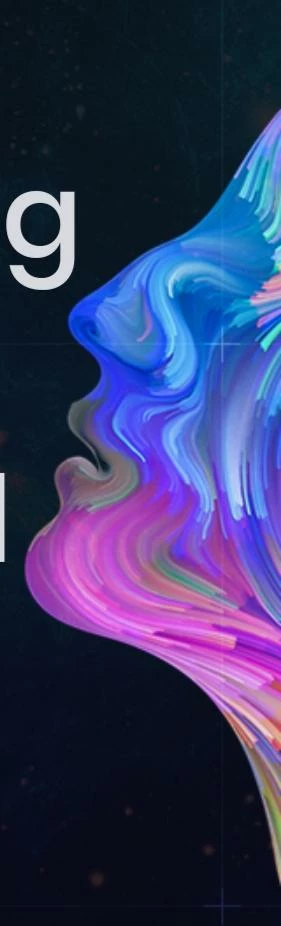
obviously i could have done a better job, but i think it's not a very interesting brush. it just looks like something that would be on the front of an intro to psychology book.

 AdChoices