Answered
How to achieve faux embroidery look
I've looked for tutorials on this. I'm not sure if it's photoshop or illustrator or a combo of both. Any ideas?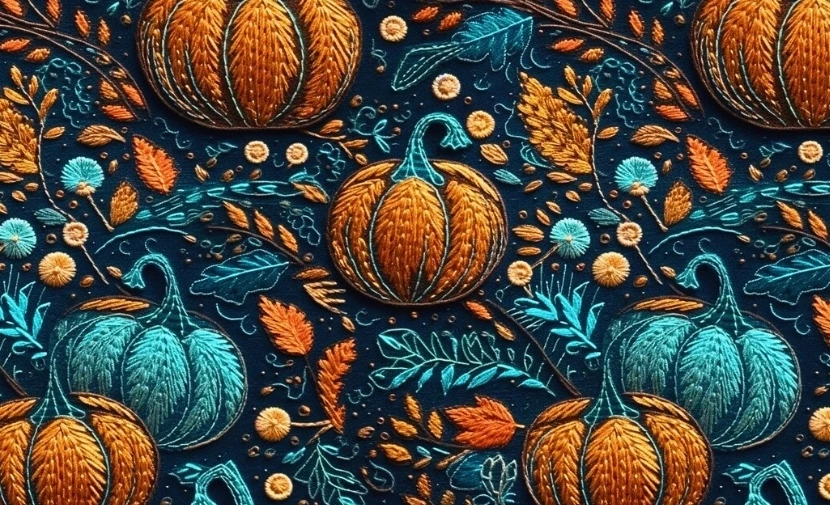
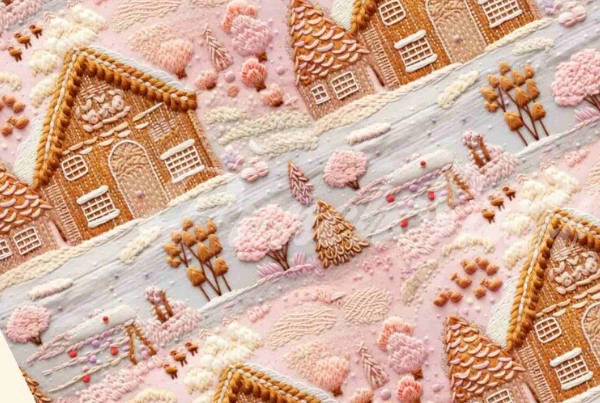
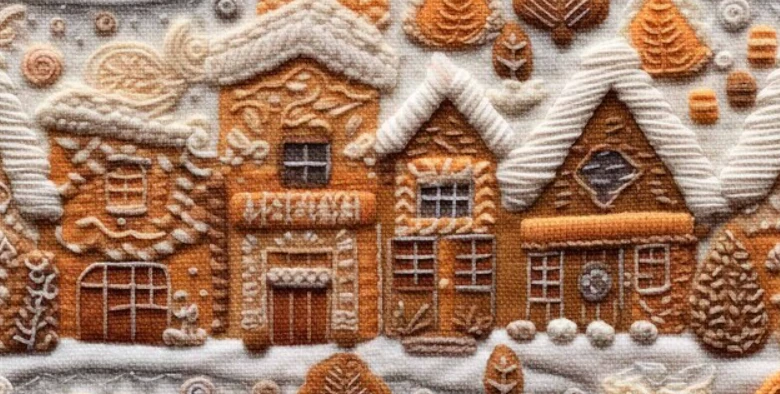

I've looked for tutorials on this. I'm not sure if it's photoshop or illustrator or a combo of both. Any ideas?
The bottom one is made with effects probably in Photoshop, maybe even AI generated.
The 2 top ones could perhaps be the real thing.
There's no way to easily get this using Illustrator alone. There might be Photoshop filters. Maybe you can use Substance material generator.
You can create the base drawing in Illustrator, making it just flat with the lines. Then add the fabric and yarn look elsewhere.
Already have an account? Login
Enter your E-mail address. We'll send you an e-mail with instructions to reset your password.
 AdChoices