
Participant
June 26, 2023
Answered

How to achieve this look?

  • June 26, 2023
  • 5 replies
  • 450 views

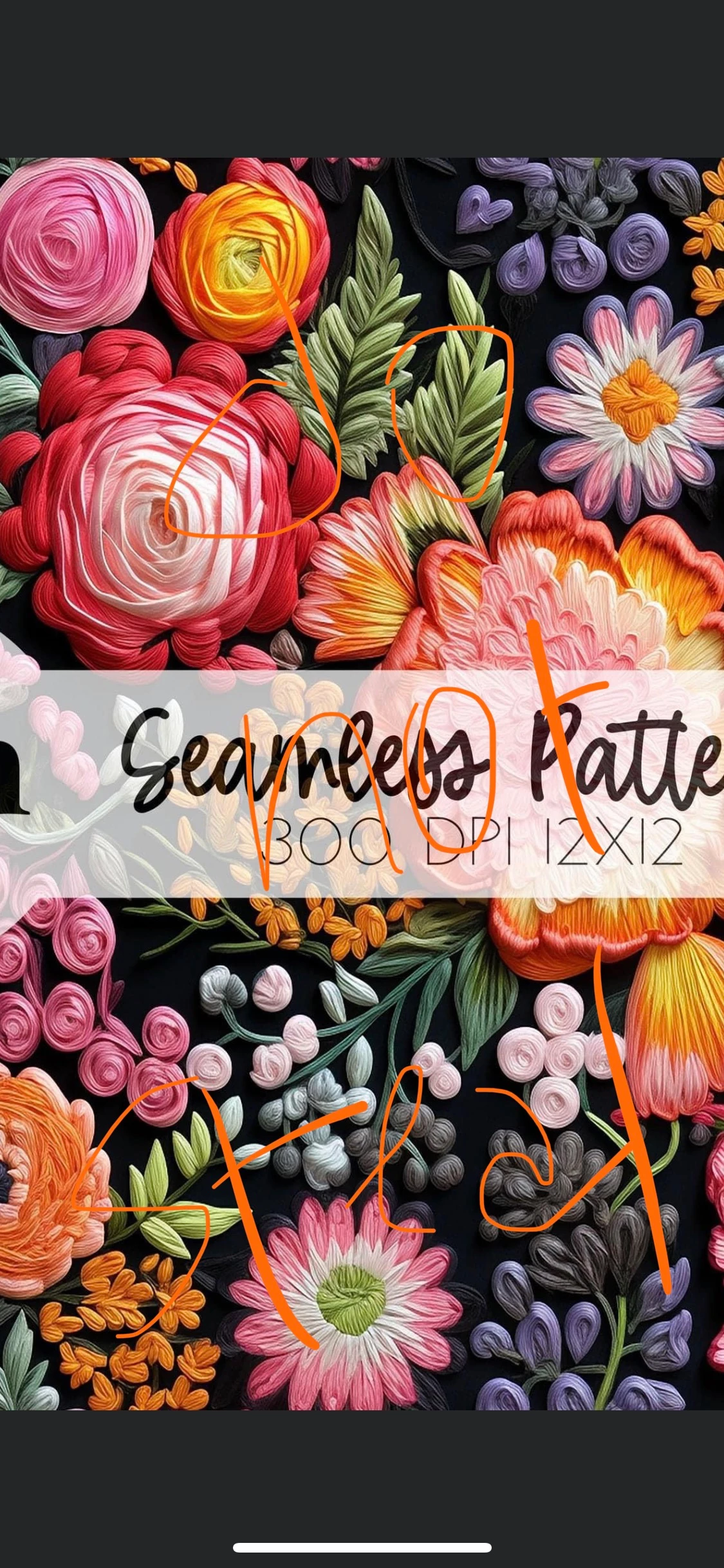
Was wondering if someone could point me to a tutorial for where to learn how to achieve this embroidery-look design. I know there are some brushes than can give an effect, but the layering in the roses is throwing me. 
This topic has been closed for replies.
Correct answer Mike_Gondek10189183

https://www.youtube.com/watch?v=MWJJvuMByPA

5 replies

Participant
July 3, 2023

I've been searching for this exact thing! Oil filter gets close, but not quite!


Mike_Gondek10189183
Community Expert
Community Expert
June 26, 2023

Wanted to mention that the effet you are looking to use only looks good at large scale size. For example on most consumer packaging design we can never use on for example a candy wrapper, but on a large pet food bag yes. Basically the brain/eyes will not register the effect unless is large enough to see the brush details.

Mike_Gondek10189183
Community Expert
Mike_Gondek10189183Community ExpertCorrect answer
Community Expert
June 26, 2023
Jess Telmanik
Community Expert
Community Expert
June 26, 2023

A vector file with this much detail, to keep the realistic look, might be a bit complex for most systems. As Michael mentioned, the Oil Paint Filter in Photoshop would be a possible solution—as well as the Live Oil Paint Brushes in Fresco or by using Substance Painter and Substance Designer.

Michael Bullo
Community Expert
Community Expert
June 26, 2023

Does this have to be done in Illustrator? Much of this look reminds me of the Oil Paint filter in Photoshop.