

Question
How to Add Shapes (e.g., Dots) Around a Non-Circular Shape in Illustrator
Hi everyone,
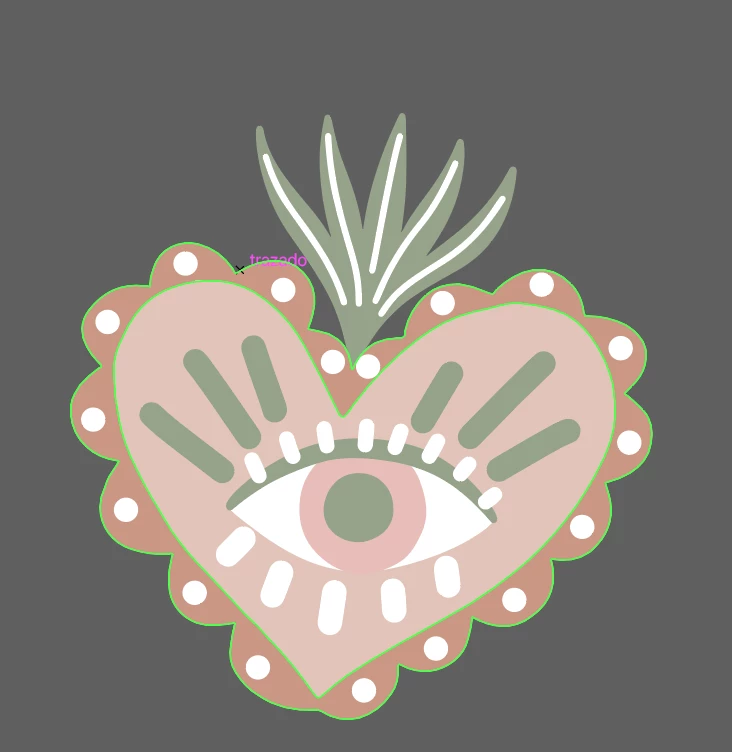
I’m trying to add forms, like dots, around a custom shape in Illustrator. Specifically, I want to replicate something like the dots surrounding the heart in the attached example.
The tutorials I’ve found so far mostly cover adding shapes around circles, but this is not a circular shape. I’m struggling to figure out how to distribute the dots evenly around a non-circular shape like a heart.
Could someone guide me on how to achieve this? Are there any Illustrator tools or techniques that work well for this type of task?
Thanks so much for your help!


 AdChoices