
Answered
How to add space between area type and bounding box?
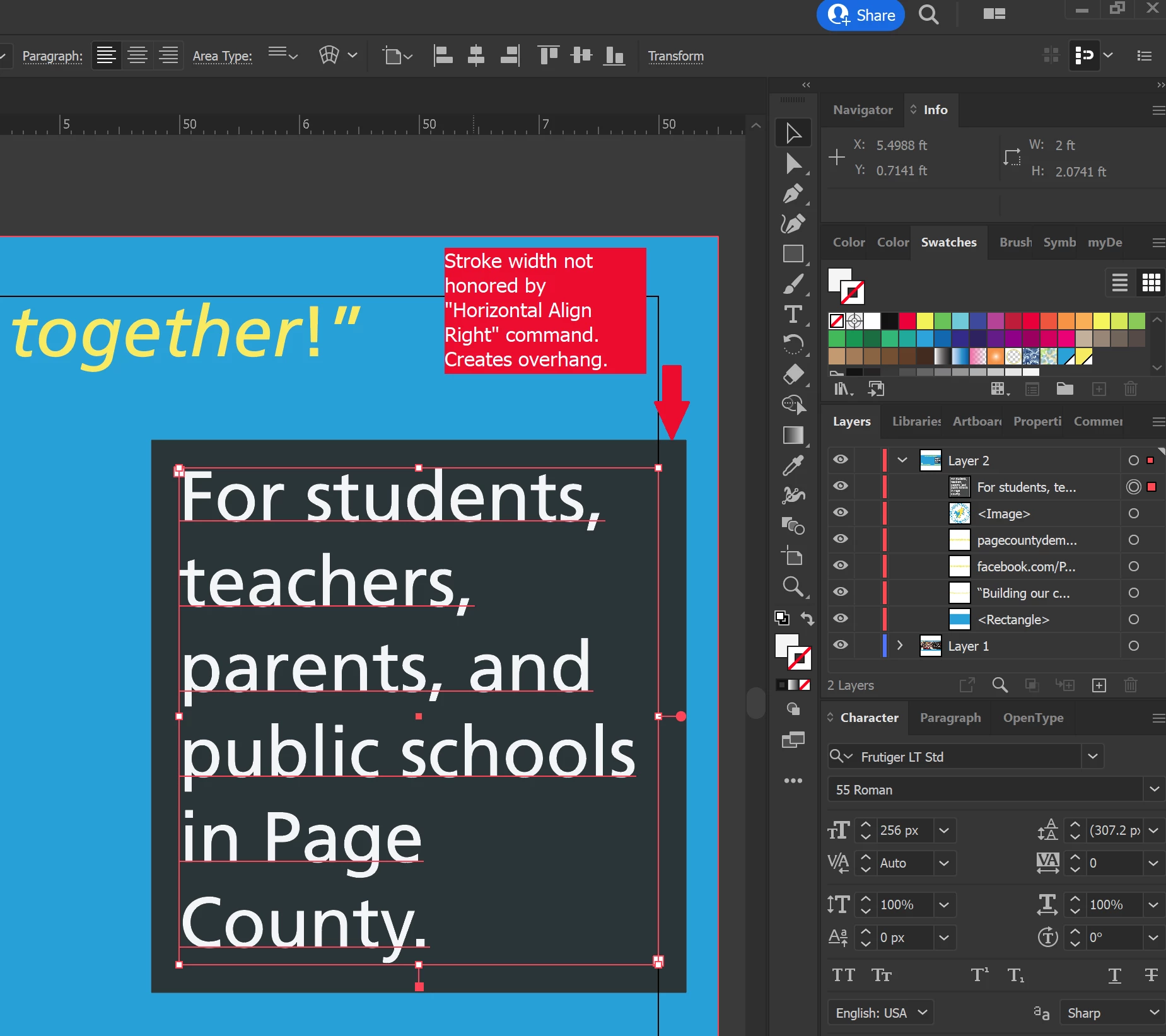
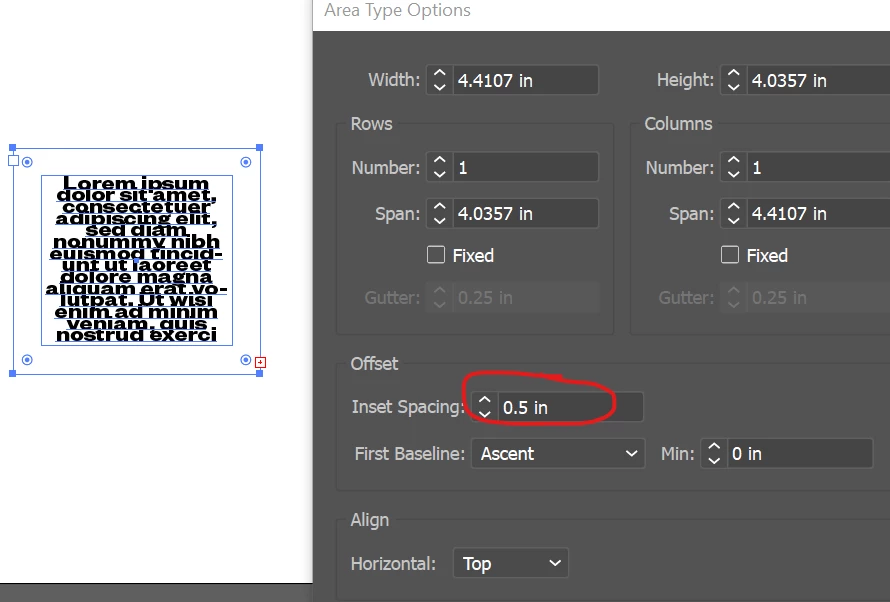
I have an area type textbox and I have filled the background to my desired color. By default the bounding box is tight up to the edges of my text. I would like to add some space (i.e. "padding" in HTML-speak) between the edges of the text and the outside of the colored background. I tried adding a matching stroke to the textbox - kind of an easy hack, I know - but then that throws off the object alignment commands which ignore stroke for placement. (See embedded image below.) Is there a way to correctly add the space I desire that will be interior to the dimensions of the textbox so that alignment commands work as needed? Thanks in advance.
- DK


 AdChoices