March 20, 2017
Question

How to add text from Excel to a specific location on Illustrator

  • March 20, 2017
  • 2 replies
  • 1157 views

Hey,

So I have a bunch(about 300+) generated coupon codes I want to see if I can add to a specific illustrator file. Is there any simple way to achieve this without having to individually paste each unique code into illustrator manually or can I use a tool to pull the codes from the excel sheet?

I just need a quicker way to add all these codes to a file without changing the original file I need to cut/engrave the cards.

I'm making redemption cards that have unique codes per each card and it has to be a finished illustrator file when it's done because the cards will be cut and engraved using a Laser. Which means it only reads vector files in RGB.

Let me know if you need more detailed information.

Thanks!

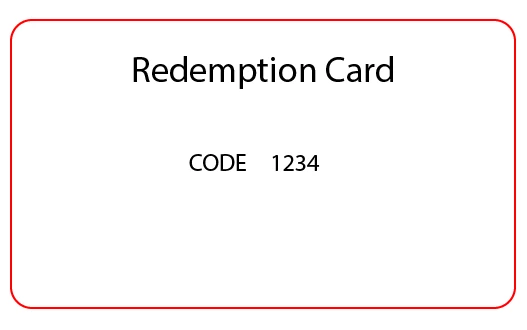
Here is a simple mock of the card I am making and the "1234" is where I would need to add the excel codes to the file. All doing this without copy/paste and also making separate files.
    This topic has been closed for replies.

    2 replies

    rcraighead
    Legend
    March 20, 2017

    Yes, you can do this in AI using "Variables". It is even simpler in ID because ID can accept a simple tab-delimited text file. Illustrator requires the file be converted to an XML. This nifty site will do that for you though: Excel(CSV) – Illustrator XML Converter

    After setting up the variables using the "Variables" Panel and linking to the XML file, you would use a "Batch" Action to save each "Data Set" as a unique file.

    The advantage of ID is that the Data Sets can be saved in one, multi-page document.

    Monika Gause
    Community Expert
    Community Expert
    March 20, 2017

    You might want to use InDesign's data merge. THis is exactly what it's been invented for.

    March 20, 2017

    Does it leave the file as a vector image then? I've never used InDesign.

    Mylenium
    Legend
    March 20, 2017

    Yes, ID is vector-based and will spew out a print-ready PDF.

    Mylenium