
Participating Frequently
September 28, 2022
Question

How to add white background matching with the edges of logo?

  • September 28, 2022
  • 2 replies
  • 1647 views

Hello everyone,

I am trying to re-create the white background of a logo which was made by a t-shirt printer. I have the logo in AI, but I do not know how to make the white background whose edges are matching the edges of the logo. Note that the orange color is the t-shirt's color.


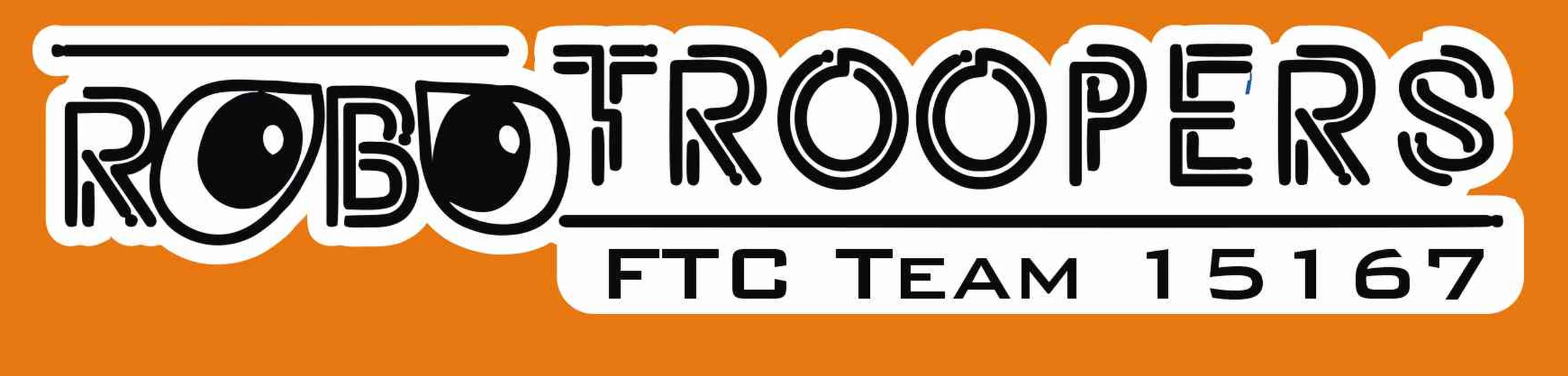
This is what I want (the white colored shape behind the logo):
 

This is what I have in AI right now:
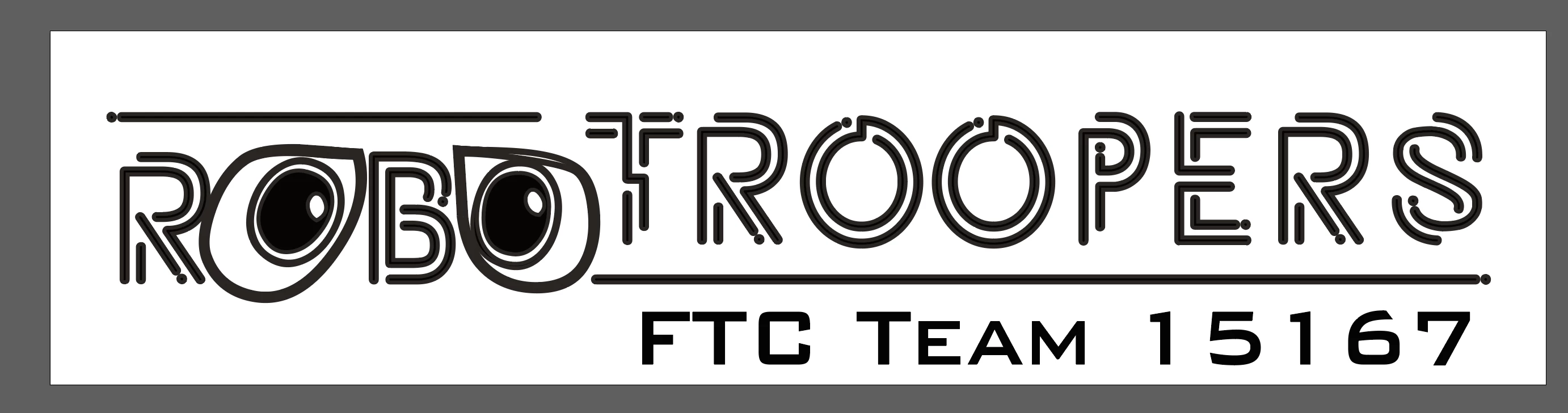
 

(yes, the printer made the eyes a little different, but the logo has the double rings)


Any tips are highly appreciated! Thanks!

-Raj

This topic has been closed for replies.

2 replies

chrisg11235813
Participating Frequently
September 28, 2022

Use Pathfinder and merge a copy of the shapes using "Unite".

then Object > Path > Offset Path,  turn on option for "Preview"   
Play with the offest till you get a size you like.

Merge the new offset shape, and remove any gaps you don't want

rajdude2Author
Participating Frequently
September 29, 2022

Thanks for that tip. I tried it but it ends up looking like this...


chrisg11235813
Participating Frequently
September 29, 2022

You would then use the path finder tool to merge the shapes you have above.

Looking through the other suggestions, Kevin's solution seems more straight forward. It also looks a little nicer.

Kevin Stohlmeyer
Community Expert
Community Expert
September 28, 2022

Select the objects, go to your Appearance panel/properties and add a second white stroke below the group. Align the stroke to center and rounded and increase size.


Kevin Stohlmeyer
Community Expert
Community Expert
September 28, 2022

You'll have to fill in some of the gaps once you have the right stroke size and probably manually create a shape behind the FTC Team text.

Kevin Stohlmeyer
Community Expert
Community Expert
September 28, 2022

Heres how it looks after adding the white stroke below and filling in the gaps with some basic shapes: