
How to adjust SVG to work ok on whiteboard animation software?
Hi all,
I recently started making animations using a whiteboard sofware (VideoScribe) and after spending several hours trying to make SVG files work correctly on it I am unable to do it by myself. I hope some of the gurus of Illustrator can lend me a hand, thanks in advance.
My problem is I can't make the SVG be correctly drew in the animation. Let's say I get this pic:
https://www.flaticon.com/free-icon/bus_685785#term=bus&page=1&position=50
If I open it with Illustrator:
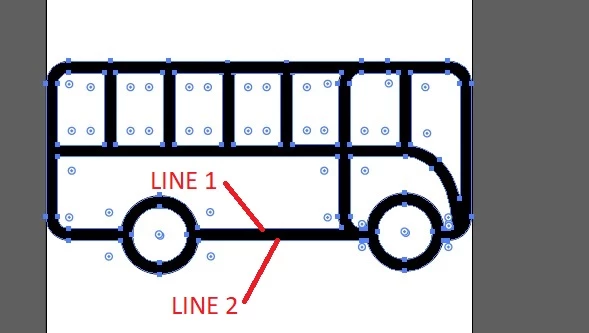
The shape is made with two lines, one in each side of the stroke, we can say the space between them defines what is drew in the image. A second image to clarify even more:
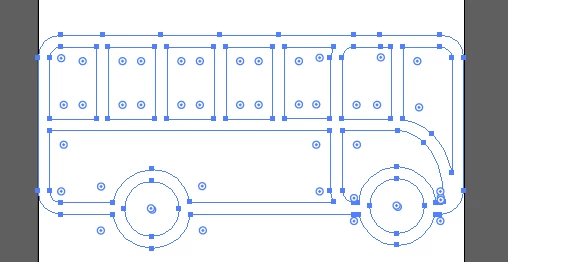
The problem is that the whiteboard software draw the two outline thin lines and then fills the inside. this is not realistic at all. I want to convert the two lines into a single one, a wider oner, so the animation seems realistic.
I have found no way to do this from the SGV file (I'm quite sure there has to be a way, and it's the best approach).
Until now, I've archieve something downloading the image on PNG format (not SVG). This is the procedure:
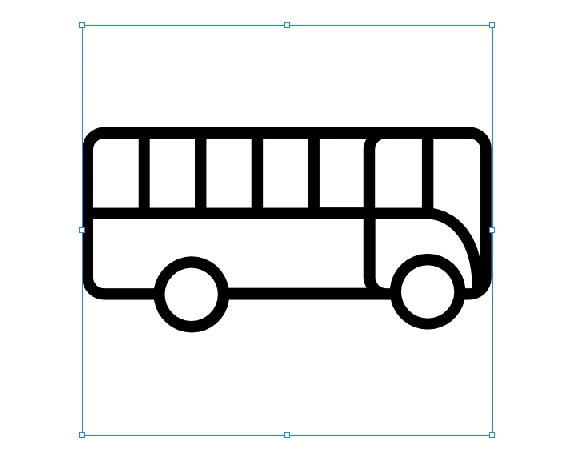
1.- Open PNG image on illustrator and select it:
2.- Image Trace --> Line art
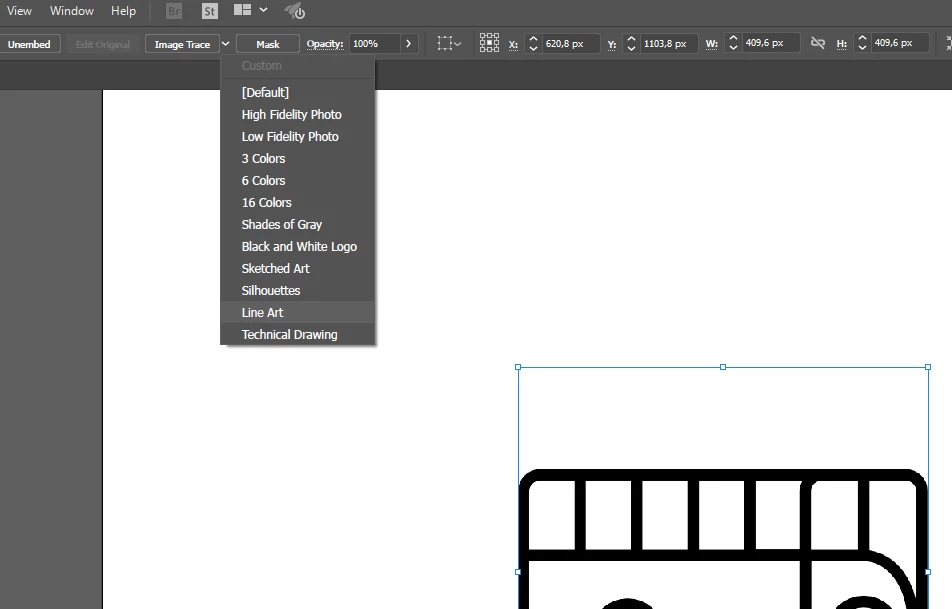
3.- Result of "Image Trace" --> Line art. Now I have a trace that will work ok on the whiteboard software (it's a single line, not two)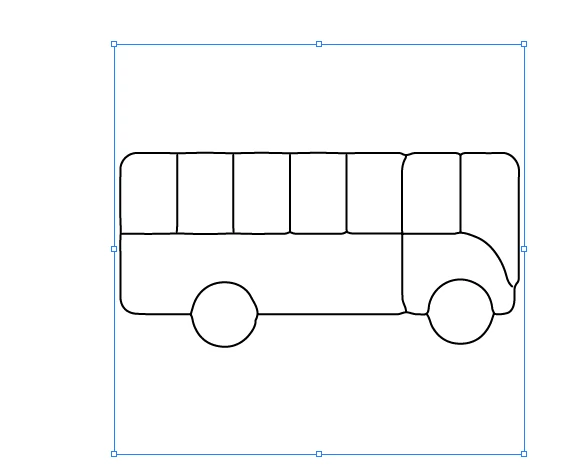
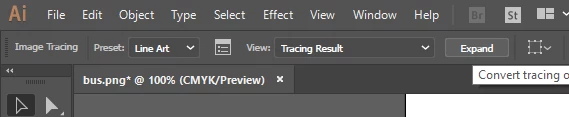
4.- Expand
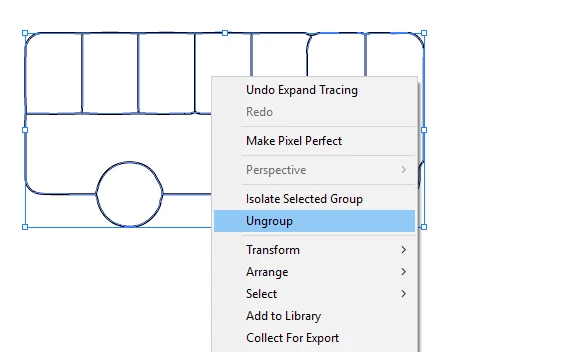
5.- Right Click --> Ungroup
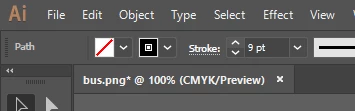
6.- Stroke for increasing width.
7.- On a first sight it can seem ok:

8.- But it's not, the parts where we have a single line it's ok, but in zones with a line joining other one, the path of the line is calculated in a wrong way, making straight lines not to be straight, but curves that goes in the direction of the second line:
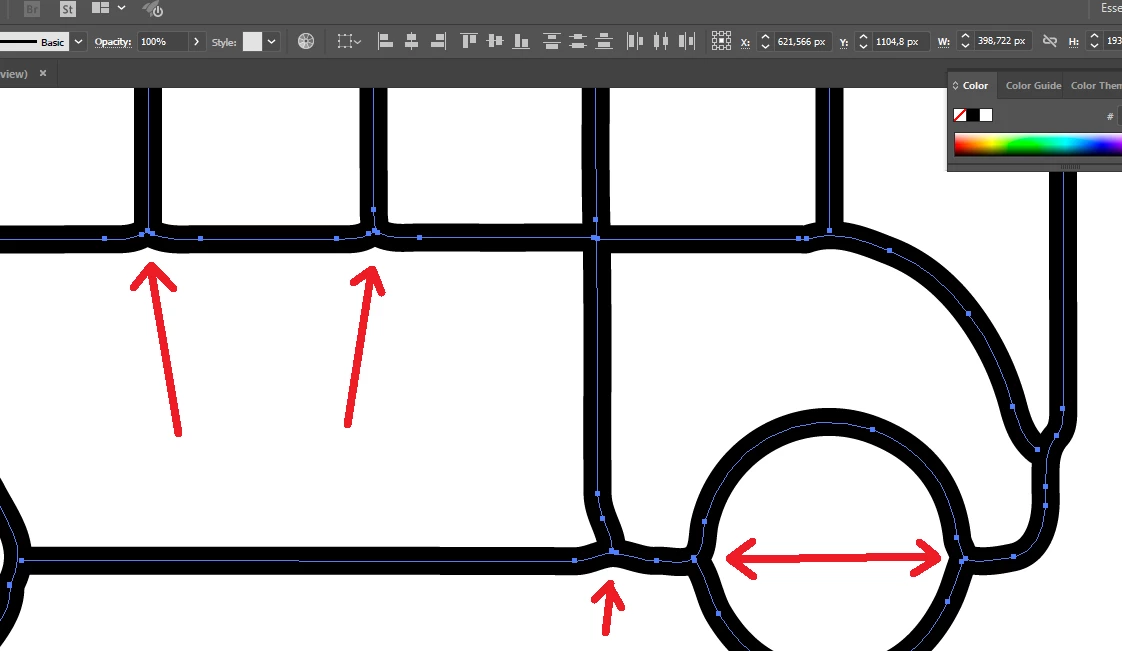
As you can see, the line below the windows (for example) are curved.
I'd love to find a way, a set, or a configuration to get what I want in the easyest possible way (I'd like to spend no lot time converting every sprite I use).
Someone can help?
 AdChoices