
Answered
How to apply a gradient to an overall image created using a pattern?
Hi,
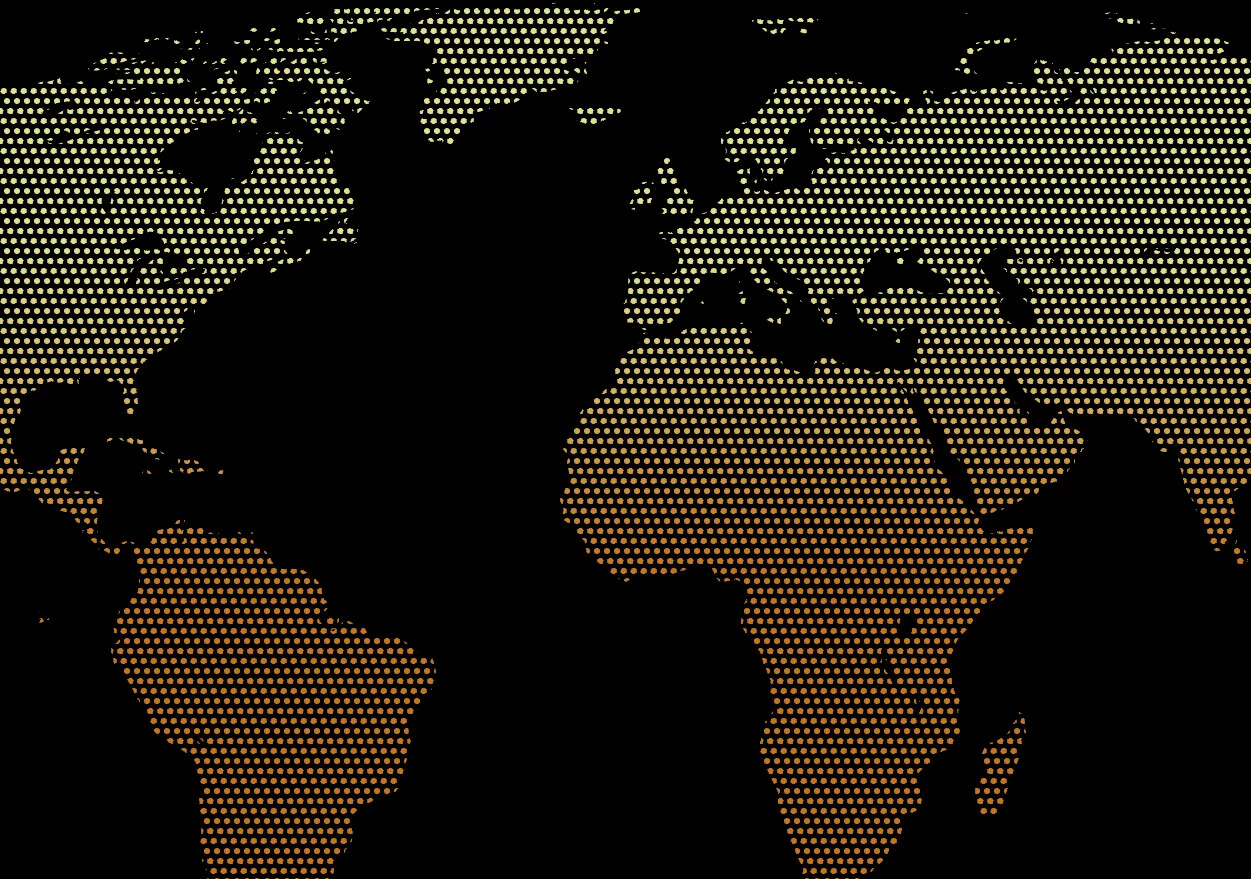
I have another question for the forum. I am trying to create a map that is made up of small circles. I would like to have a gradient applied to the overall map. So far I have created the map and then created a pattern of offset circles that is the approximate size that I wanted. I then applied this pattern to the map. The result was what I was looking for. Unfortunately, I cannot seem to figure out how to apply a gradient over the entire image. What I am trying to achieve is shown in the attached image. (It was thrown together in photoshop.)
Should I not have created the map using a pattern? How can I achieve this same result using Illustrator. I am learning Illustrator and appreciate any assistance anyone can offer.
Thanks so much!
 AdChoices