Participant
January 21, 2020
Question

How To Apply Color Swatches To Text Quickly, Randomly??

  • January 21, 2020
  • 3 replies
  • 1361 views

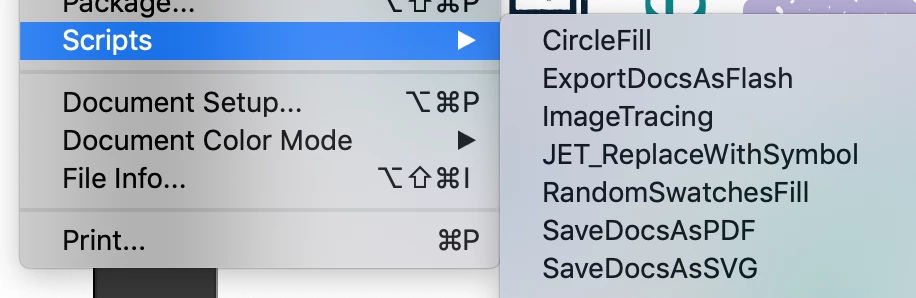
So I've been using a random swatches fill script to randomly color shapes - its works well, simply select the swatches and boom it randomises the colors


But.. I cant get this to work on text - im sure there must be an easy way 


So right now I'm converting to outlines and then ungrouping and the script works but applies to each individual letter


What am I doing wrong? Is there a quick way to randomise and apply to the full word ?? 

 

This topic has been closed for replies.

3 replies

Doug A Roberts
Community Expert
Community Expert
January 22, 2020

You need each word to be a compound path for the script to operate on words rather than letters

KShinabery212
Community Expert
Community Expert
January 22, 2020

As a designer, I would suggest not doing it randomly.  This will impede your design. 

From the image I see above, it looks like you have already selected some very nice colors.  Use your better judgement on how to utilize those colors.


Also, if you ever want other color ideas... there is a book called the Color Guide.  In fact, I think there are two versions of it.  This is really great book for any person designing.

Let's connect on LinkedIn. https://www.linkedin.com/in/kshinabery/
marliton
Community Expert
Community Expert
January 21, 2020

Hi. Maybe, the script doesn't work fine with text because the whole text is one object. When you create outlines and ungroup it, you're creating several objects.

Marlon Ceballos
Participant
January 21, 2020

Yeah I thought perhaps there might be another way or I could be missing something, nevermind, thanks for the reply