



Answered
How to binding two objects like this?
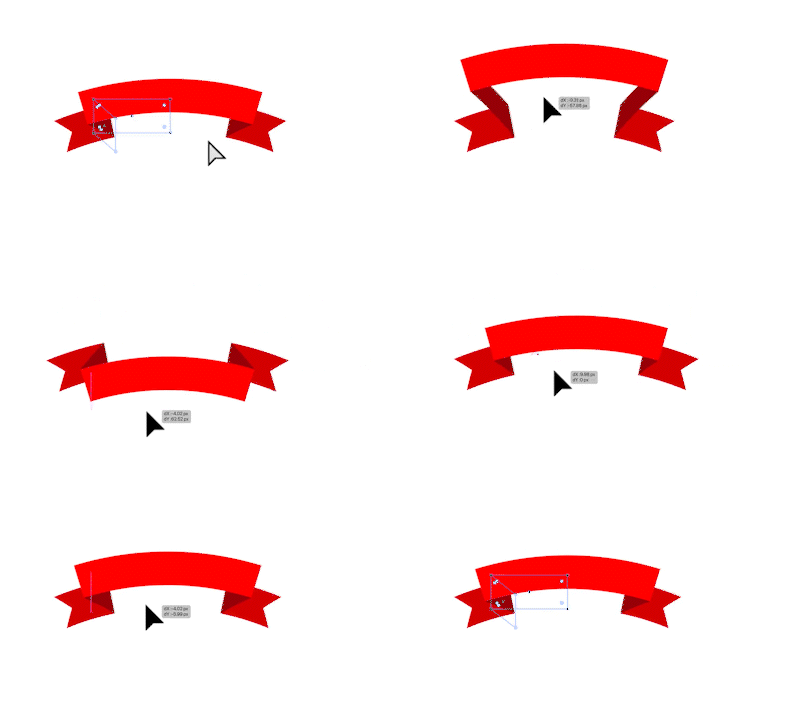
Does anyone know how to create a similar effect to binding two objects together in Illustrator, as shown in the video?
I've tried reaching out to the original creator but haven't received a response, and I'm not even sure if Illustrator has this capability.

 AdChoices