
Answered
How to change Arabic text direction in Illustrator?
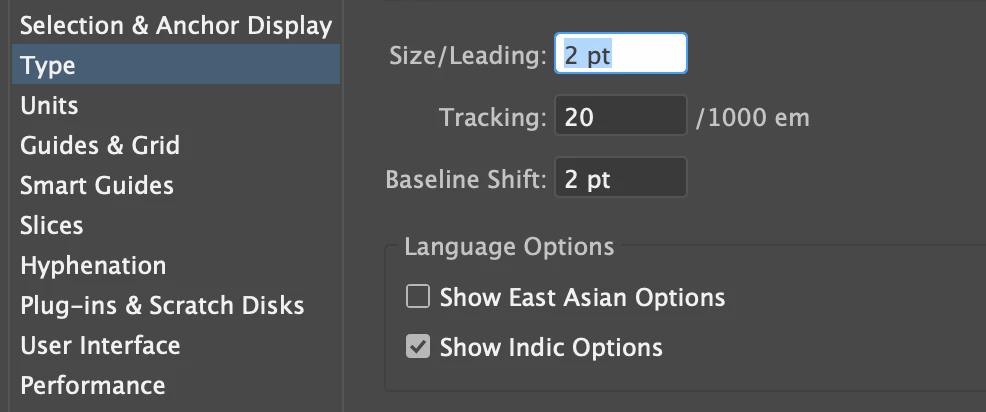
So, i followed the instructions as "Preference" -- "Type" -- choose "Show Indic Options".
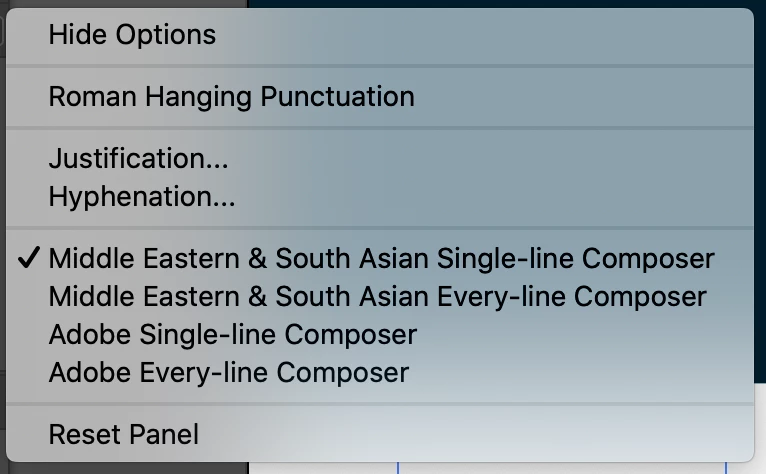
Then went to "Paragraph", selected as below:
Then when i copied and pasted, i still got this: (copied red texts from Word, got black texts pasted in Illstrator)

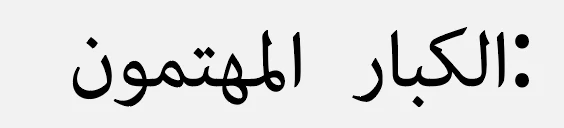
Does anyone know what should i do to fix the Arabic text direction problem?
Someone mentioned there's any option in the "Paragraph" panel that could choose "Right-to-Left" or "Left-to-Right" direction, but why i couldn't see the option here? Mine is 24.2.1 version.
Thanks a lot!


 AdChoices