


Question
How to change blacks to appear as rich blacks in print PDF?
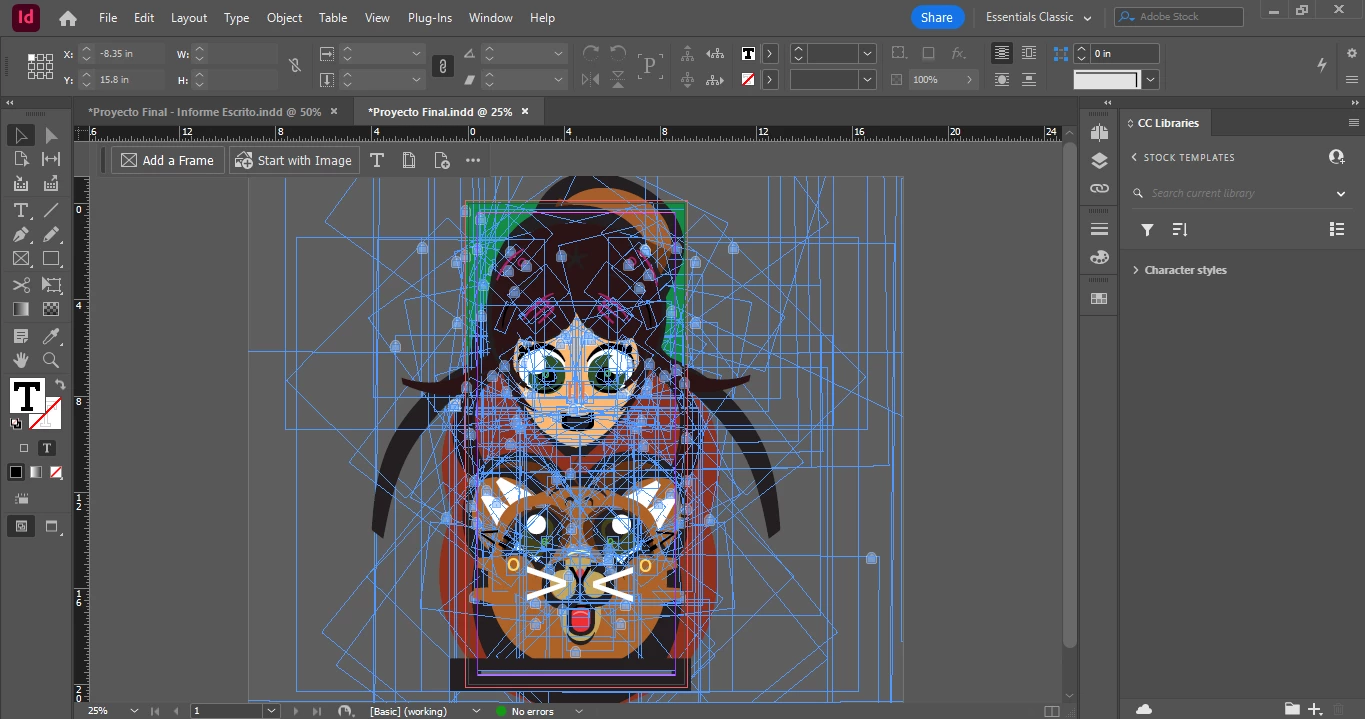 Hi, I only realized I wasn't using true black for my proyect after I finished it. Is there a way to make all the blacks look like true blacks when exporting to PDF? I tried changing the output to have all blacks appear as true black but nothing I do is working. My only other option is to pick each text box individually and change the blacks to true blacks that way but at that point id waste less time remaking it from scratch since it's all in one layer.
 AdChoices