Participant
April 25, 2018
Answered

How to change colors in Illustrator?

  • April 25, 2018
  • 2 replies
  • 1251 views

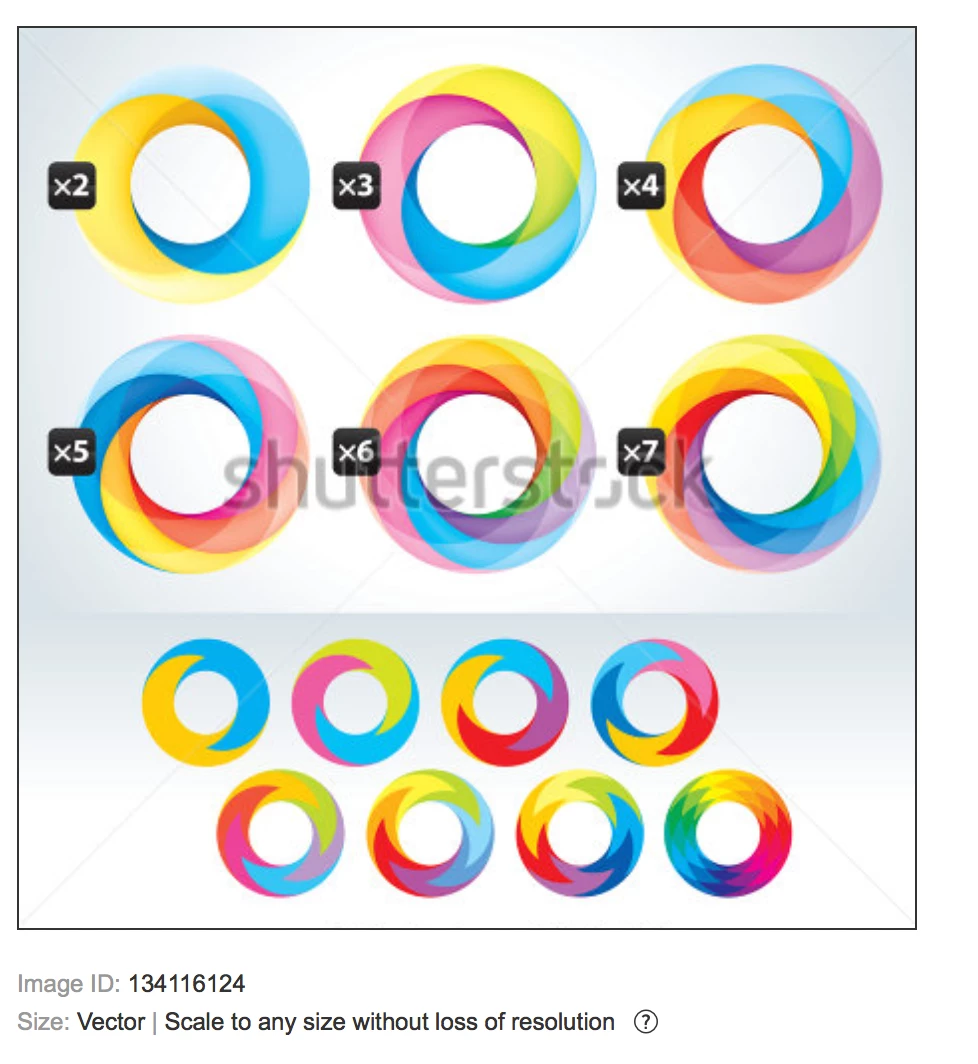
I bought this image from stock and want to change the colors. The circles at the bottom have been provided so you can change colors, then apply some type of filter or effect to get the final circle above. Anyone know how this is done?
This topic has been closed for replies.
Correct answer Katie Houghton

What kind of "conversion" are you referring to?

What exactly do you want to change in that graphic?


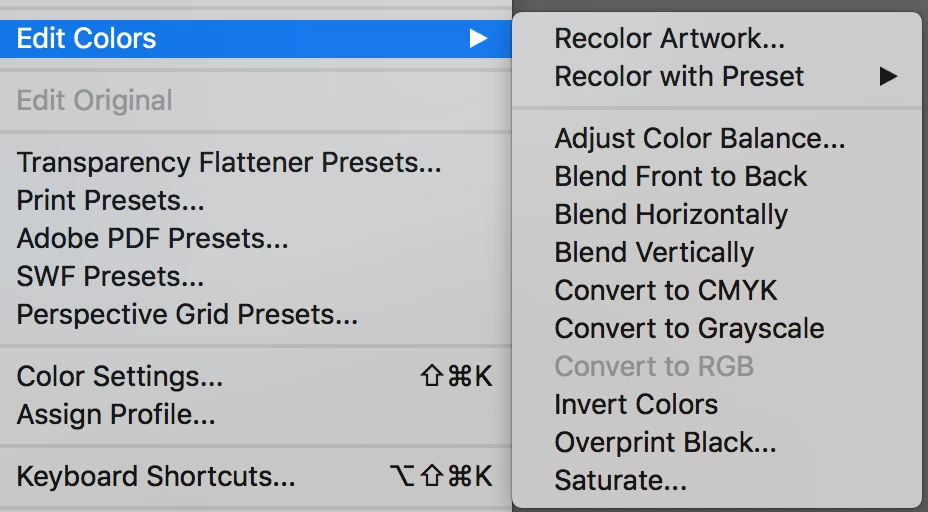
If you want to recolor what you have the above is correct. Just choose the item then recolor artwork. Look for the recolor icon or choose Recolor Artwork under Edit> Edit Colors>Recolor Artwork. Here is a link though if you want to make the intersecting circles from scratch:

https://indd.adobe.com/view/a4a76ecc-b93f-45b9-a0ef-ab149ab3d0be

2 replies

jane-e
Community Expert
Community Expert
April 25, 2018

SGraphics  wrote

I bought this image from stock and want to change the colors.

Select the artwork you want to recolor.

Go to Edit > Recolor Artwork (or choose from the Properties panel)

There are two tabs and lots of options!

Read about the Recolor feature. Here are three links:

Change color and strokes

Recolor Artwork > Huge Time-Saving Features in Illustrator https://helpx.adobe.com/illustrator/how-to/color-basics.html

https://m.youtube.com/watch?v=W-Q37lGZgGE

|

Participant
April 25, 2018

That is definitely away change the color. Would love to know how to convert it in the first place.

Monika Gause
Community Expert
Community Expert
April 26, 2018

What kind of "conversion" are you referring to?

What exactly do you want to change in that graphic?

Monika Gause
Community Expert
Community Expert
April 25, 2018

Is this a vector graphic?

Can you show the outline view?

Most probably there are just gradients applied.

Participant
April 25, 2018

michelew83603738
Community Expert
Community Expert
April 25, 2018

It looks like various gradients are applied to the different shapes. You have to experiment with the different colors.