Hosun
Inspiring
March 31, 2025
Answered

How-To Change Keyboard Increment

  • March 31, 2025
  • 1 reply
  • 633 views

Hi,


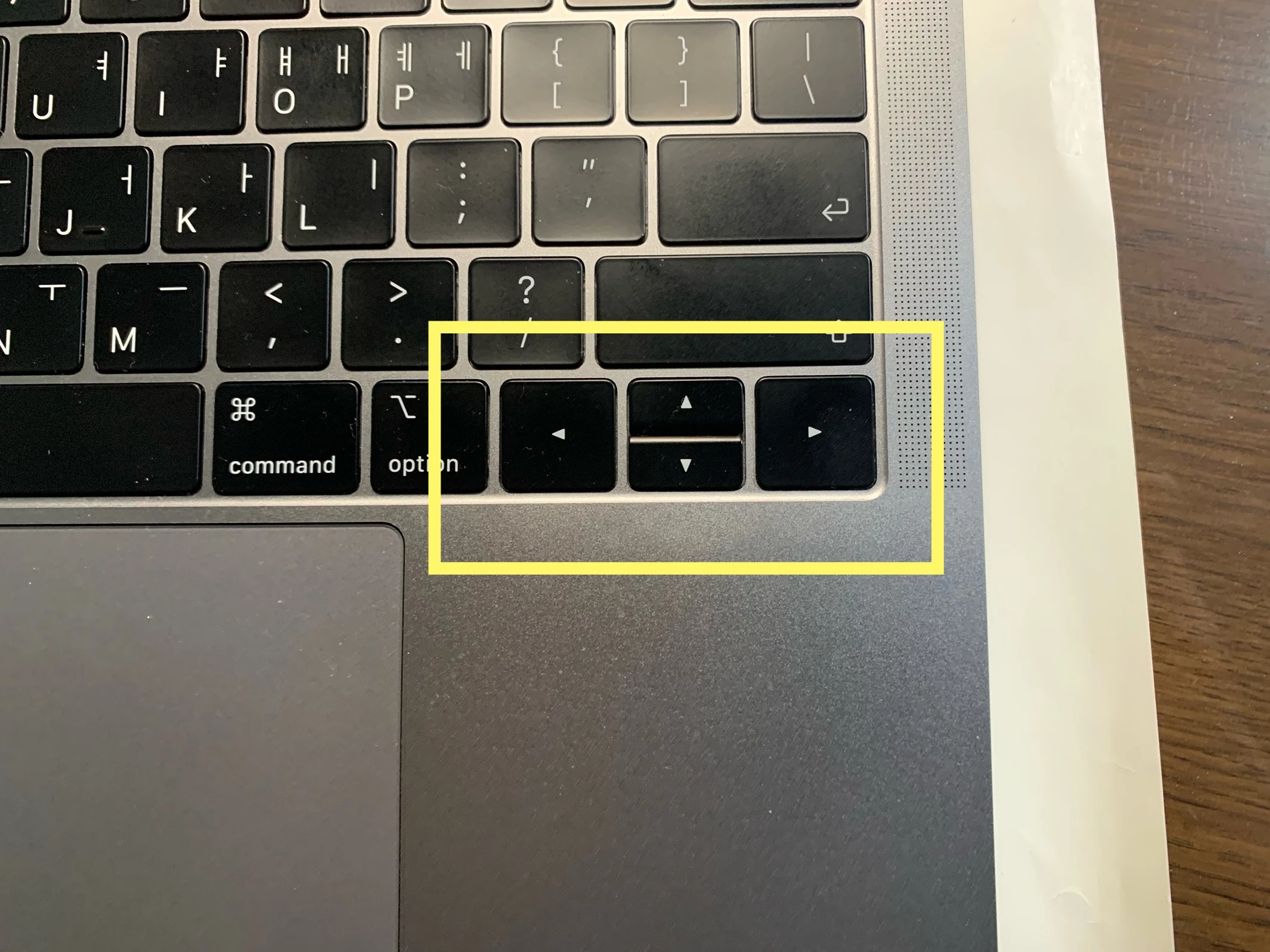
When an arrow key is pressed, the object on screen moves by 0.139 inch.


Is there any way to make it move by 0.125 inch?


Hosun
Correct answer Tina_Irvine

No problem @Hosun. Set your keyboard increment as 0.0125 in. When you hold down "shift," your object will shift 0.125" each time.

1 reply

Tina_Irvine
Community Expert
Community Expert
March 31, 2025

Hi @Hosun,

Under Illustrator > Settings... > General... (or "Command K" on a Mac). Change your keyboard increment to "0.125 in"


Hosun
HosunAuthor
Inspiring
March 31, 2025

Thank you very much for your reply. 

In my question, I did mean Shift+Arrow
I forgot Shift. 

Is there any way?


Hosun

Tina_Irvine
Community Expert
Tina_IrvineCommunity ExpertCorrect answer
Community Expert
March 31, 2025

No problem @Hosun. Set your keyboard increment as 0.0125 in. When you hold down "shift," your object will shift 0.125" each time.