
Participant
May 29, 2023
Answered

How to Change Scaling in Illustrator 2022

  • May 29, 2023
  • 2 replies
  • 714 views

In Adobe Illustrator CS6, I was able to draw out shapes and place points and objects under the following scale: 1 px moved=1 px on Illustrator on 100% Zoom. Yet in Illustrator 2022, I'm getting 1 pixel moved=1 px on Illustrator at 72% Zoom, as shown in the picture below.:
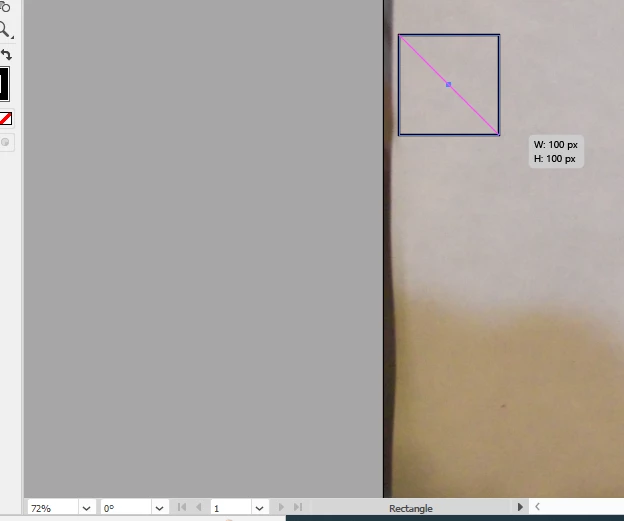
How do I change it to where the scaling matches the zoom setting I have instead (a 1:1 ratio) instead of what I got in the picture I presented (a 0.72:1 ratio)?

This topic has been closed for replies.
Correct answer Monika Gause

In Preferences > General turn off the "Display Print size at 100%" option

2 replies

Ton Frederiks
Community Expert
Community Expert
May 29, 2023

I am not sure I correctly understand you, but try View > Pixel Preview at 100% and your Preferences > Keyboard Increment set to 1px.

Monika Gause
Community Expert
Monika GauseCommunity ExpertCorrect answer
Community Expert
May 29, 2023

In Preferences > General turn off the "Display Print size at 100%" option

Participant
May 29, 2023

Got it; thanks!