MDParis
Participant
April 7, 2020
Answered

How to change the stroke profile of the path of a clipping mask ?

  • April 7, 2020
  • 3 replies
  • 1640 views

Hi,

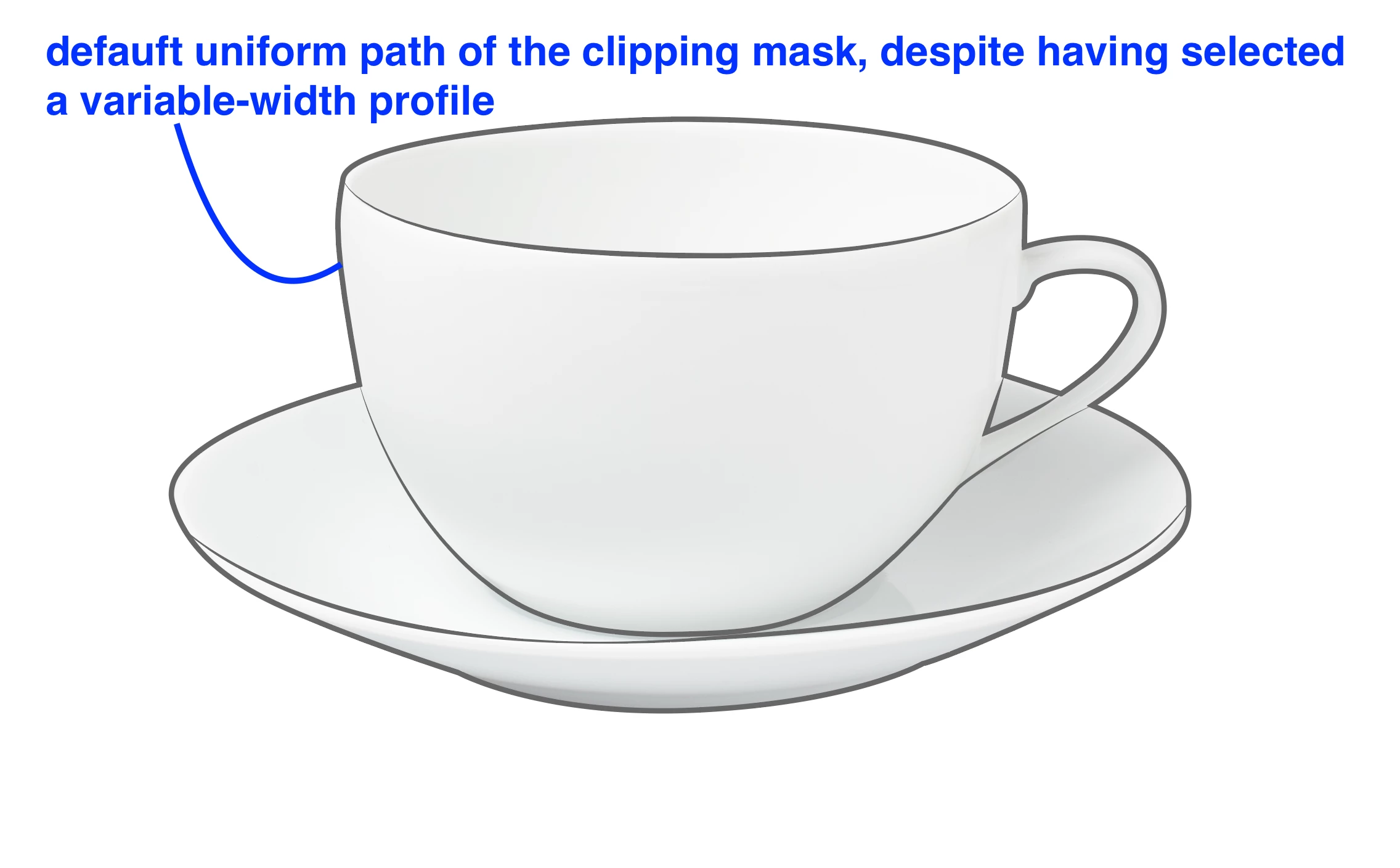
I need to change the "stroke profile" of the border of a clipping mask. However, when I select the clipping mask and add a border to 2px and a stroke profile with variable width, it only shows a 2 px stroke with the default uniform profile.

To overcome this, I need to duplicate the clipping mask path, and put it over the clipping mask. This is not straight forward and not practical in case I need to update the clipping mask path: I will then have to update the new path as well.

Any tips ?

Many thanks !!

Axelle
  

This topic has been closed for replies.
Correct answer Ton Frederiks

You are right, clipping masks don't support variable width strokes.

See a similar problem here and maybe add a vote to or create a feature request:

https://community.adobe.com/t5/illustrator/illustrator-draw-inside-mode-not-working-with-stroke-profiles/m-p/11030895?page=1#M172074

3 replies

Ton Frederiks
Community Expert
Ton FrederiksCommunity ExpertCorrect answer
Community Expert
April 7, 2020

You are right, clipping masks don't support variable width strokes.

See a similar problem here and maybe add a vote to or create a feature request:

https://community.adobe.com/t5/illustrator/illustrator-draw-inside-mode-not-working-with-stroke-profiles/m-p/11030895?page=1#M172074

Jacob Bugge
Community Expert
Community Expert
April 7, 2020

Marie,


Have you tried deselecting and then selecting it with the Direct Selection Tool, or what happens if you do?


MDParis
MDParisAuthor
Participant
April 7, 2020
Yes I did, but it does not change the result: the stroke remains uniform despite having a variable-width stroke profile selected.
Mylenium
Legend
April 7, 2020

It works as it is designed to work. A clipping path is never meant to be an actual stroke path and just does what its name implies - it clips the transparency based on the shape area it represents and nothing more.


Mylenium

tonytopper
Participating Frequently
November 27, 2023

The clipping path feature clearly does not disable the variable width feature in Illustrators UI.  Illustrator's UI clearly communicates to the user that the Variable Width Profile should work.   So saying "works as it is designed" isn't quite getting the tone of the problem here IMO.

Community Expert
November 27, 2023

Paths used as clipping masks aren't really meant to do double duty, functioning both as a mask and showing a visual appearance at the same time, be it a line stroke effect, transparent fill, etc. When a path is used to clip something else (such as a photo or group of other objects) that path itself becomes invisible.


One way around this is copying the original path to the clipboard and then pasting it in place after the clipping operation is done. Then effects, such as a variable width stroke can be applied to the source path copy. It's not an "elegant" solution. But you end up with the desired visual result anyway.