Answered
How to color pen made object
I don't know how to color pen made object .. for example in the next picture I want to color the water but paint bucket tool doesn't work.. I've tried even to object -> merge, but doesn't work either...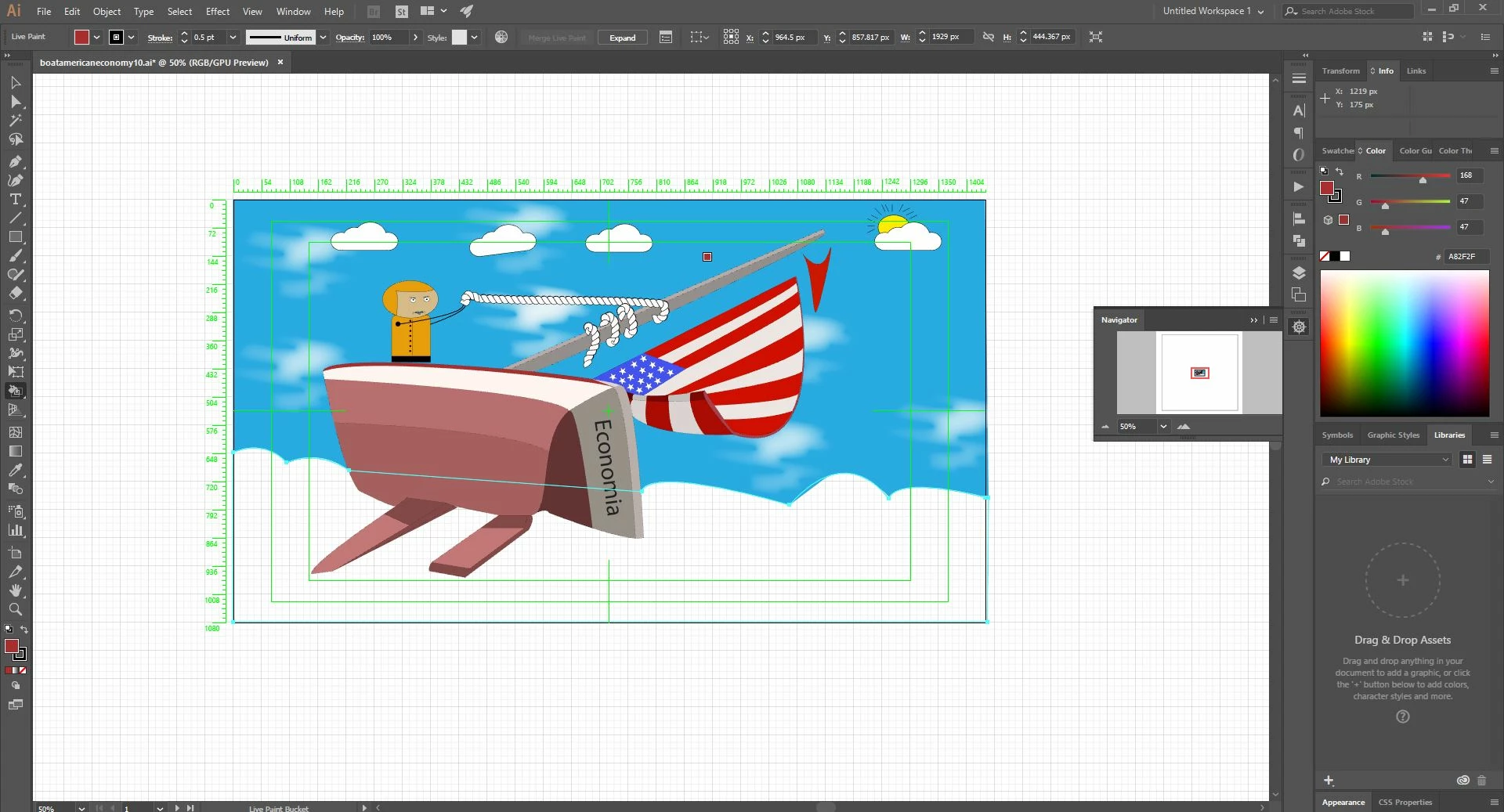
I don't know how to color pen made object .. for example in the next picture I want to color the water but paint bucket tool doesn't work.. I've tried even to object -> merge, but doesn't work either...
Just draw a rectangle that roughly fills the area then move that rectangle behind everything else and assign the desired color.
Already have an account? Login
Enter your E-mail address. We'll send you an e-mail with instructions to reset your password.
 AdChoices