

How to completely uninstall FilterIT 5 plugin
Hello guys,
I have the following problem with an illustrator plugin.
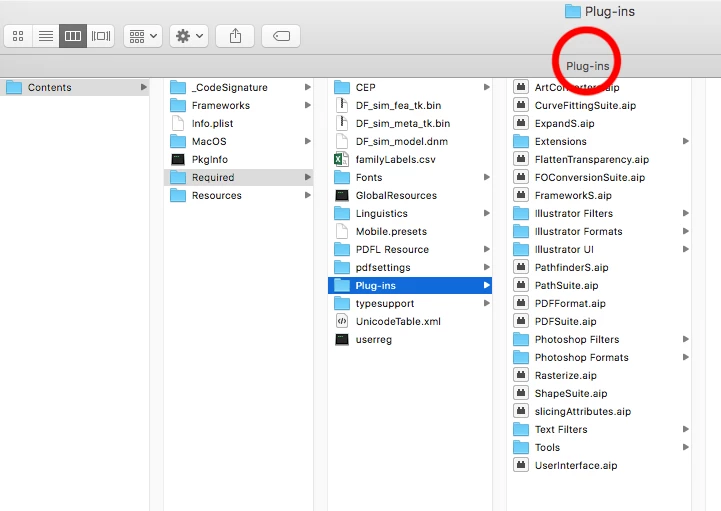
I wanted to test this plugin Filterit 5 ( https://www.cvalley.com/downloads/ ) so I downloaded the demo and install it. The installation was simple enough. I just copied the demo plugins’ files into applications/adone illustrator 2018/plug-ins folder. Everything went well I checked the plugin. It didnt do what I want so I didnt bought it. After the demo expired some messages started to pop as you can see here - https://prnt.sc/hjetrg and here https://prnt.sc/hjetyv . I went to illustrator’s plug-ins dir where I previously put them in order to erase them and to remove those annoying popups but plugin folder was empty https://prnt.sc/hjeue2 so this plugin can’t be deleted with the same ease.
Does anybody know where can find those files in order to completely remove the plugin and those annoying popups.
When I try to search my system for “filterit” here is the result - https://prnt.sc/hjev2x . When I try to erase all these files https://prnt.sc/hjevb2 some script create them once again after illustrator is restarted. So the question is where is the script that creates that files, probably this is the plugin itself.
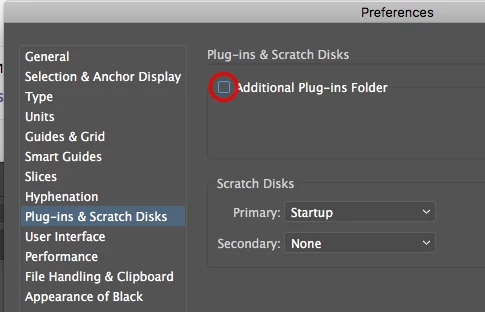
Where usually illustrator load its plugins from?
Any help shall be appreciated!
 AdChoices