Rikardm255
Participant
June 10, 2026
Answered

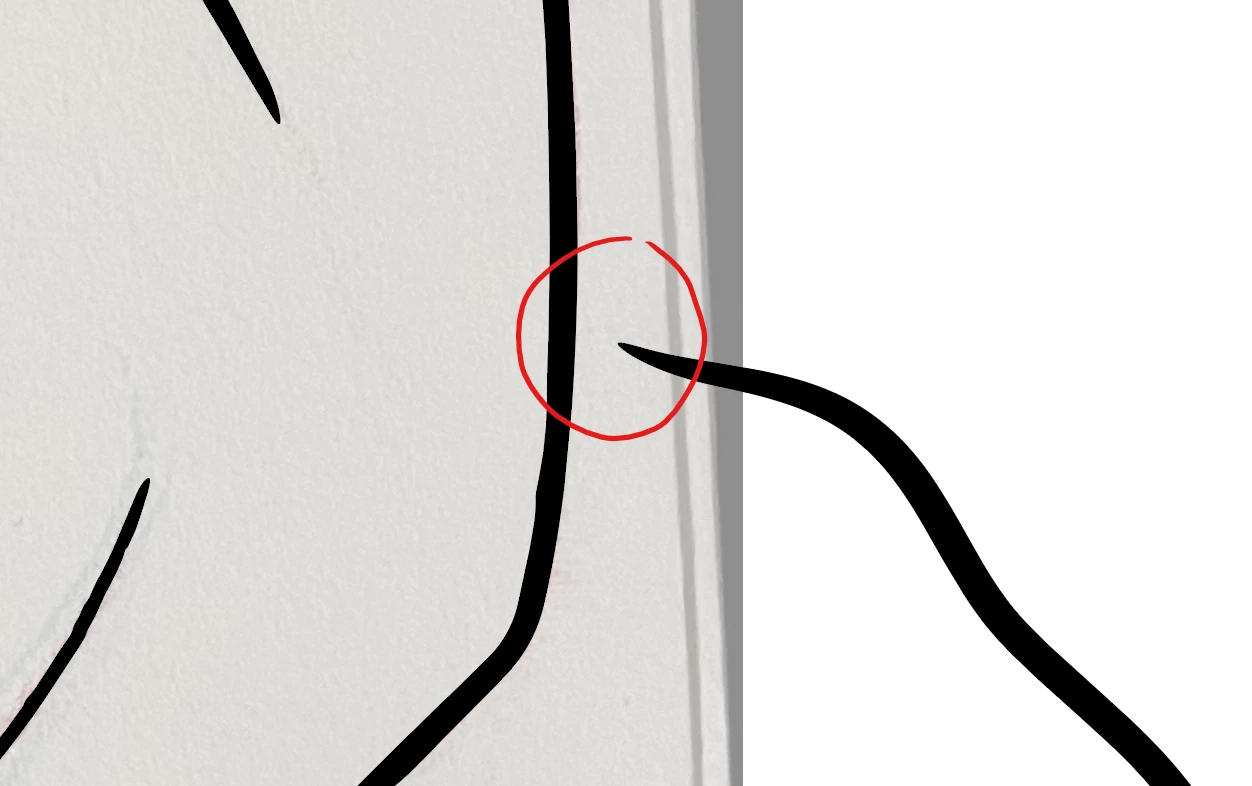
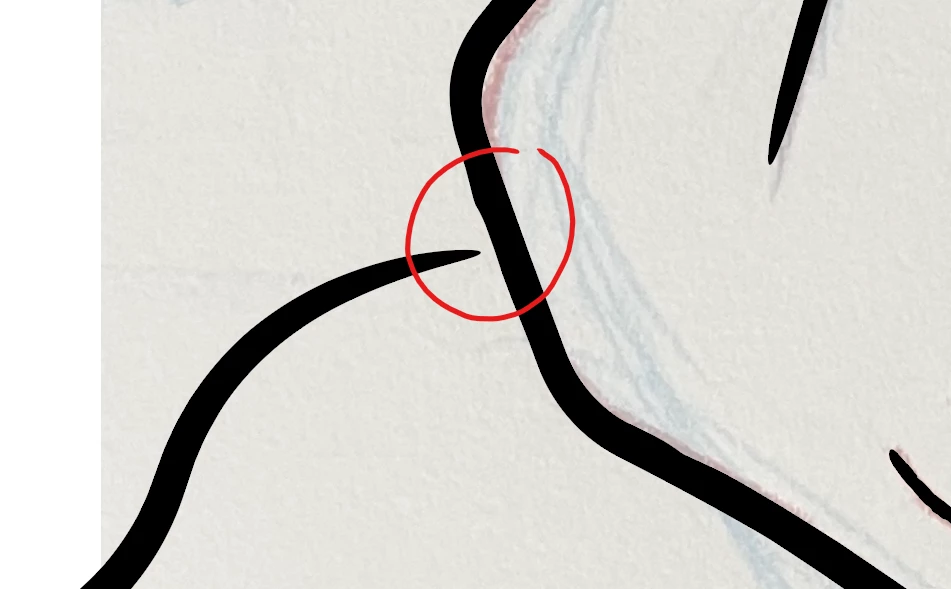
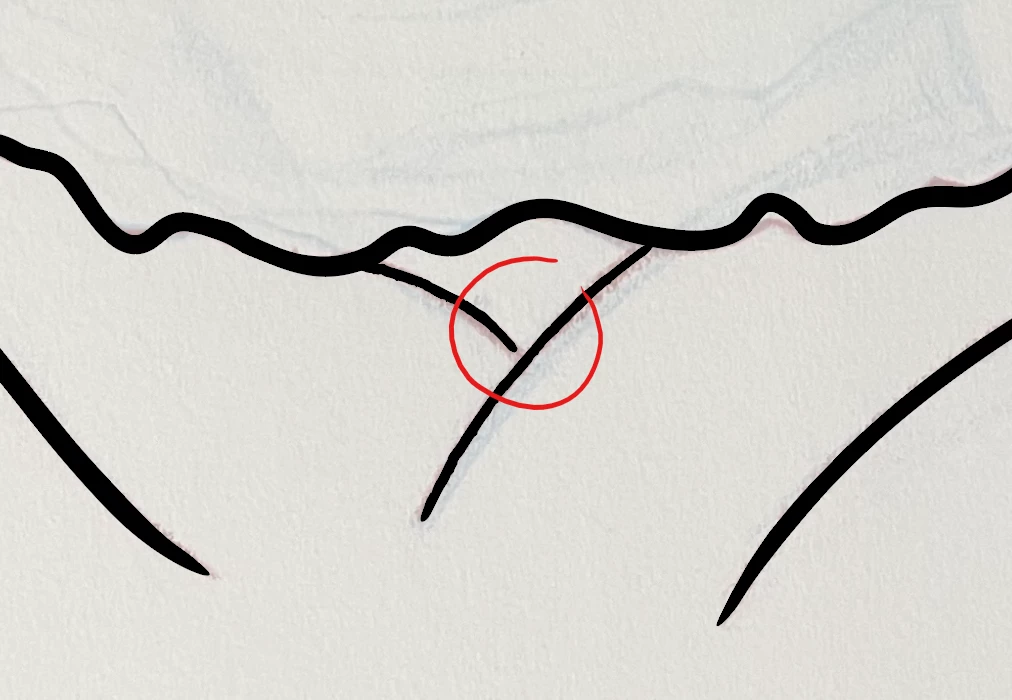
How to connect these lines in Illustrator in a way that makes it only one line or object?

  • June 10, 2026
  • 3 replies
  • 45 views


    Correct answer Monika Gause

    It’s not possible to connect paths in a way that they form a Y. Only two open paths can be connected at their endpoints.

    You can group them though

    3 replies

    creative explorer
    Community Expert
    Community Expert
    June 15, 2026

    @Rikardm255 you could use the Direct Selection Tool (the white arrow tool) to drag it over to the path? 


    m
    Monika Gause
    Community Expert
    Monika GauseCommunity ExpertCorrect answer
    Community Expert
    June 10, 2026

    It’s not possible to connect paths in a way that they form a Y. Only two open paths can be connected at their endpoints.

    You can group them though

    Rikardm255
    Participant
    June 10, 2026

    Thank you for letting me know!

    Anubhav M
    Community Manager
    Community Manager
    June 10, 2026

    Hi @Rikardm255,

    Thanks for reaching out. The Join tool lets you connect nearby paths at their intersection point and automatically trims excess lines from overlapping paths. This help article walks through how to use it: https://adobe.ly/4eaiPeY


    If this answers your question, please mark the reply as the correct answer so others looking for the same info can find it easily. Happy to help if anything else comes up.


    Anubhav

    Rikardm255
    Participant
    June 10, 2026

    That works somewhat okay but it removes some of the linework I want to keep.