

Answered
How to convert a point to an ellipse?
I am following this tutorial, to create a dot-to-dot puzzle.
The tutorial says the following:
- Draw your path point to point.
- With the path selected, Select > Object> Direction handles
- Delete (this should leave the points, no connecting lines)
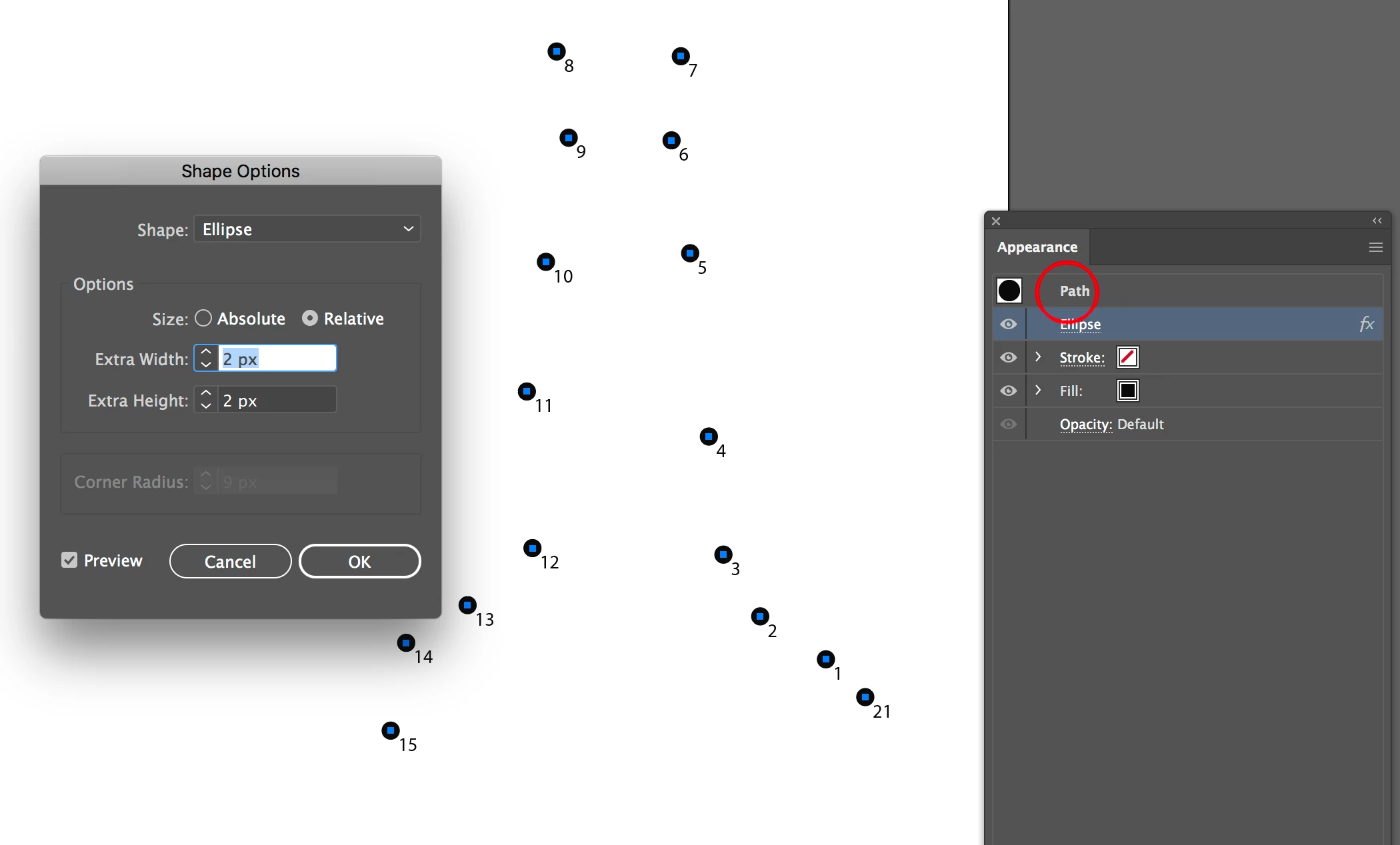
- With the points selected, Effect > Convert to Shape > Ellipse
- Specify an appropriate radius. Set fill to black after the effect is applied. Save a Graphic Style to reuse.
Here is how my document looks after I have followed step 4:
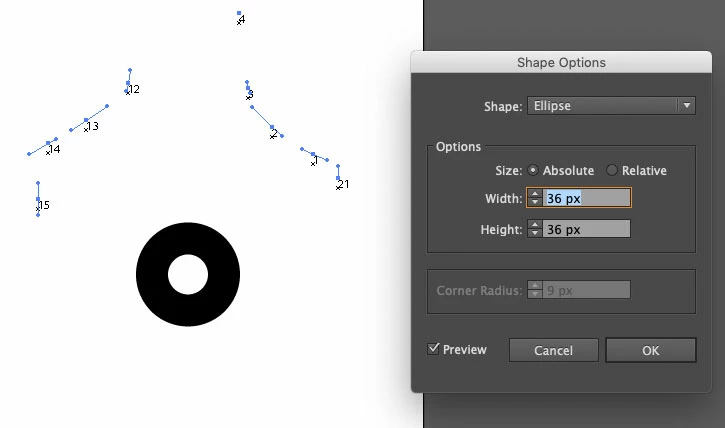
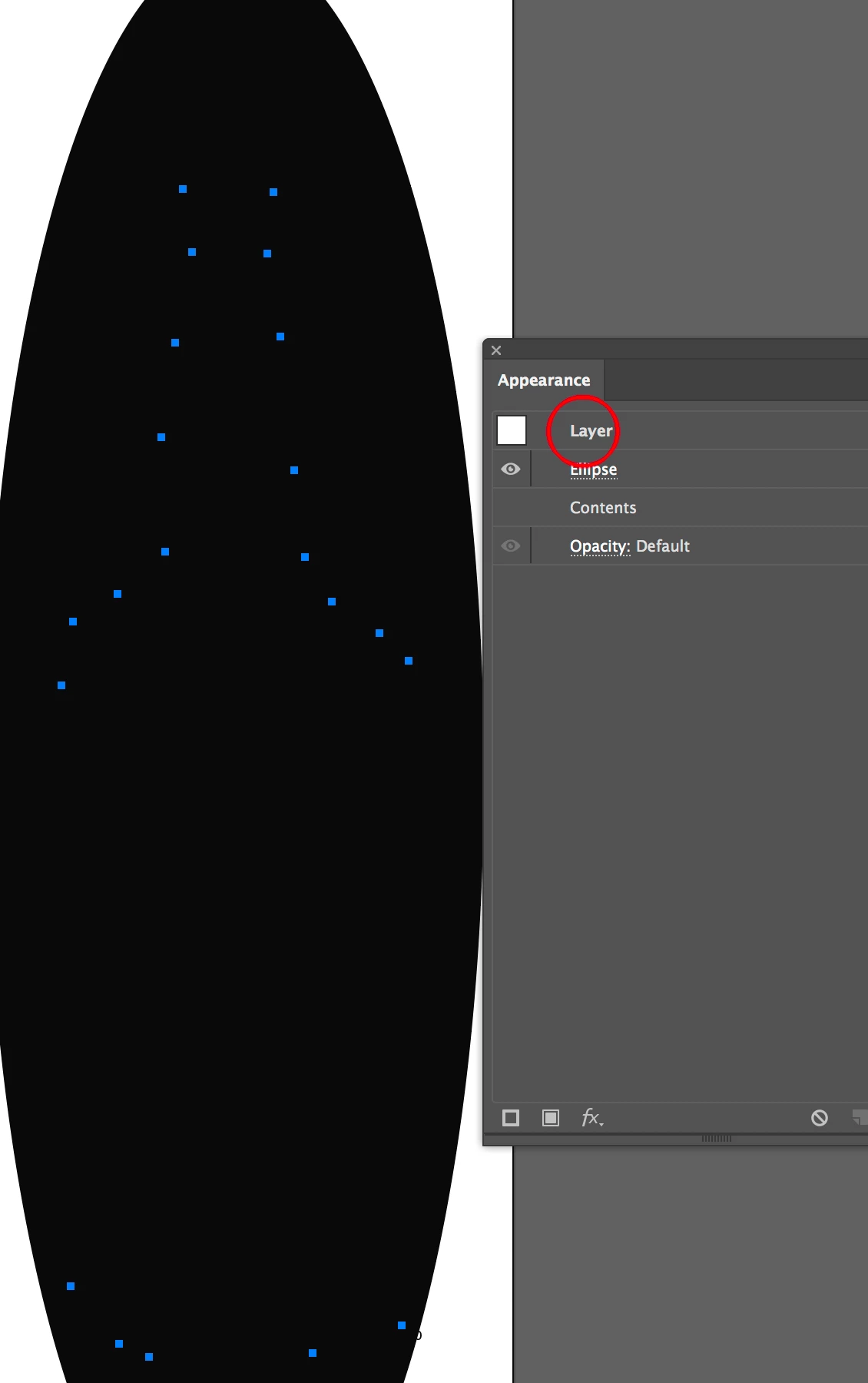
The Ellipse appears in the centre of the document and not next to the numbered points. This happens if I select all the number points (as detailed in the instructions) or if I select only 1 number point. Changing the options in the Ellipse dialogue box does not fix things.
How can I fix it?
Here is my file: http://www.filedropper.com/drinkandglass-dots


 AdChoices