


Answered
How to Correctly Fill Line-Based Artwork in Illustrator (Avoid Negative Space Fill)
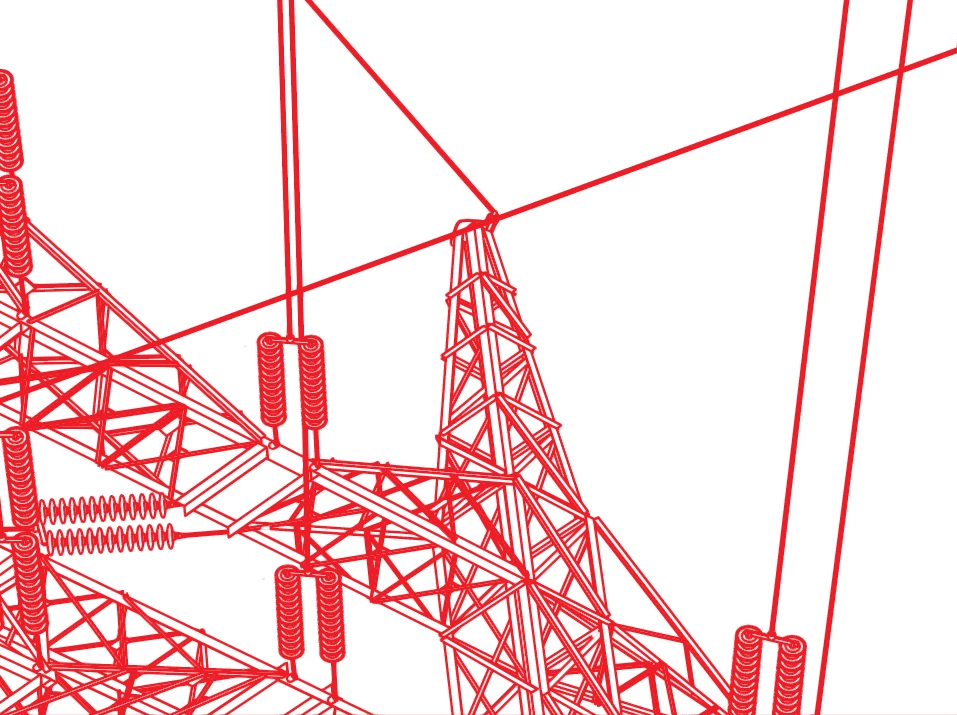
Hello, I have made drawings of power pylons that are a compound path of many paths. I am cutting these with a laser so all the paths are stroked to create the image. I would like to fill all the paths to “thicken” the lines with stroke or offset path. However, when I select all and fill, illustrator fills the negative space not the positive made by the laser cuts. (see attachments). I understand a series of paths created both what is perceived
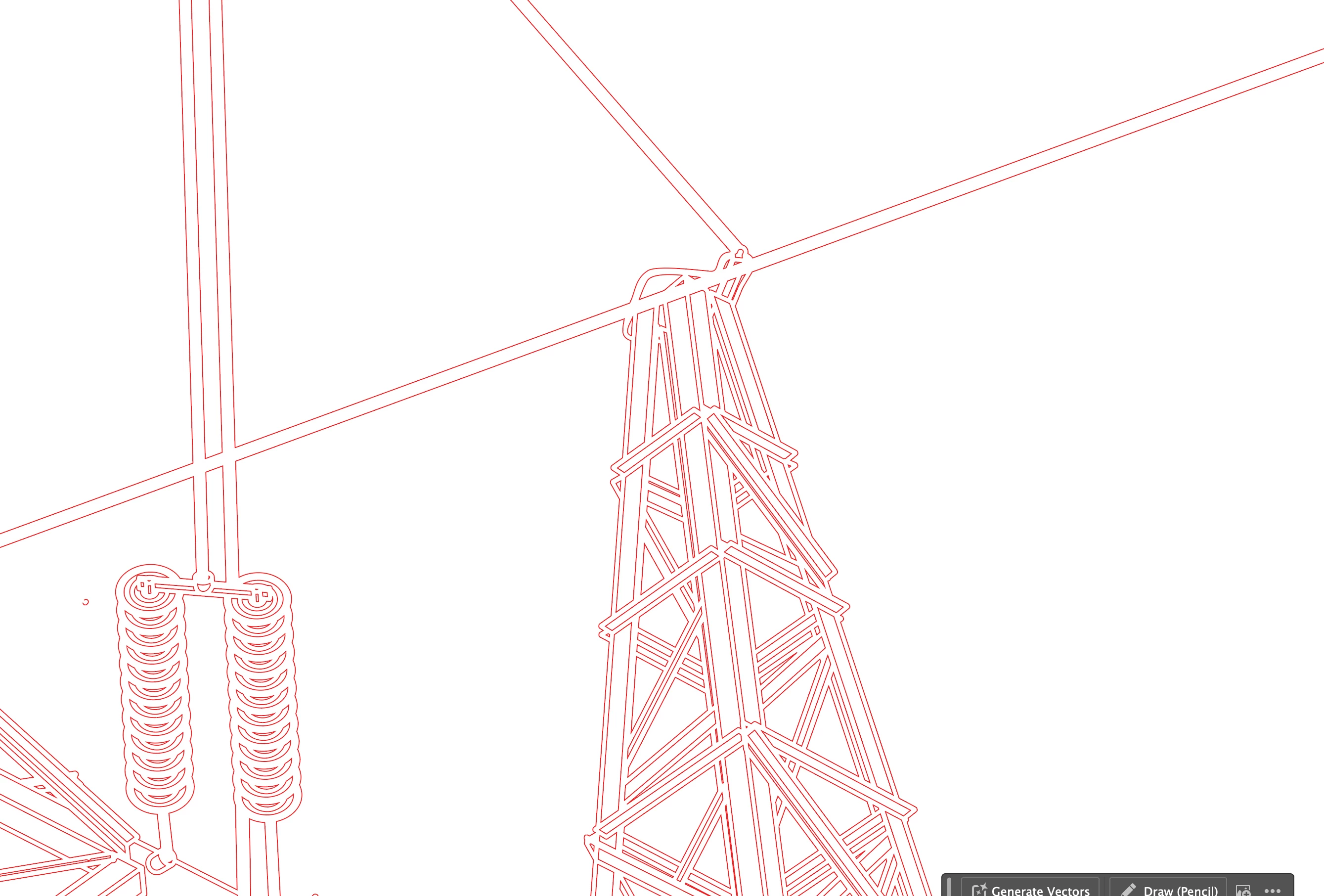
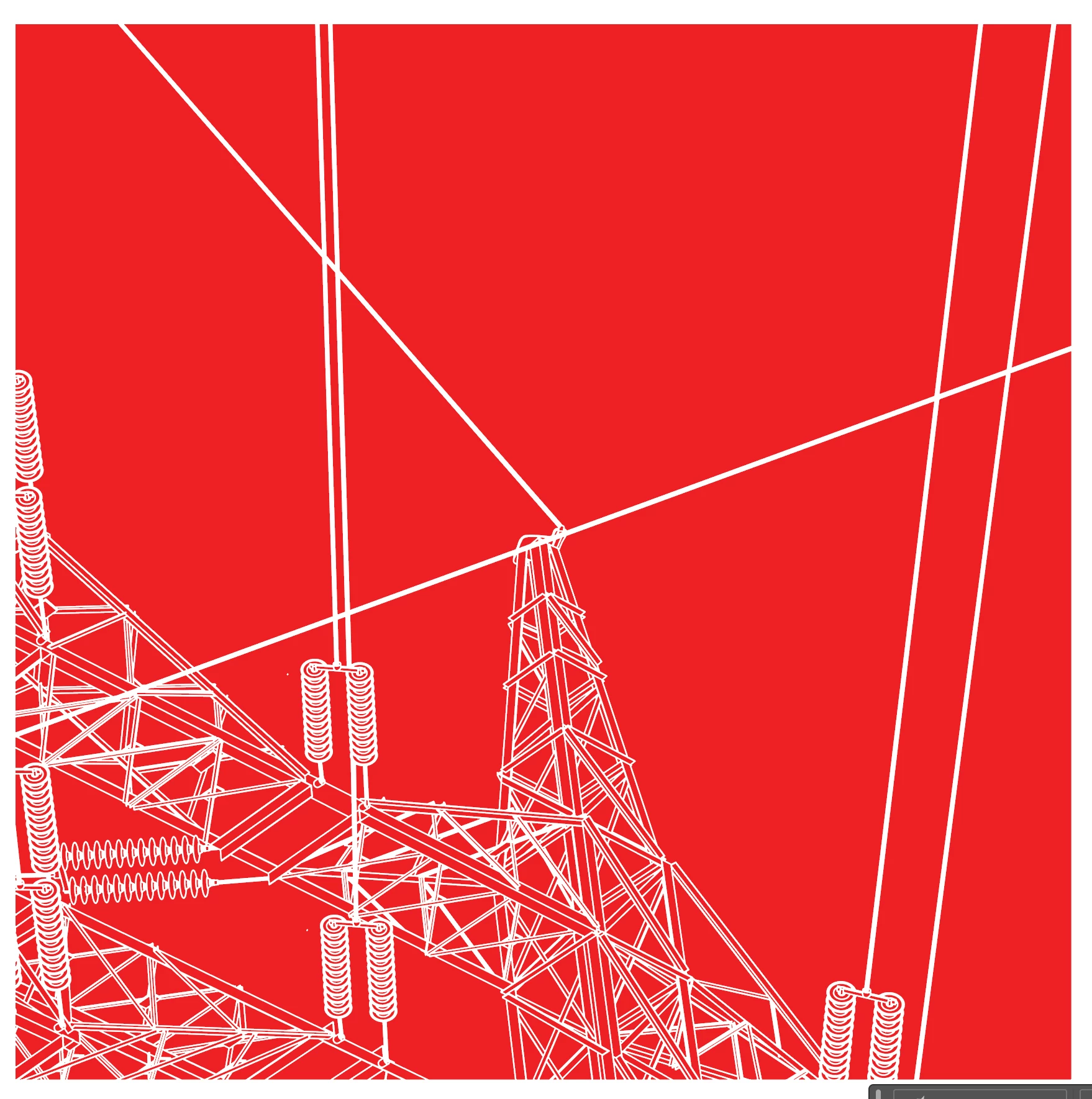
as negative space and positive space but i would like to fill the reverse of what my attachment shows. Help!

 AdChoices