
how to create a perfect shape like this
hi community.
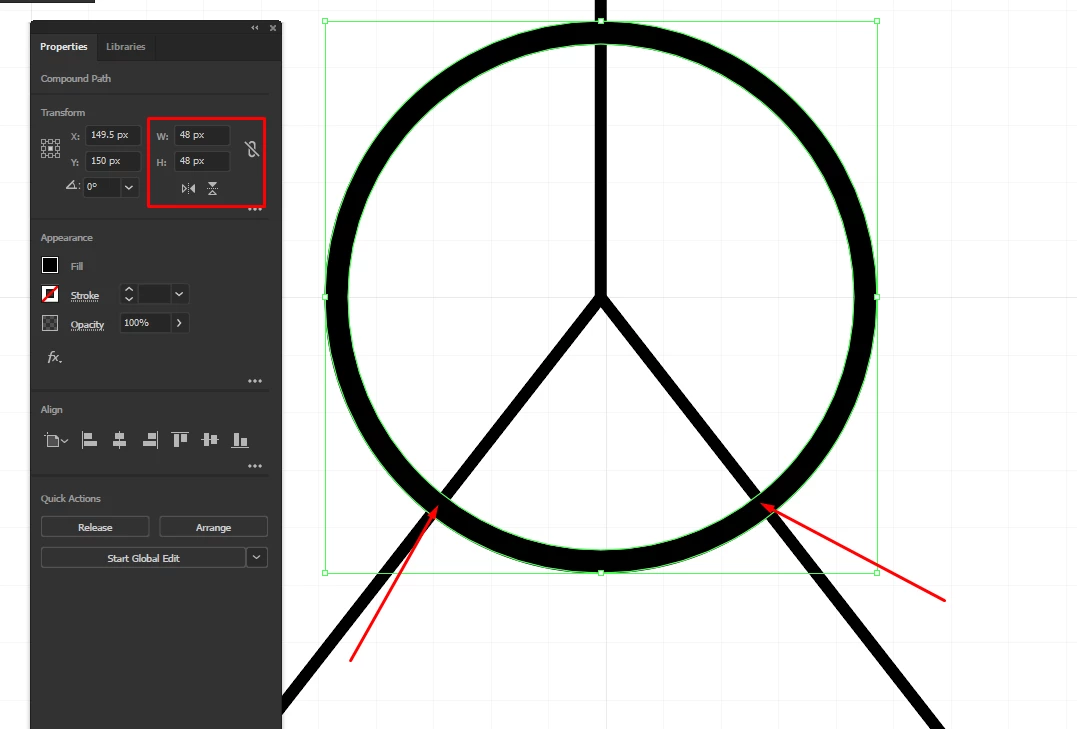
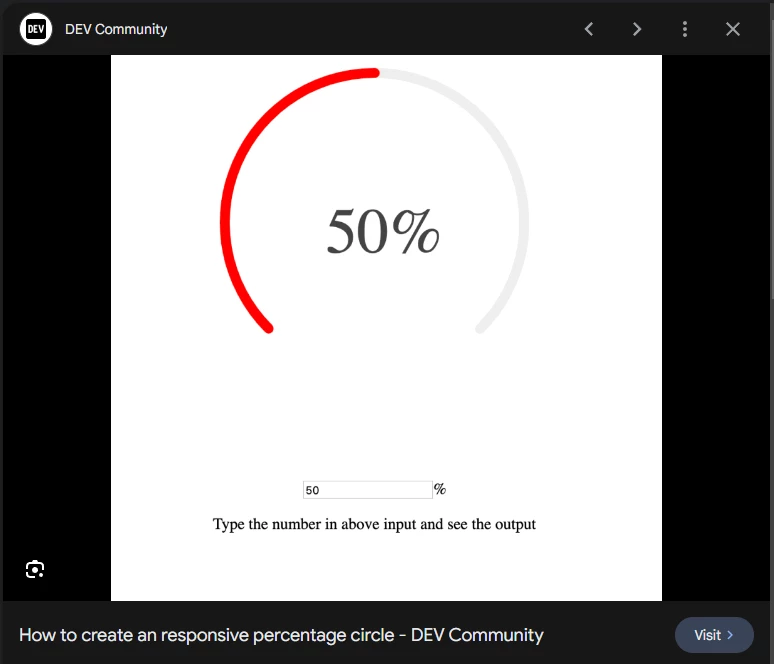
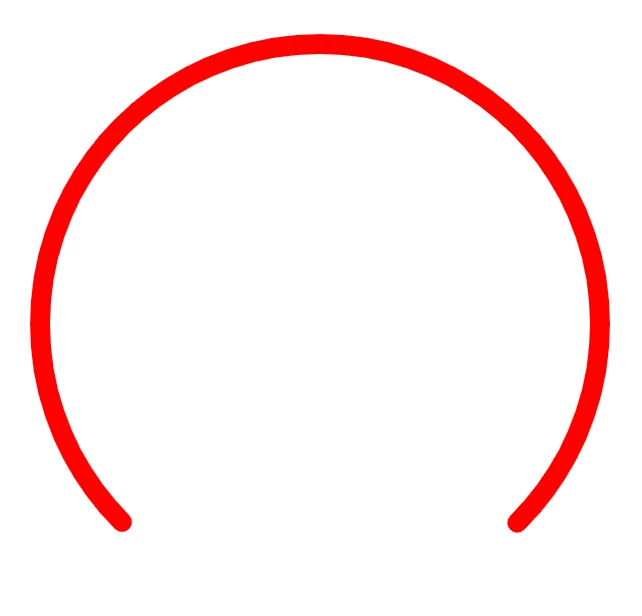
I'm trying to make a circle which has some of its properties cut off. I'm using the pathfinder tool, adding lines to cut off where I don't need the rest of the shape. One problem I'm facing is:
1) The circle initially is 48 x 48px, but when it's cut its not exactly 48 x 48px, it then appears with some extra numbers.
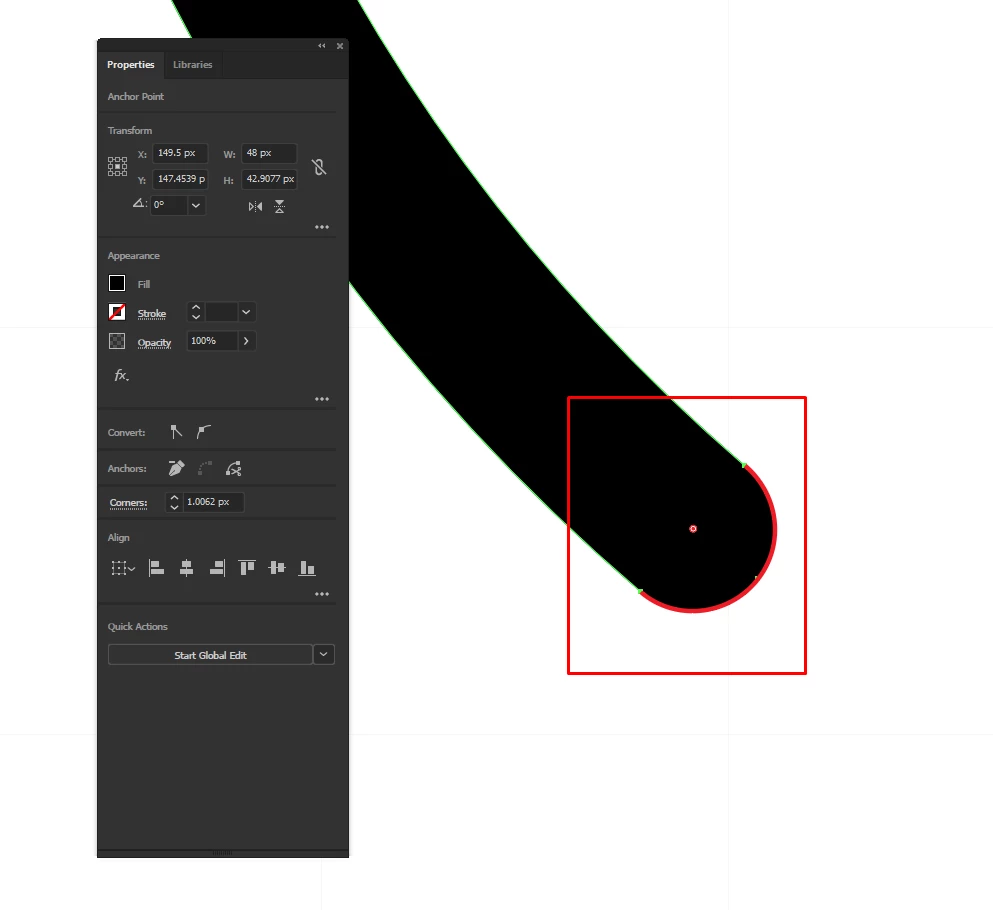
2) once expanded, I cannot control the end points, butt, rounded, mitre. But I do have the options to round off the corners
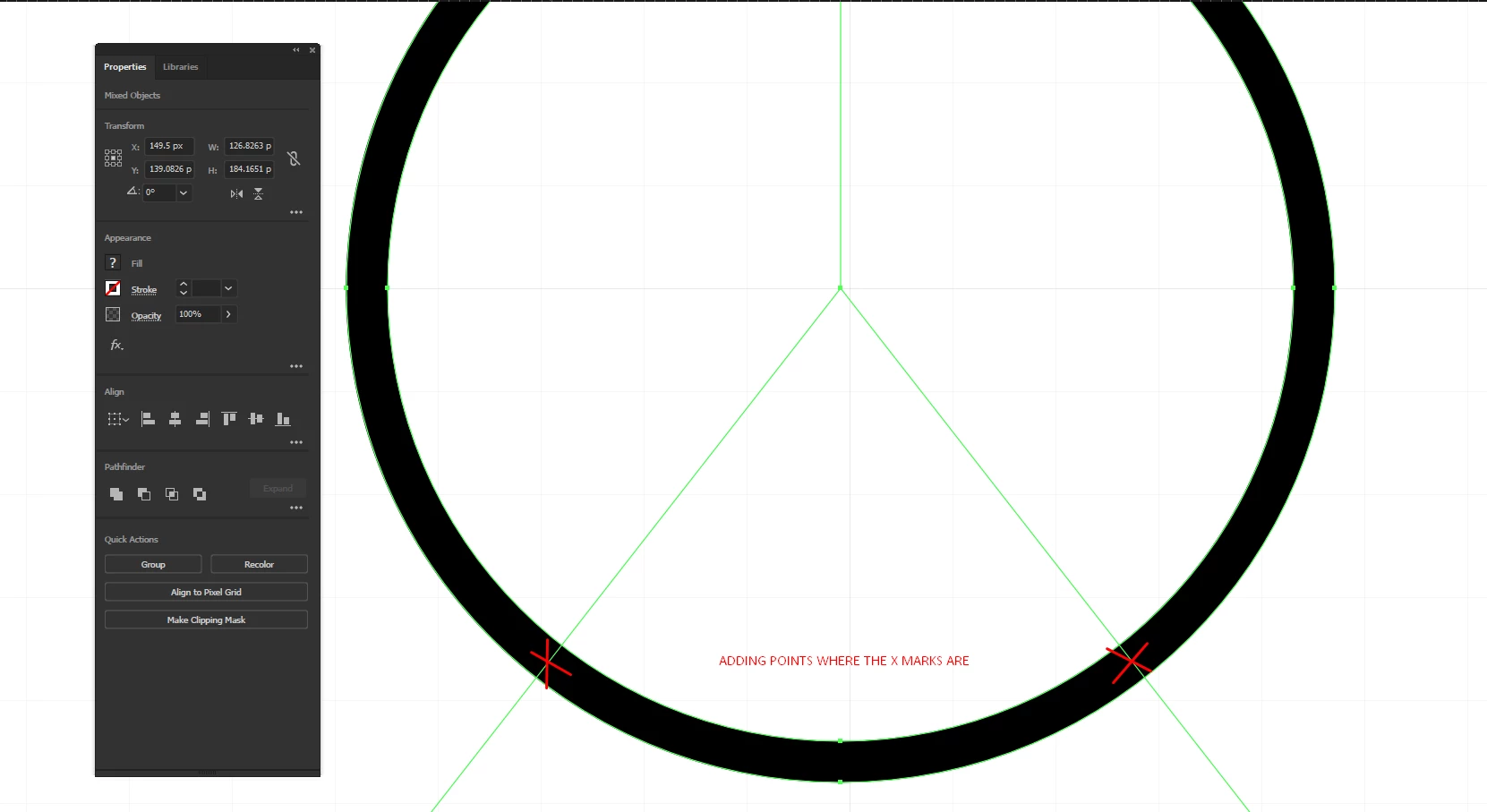
I also tried adding points using the pen tool, on the circle and then deleting the extra points I dont need to try getting a perfect circle. ( as seen in the example ).
So I'd like to know what method is best way to get a precise shape like this, and to be able to edit the end points, (rounded, butt, mitre).
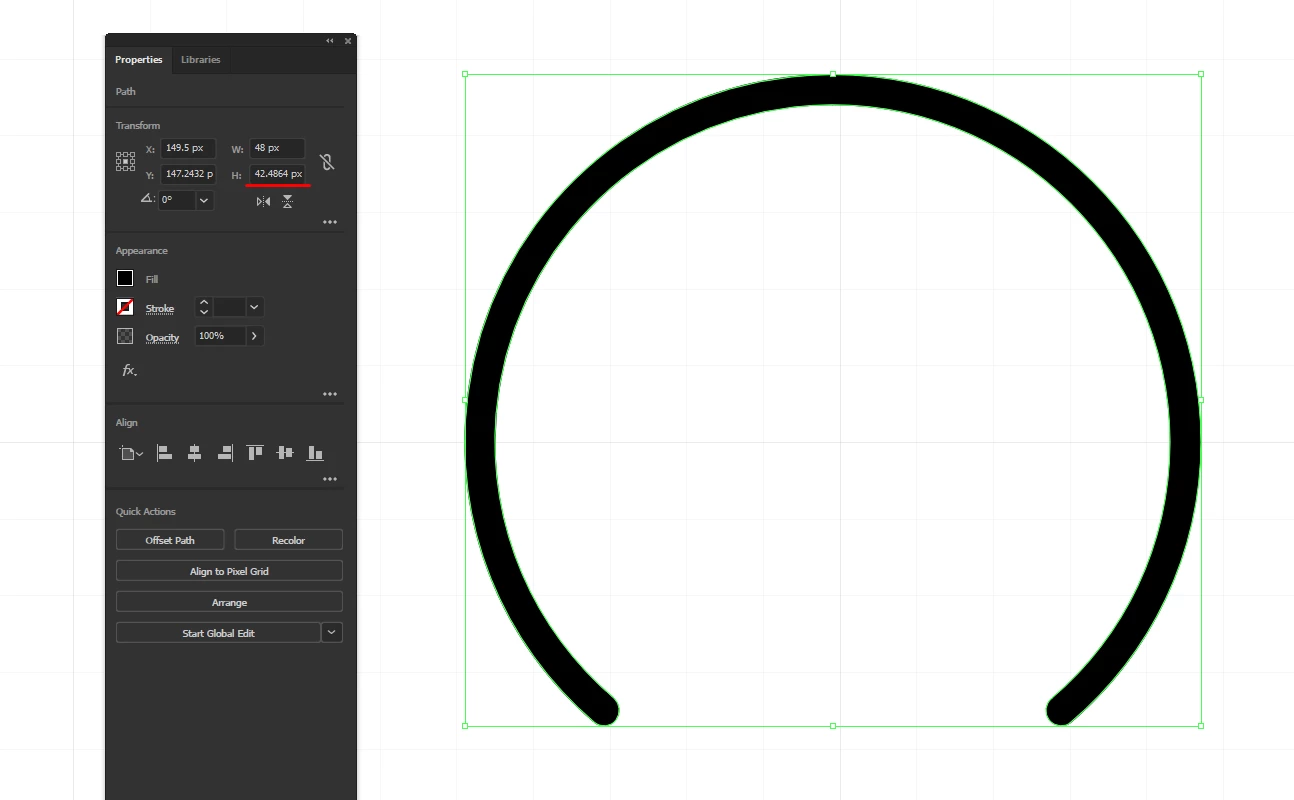
Some examples what Im trying to acheive:
Thank you.
 AdChoices