Known Participant
September 9, 2024
Answered

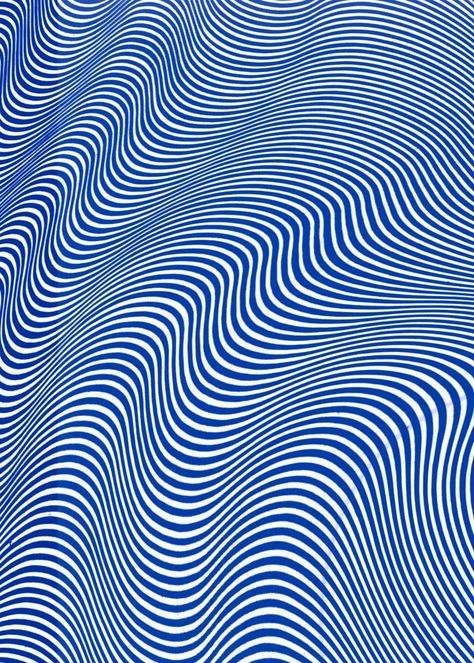
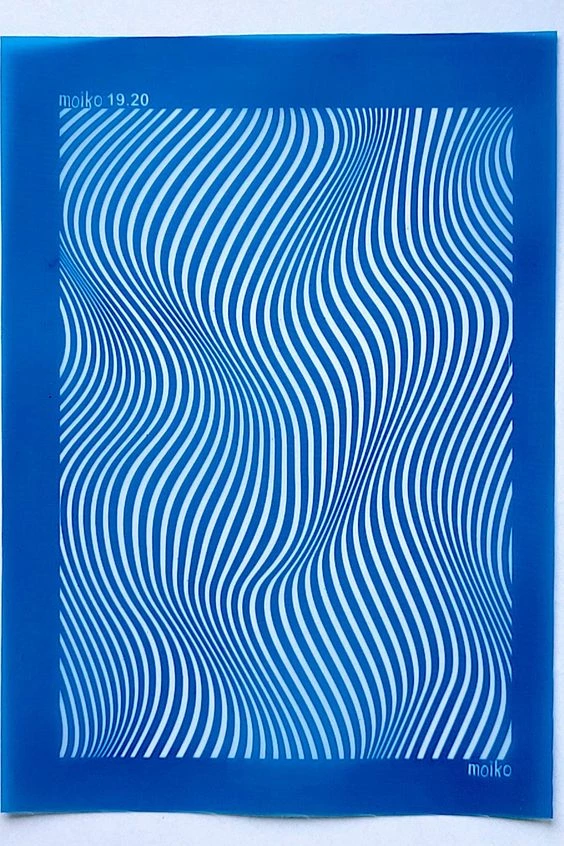
How to create a similar image in Illustrator as these?

  • September 9, 2024
  • 2 replies
  • 693 views

What would be the best way to go about creating something like the attached images in Illustrator.? 
This topic has been closed for replies.
Correct answer Ton Frederiks

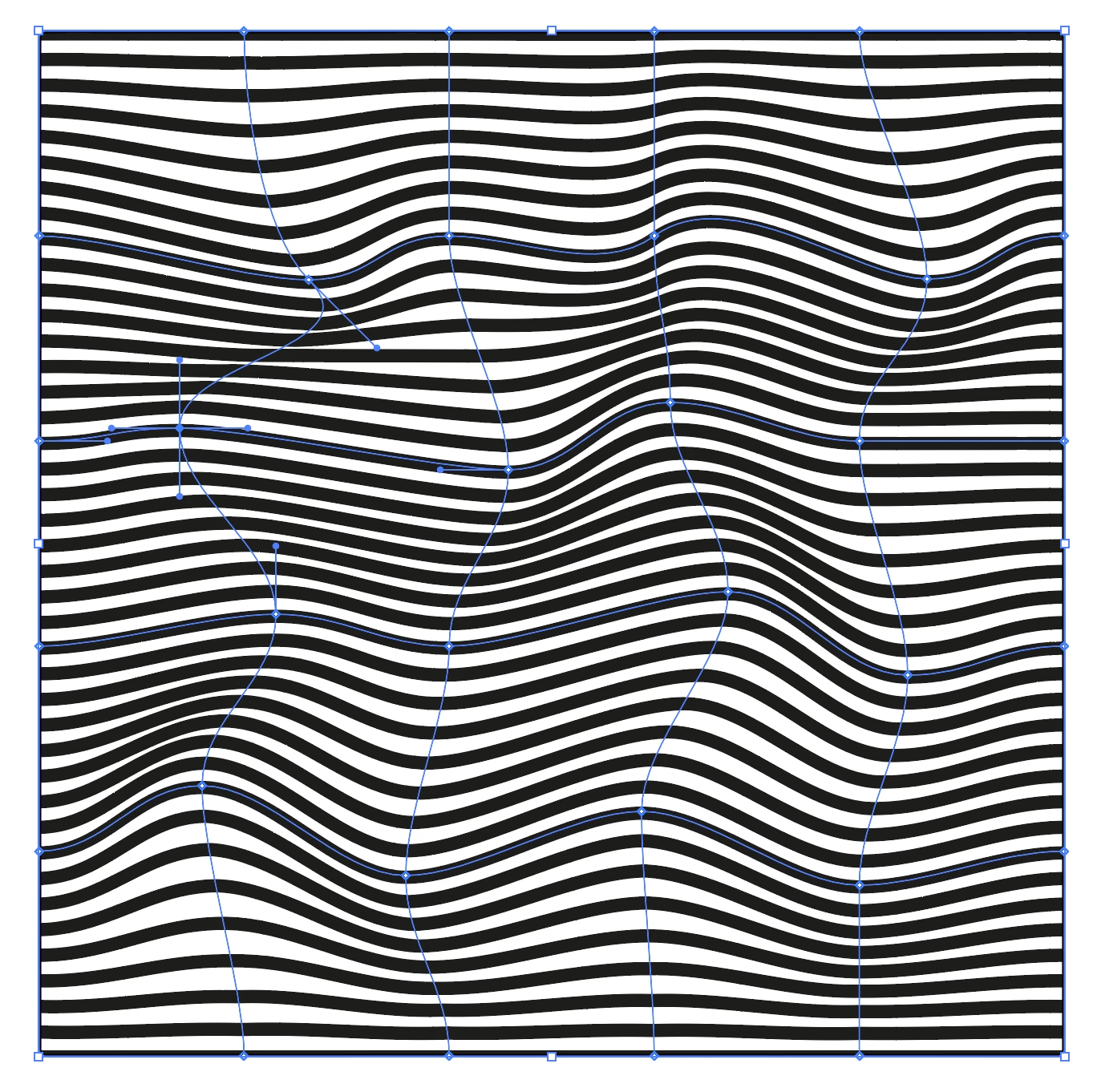
Fill a rectangle with lines (or one of the line patterns that come with Illustrator) and use Object > Envelope Distort > Make With Mesh...
2 replies

Ton Frederiks
Community Expert
Ton FrederiksCommunity ExpertCorrect answer
Community Expert
September 9, 2024

Fill a rectangle with lines (or one of the line patterns that come with Illustrator) and use Object > Envelope Distort > Make With Mesh...

Known Participant
September 9, 2024

Thank you! This is really helpful and not an option I was thinking of. I was trying to do with with zig zag and blending, but this one gives me a more amorphorous look which is what I really wanted. 😀

Ton Frederiks
Community Expert
Community Expert
September 9, 2024

Good to hear that helped.

Anubhav M
Community Manager
Community Manager
September 9, 2024

Hello @akthoma,

Thanks for reaching out. Would you mind trying the suggestions shared in these tutorials and letting us know if it helps:

Creating a Wavy Pattern in Illustrator: https://adobe.ly/4edYzHM
How to Create a Wavy Pattern in Adobe Illustrator: https://adobe.ly/4edYzHM
Illustrator Tutorial: Wavy Pattern Design: https://adobe.ly/47ohP31

Looking forward to hearing from you.


Thanks,

Anubhav

Known Participant
September 9, 2024

Thank you. This helped wih the blending idea. I wanted to be able to manipulate it a bit more freely, so the envelope distort option that Ton suggested, turned out to work a bit better for what I was hoping to do.