Known Participant
Aug 27, 2024 2:54 PM UTC
Answered

How to create a sticker type effect

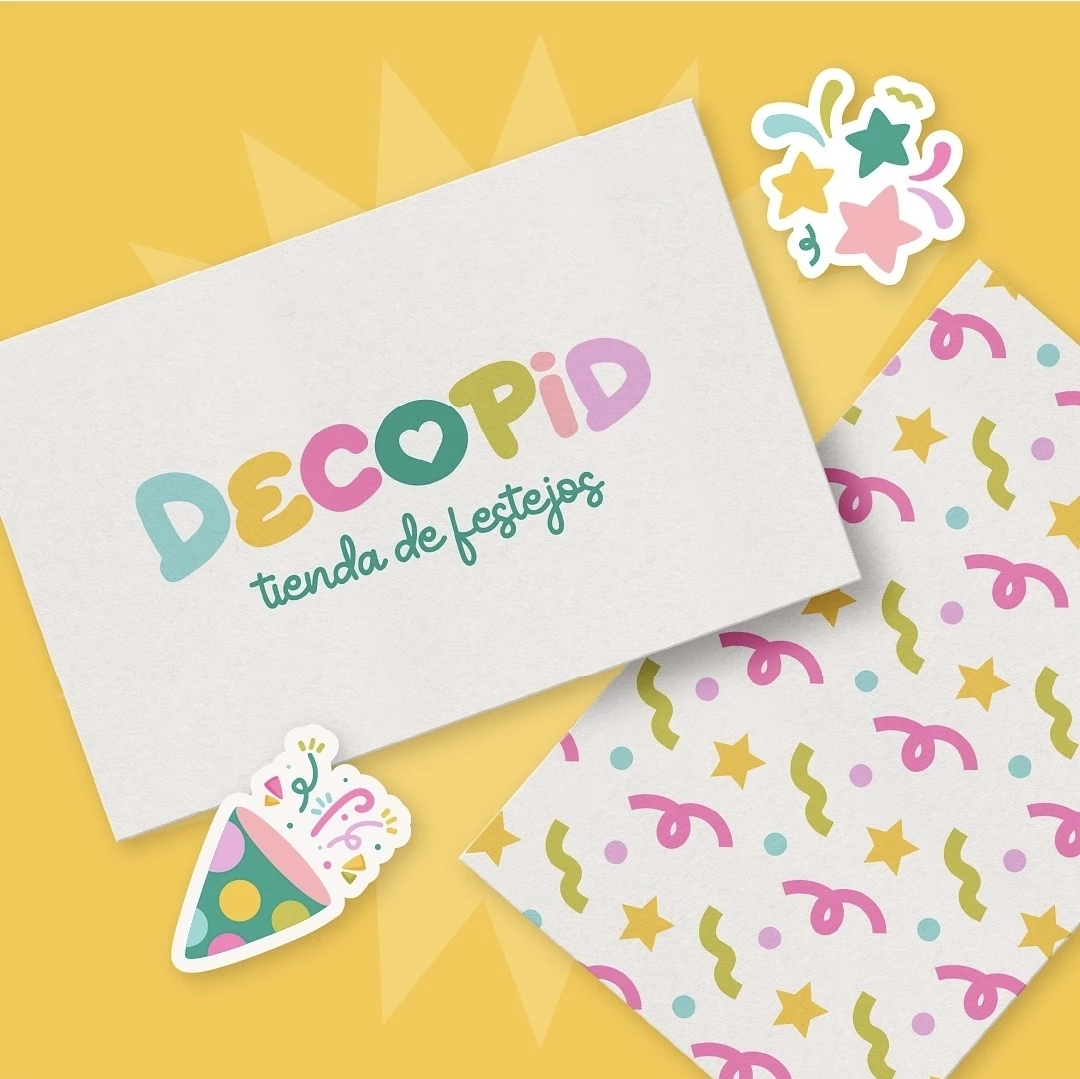
I'm looking to create that white bakground in the shape of the object in front of it.  In the second picture it would be that outline sticker type effect behind BloomCircle.  Hopefully this makes sense to someone.  Thank you in advance!


Bobby HendersonCorrect answer
Community Expert
Aug 27, 2024 3:41 PM UTC

The Offset Path command works well. I'll usually make a copy of the object (and maybe move it to a layer underneath the original object), use the Pathfinder Unite command to weld everything together and then apply the Offset Path command to it. The numerical entry lets you dictate how big the offset (or "outline") effect will be outside the original art. Negative numbers let you offset inside the path. Corner settings will let you create sharp or rounded corners on the path effect. The effect is live and can be adjusted. Use the expand appearance command to make the effect permanent.


4 replies

Monika Gause
Community Expert
Community Expert
Aug 27, 2024 4:03 PM UTC

If you want this as an actual effect:

https://youtu.be/BQcUEYXXdno 

Translate
Known Participant
Aug 27, 2024 4:18 PM UTC

awesome, thank you!!!


Translate
Bobby HendersonCommunity ExpertCorrect answer
Community Expert
Aug 27, 2024 3:41 PM UTC

The Offset Path command works well. I'll usually make a copy of the object (and maybe move it to a layer underneath the original object), use the Pathfinder Unite command to weld everything together and then apply the Offset Path command to it. The numerical entry lets you dictate how big the offset (or "outline") effect will be outside the original art. Negative numbers let you offset inside the path. Corner settings will let you create sharp or rounded corners on the path effect. The effect is live and can be adjusted. Use the expand appearance command to make the effect permanent.

Translate
Known Participant
Aug 27, 2024 4:18 PM UTC

This is exactly what I was looking for, thank you so much for taking the time to respond to me!! 🙂

Translate