
Answered
how to create an edibable file to change text
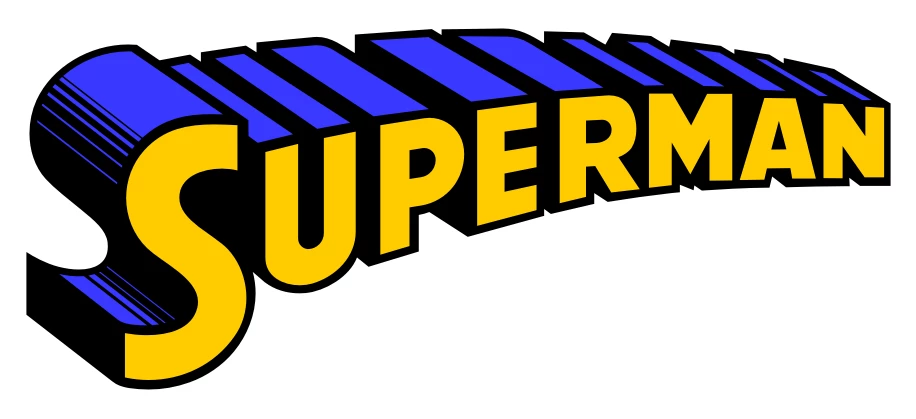
Use the Type tool to type the text. Apply stroke and fill.

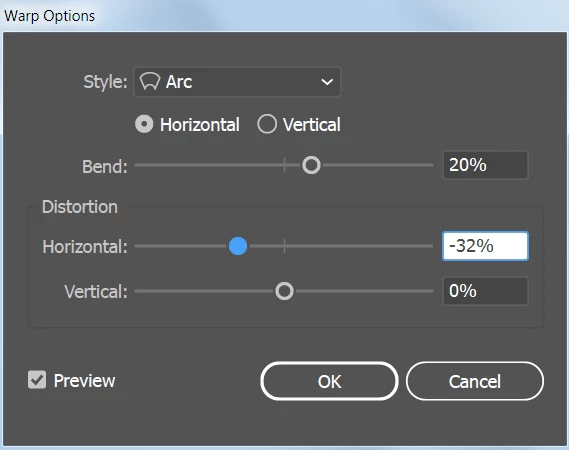
Object > Envelope Distort > Make with Warp.
Effect > 3D > Extrude and Bevel.

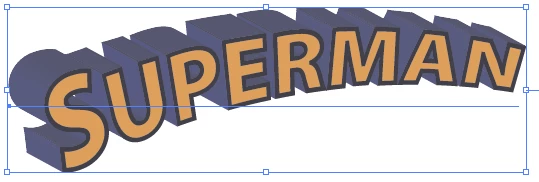
At this point you can still edit the text by double-clicking the text to go into isolation mode or by choosing Object > Envelope Distort > Edit Text (If it says Edit Envelope, the text should already be editable.)
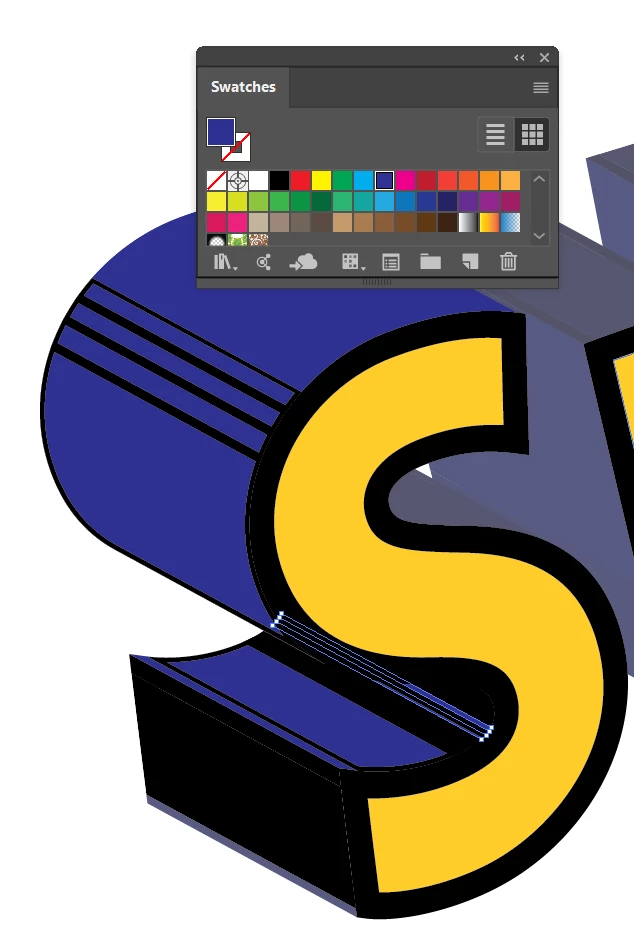
To do custom shading, as in your example, you'll need to choose Object > Expand Appearance. After expanding the text will be converted to outlines and won't be editable as text. You can ungroup the objects or use the Direct Selection tool to select individual objects and color them as you wish.
Already have an account? Login
Enter your E-mail address. We'll send you an e-mail with instructions to reset your password.
 AdChoices