
Participant
August 16, 2021
Answered

How to create an outline inside a shape?

  • August 16, 2021
  • 2 replies
  • 6973 views

Hi there,


I'm trying to create an outline of a shape that's inside the shape itself. This outline also needs to be smaller.


This is the shape im trying to make an outline on.
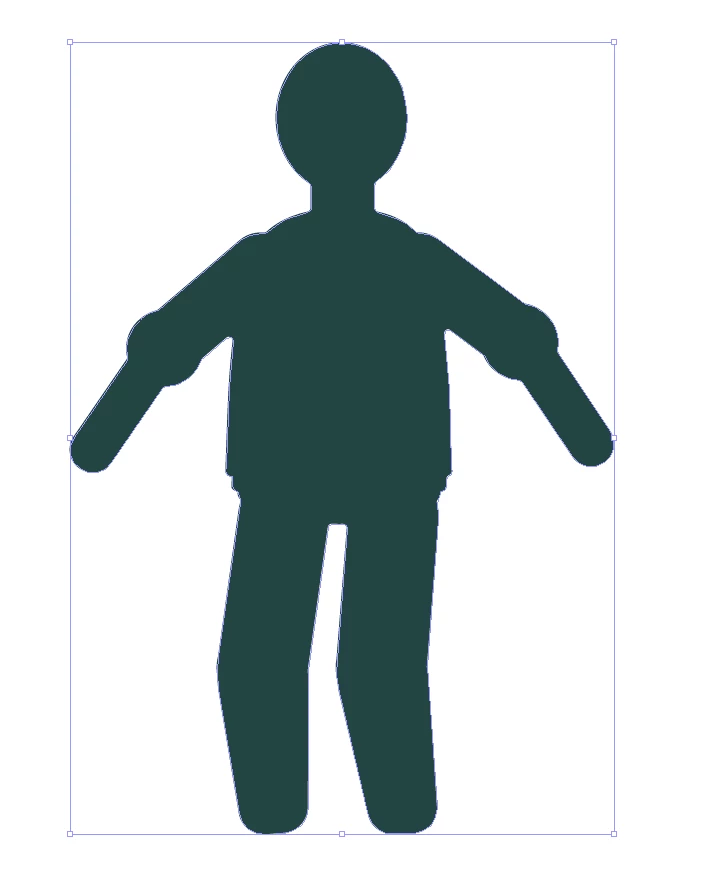
I thought an easy solution would be to use the Swap Fill and Stroke tool, get the shape, and size it down. However, when I do this, the arms go outside of the original outline and isn't what I'm looking for.
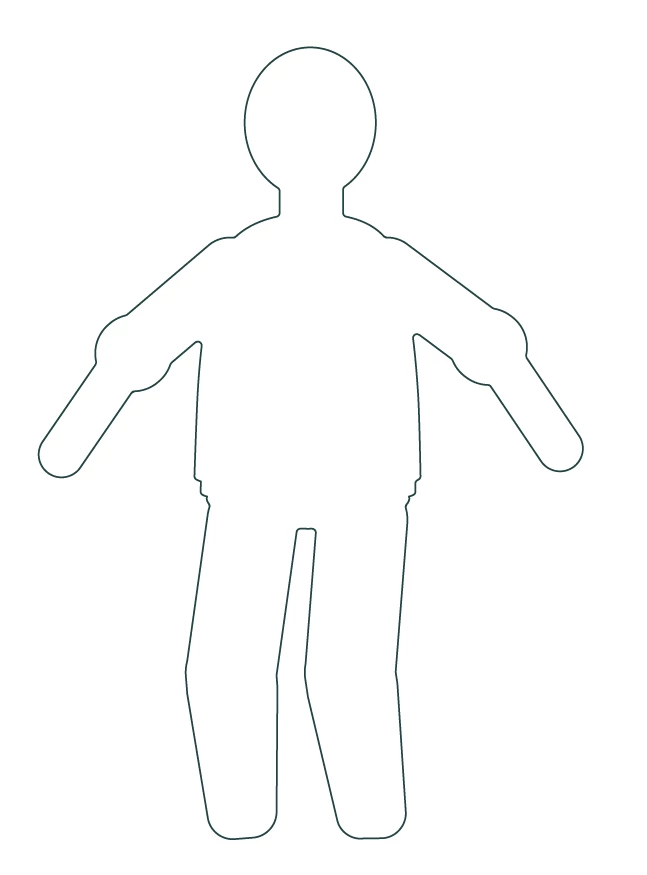
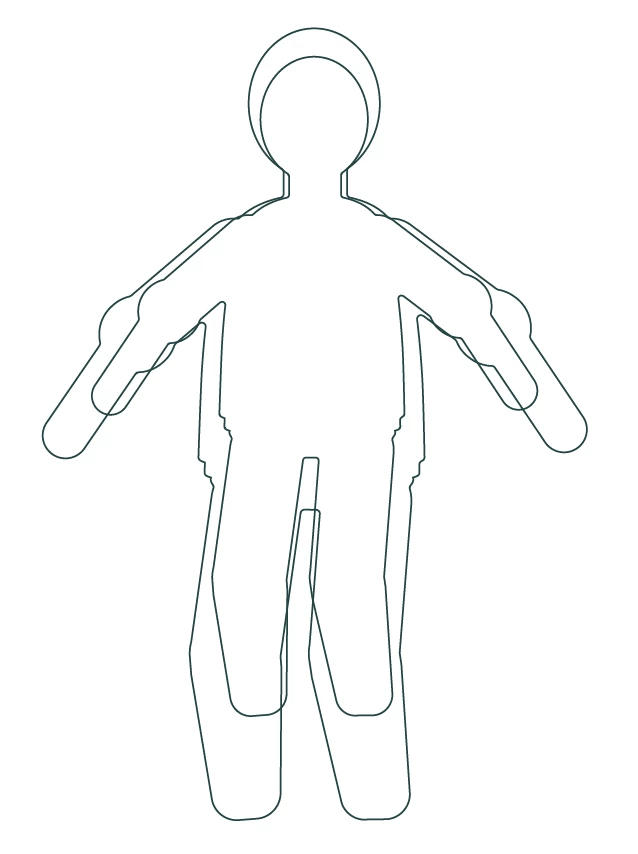
Here's my rubbish illustration of what I'm trying to achieve instead.
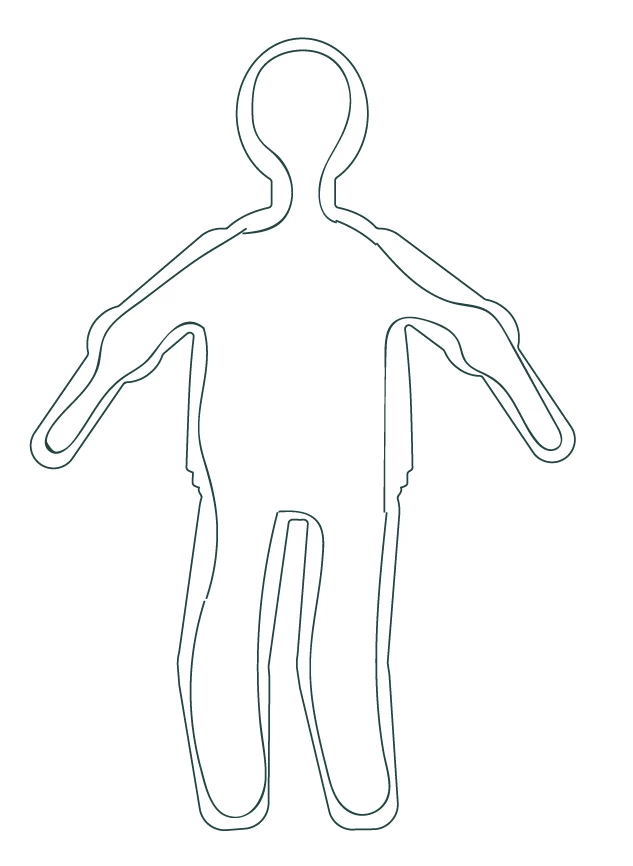
 

Is it possible to create an outline like this inside the shape itself?

cheers

This topic has been closed for replies.
Correct answer Monika Gause

Use Object > Path > Offset path with a negative value

2 replies

Monika Gause
Community Expert
Monika GauseCommunity ExpertCorrect answer
Community Expert
August 16, 2021

Use Object > Path > Offset path with a negative value

Sadie5FC3Author
Participant
August 16, 2021

@Monika Gause @Kurt Gold 

Thank you both! Exactly what I was looking for 🙂

Kurt Gold
Community Expert
Community Expert
August 16, 2021

Try Object menu > Path > Offset Path and use negative offset values.