
How to create custom borders like classic Atari Arcade flyers, in Illustrator
Hello all...I am somewhat of a beginner in Illustrator, but I feel like if I can at least solve this "mystery" I can overcome a hurdle and learn more about this awesome program
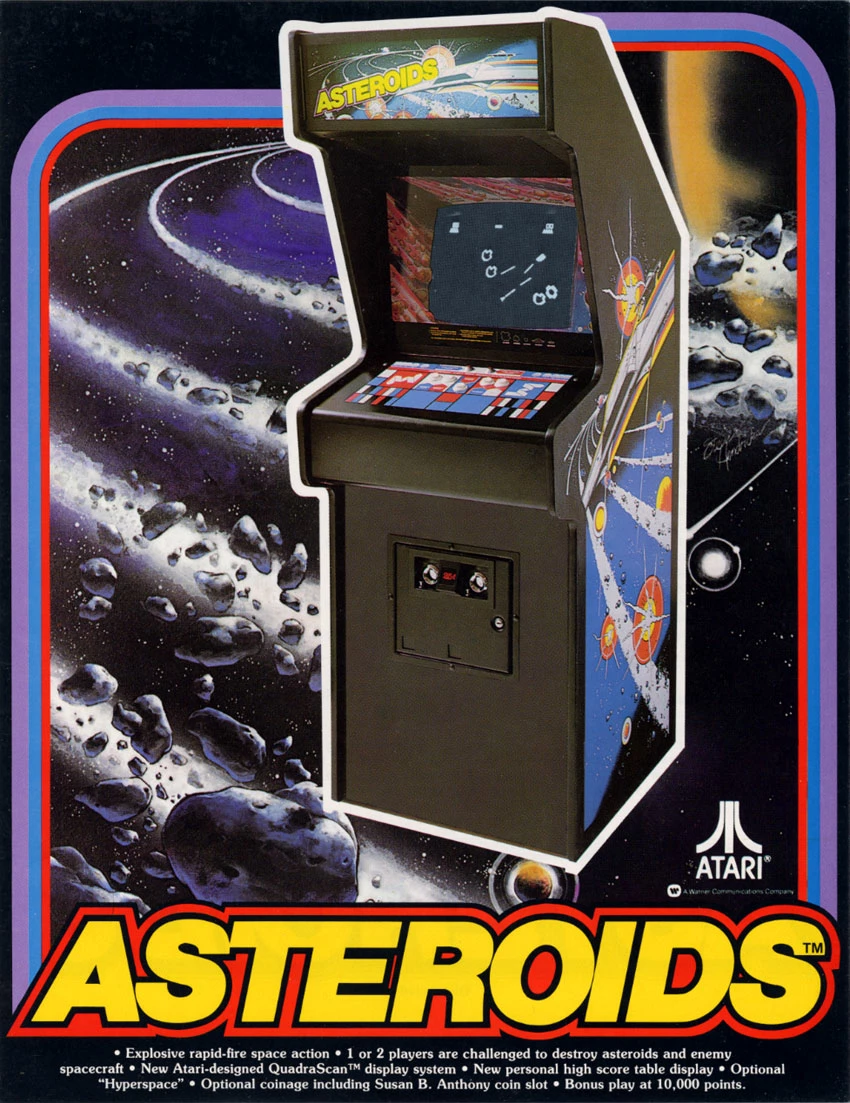
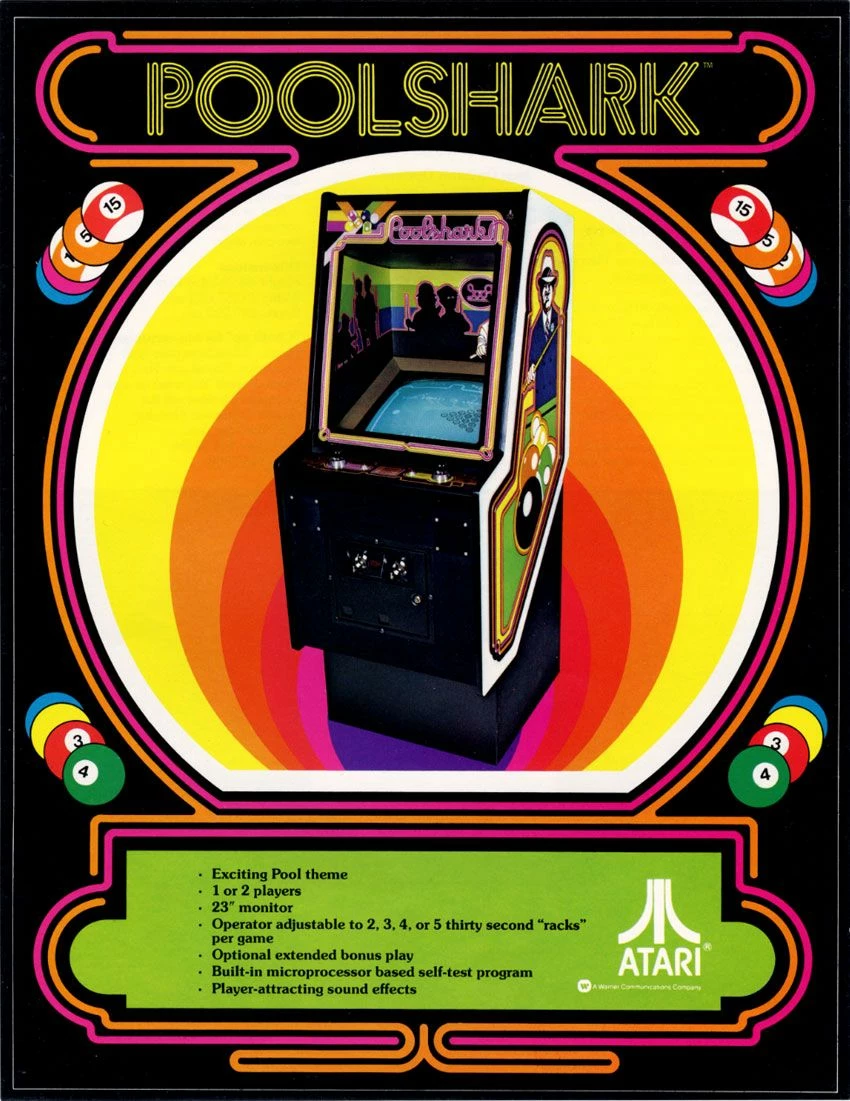
I want to create multi-colored lined borders like what you see in these classic "old school" arcade game flyers BELOW...
It's a design motif used by Atari in their classic Arcade cabinets/marquees on the video games, and they used the same design style in these flyers...various colored lines are traced around as a border, almost like a road on a map , syncronized in straight lines, curves, etc
In Illustrator I have been trying to use the Arc tool and or Line tool to create the curved corners..but when I try to "stretch" out the ends to make the lines go straight, the curve is not smooth/continuous...I cannot quite figure out how to get illustrator to make a straight line a curve and then back to a straight line again in a different direction, as seen here
How can this style of borders be created in Illustrator (Tools used, etc?)-
MUCH THANKS

 AdChoices