

Question
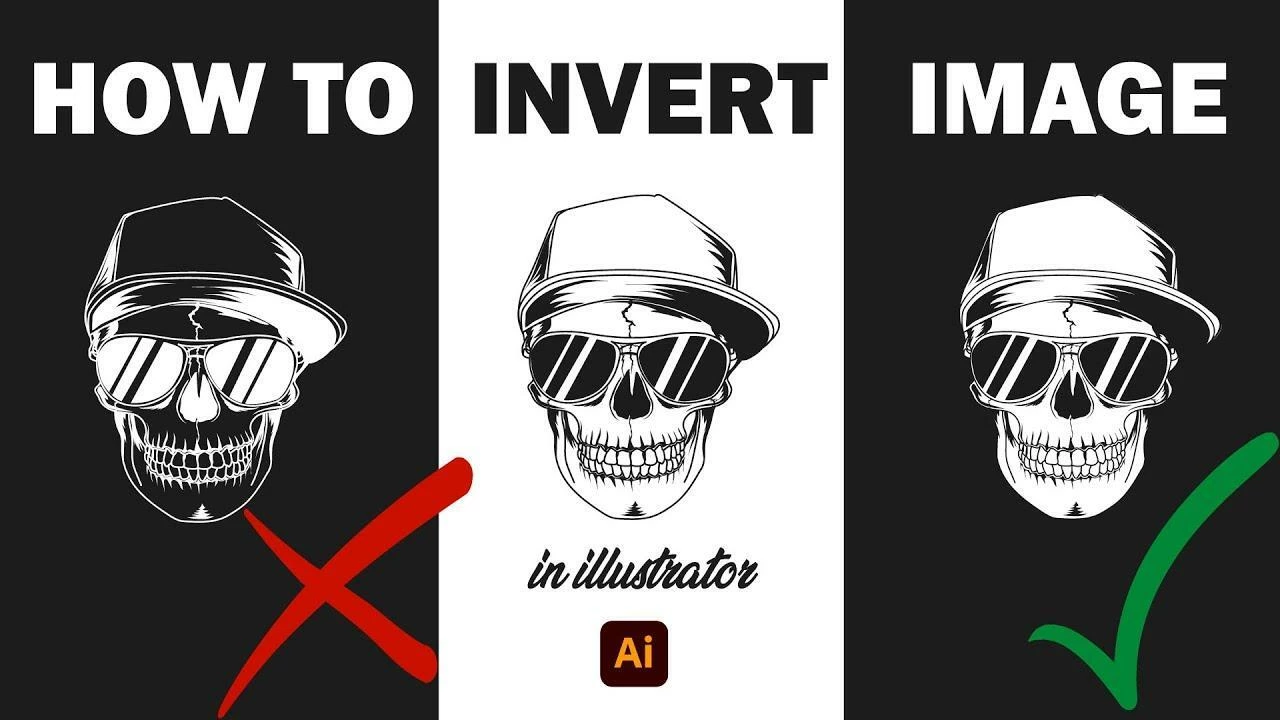
How to Create inverted design for logo/t-shirt in Illustrator?
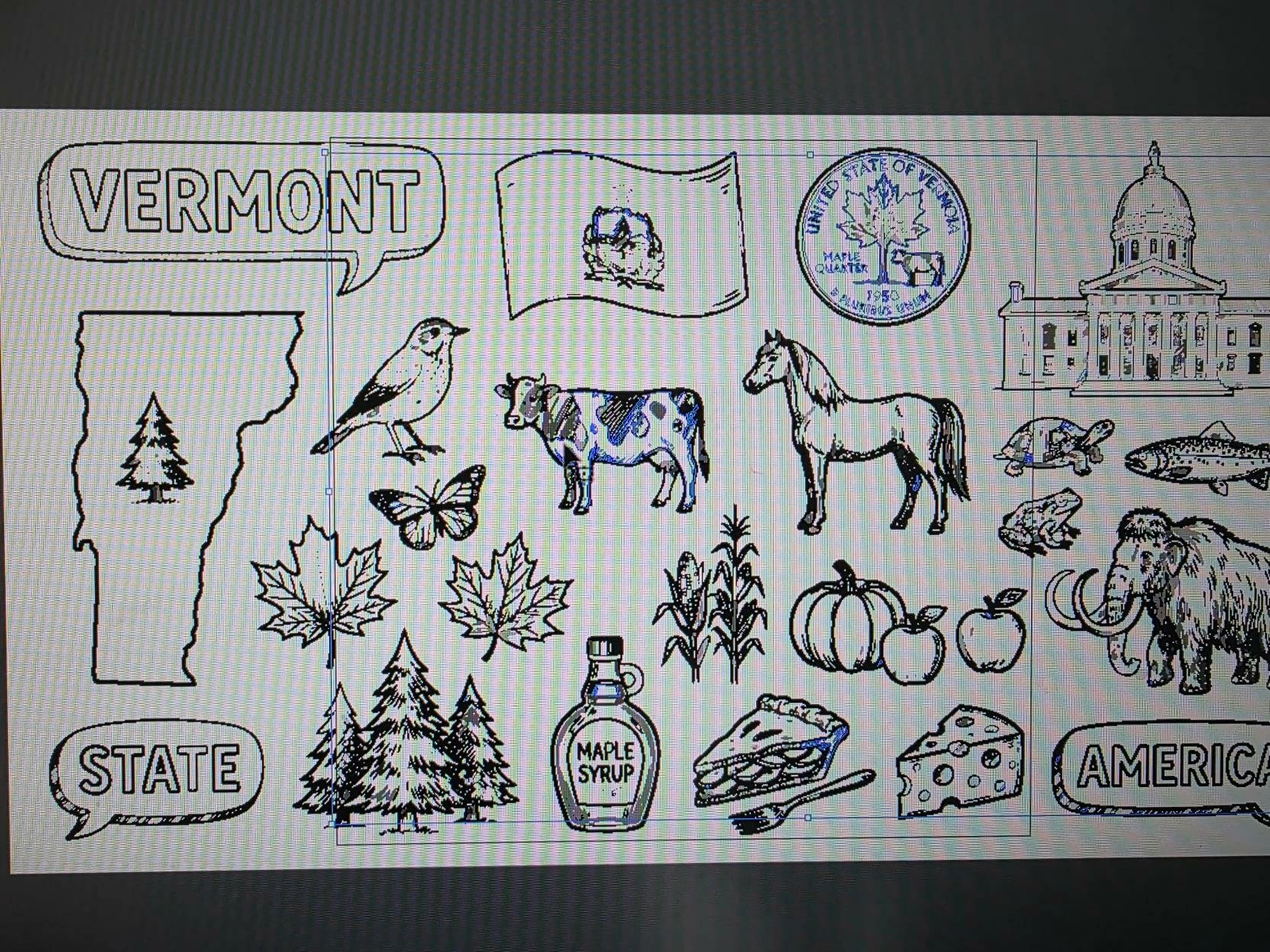
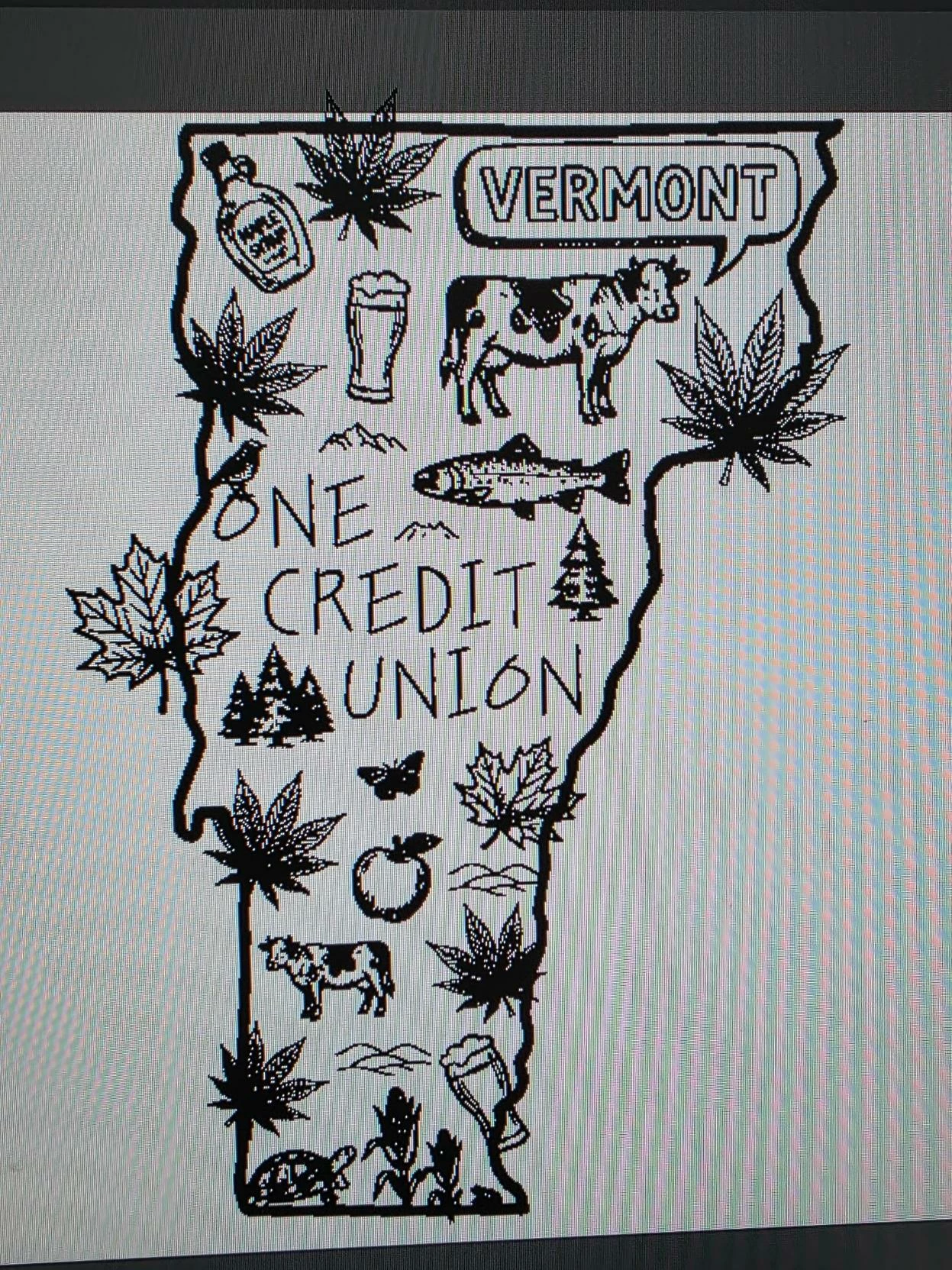
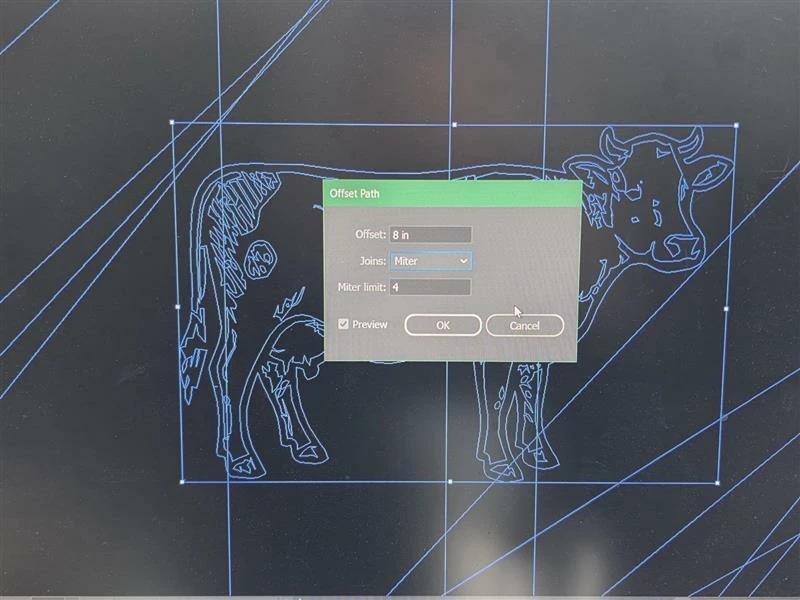
I’m an Ai newbie (only a few months of inconsistent use)and I’m trying to create an inverted version of this design so we can use it on a dark-colored t-shirt. I used a set of images from Adobe Stock and rearranged them, as you can see. I’ve tried the knockout/offset path method, but each element of this design is group of paths and/or compound paths (we’re talking dozens for each little picture, such as the cow) and… I just can’t sort it out.
 AdChoices