Hold down Shift as you draw a small square so that it has the exact same height and width. It should have no fill and no stroke.
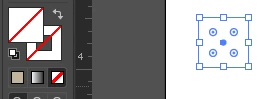
If you're using Illustrator CC, choose Object > Expand.
If you want a color background on the patter, copy the square. Then choose Edit > Paste in Front and fill it with the color you want.

Create a series of parallel line with the stroke color you want. Rotate the lines 45 degrees. Position them over the square so that each corner of the square is centered between a pair of lines. I've zoomed in so that you can see the position more clearly.

Select everything and drag the objects into the Swatches panel to create a new pattern.
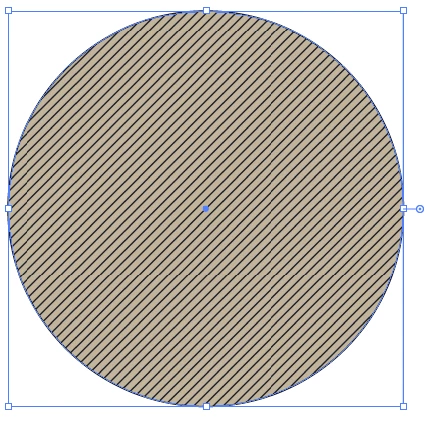
Text the pattern by creating a large shape and filling with the pattern.



 AdChoices