Known Participant
January 28, 2022
Answered

How to create Vector image with text?

  • January 28, 2022
  • 1 reply
  • 6026 views

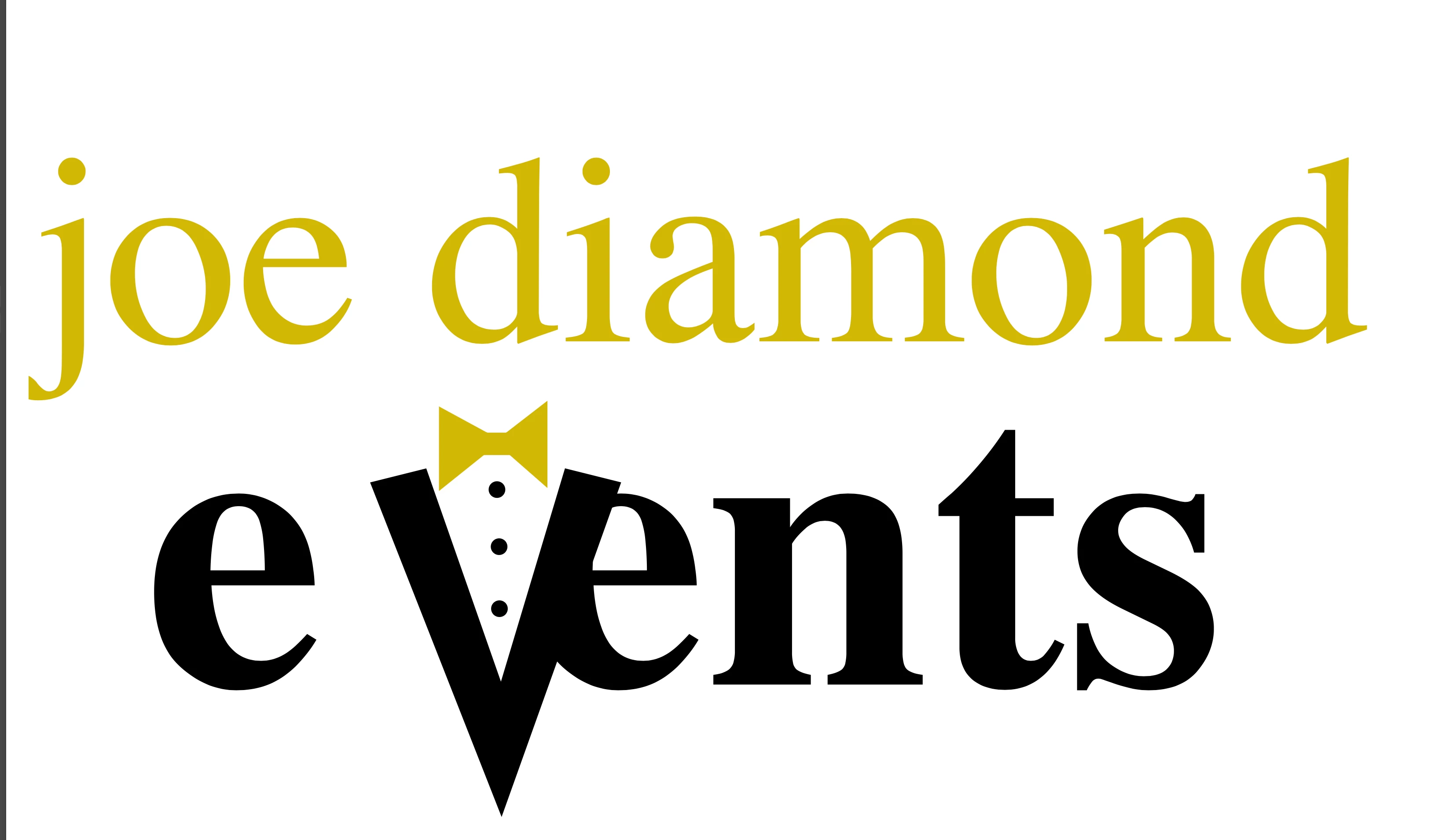
Hi! I don't understand how to create a scalable vector logo with a custom font. I created it in Illustrator all fine and dandy and saved it as a .png, looks great. Then I realized I need to actually save it as a vector file, so I saved it as a .svg. Now when I open it to preview in Safari, the .svg looks wonky, I presume because it has replaced the font with a default. 


How am I supposed to create this and save it while using my desired font? (Koblenz)

I think you will be able to see which one is the correct one 🙂

 

This topic has been closed for replies.
Correct answer Scott Falkner

Text is a vector, but fonts cannt be embedded in SVG files. You can save as PDF or convert text to outlines then save as SVG. It would help to know what you plan to do with the file. What format do you need it to be in? What will be done with the file?

1 reply

Scott Falkner
Community Expert
Scott FalknerCommunity ExpertCorrect answer
Community Expert
January 28, 2022

Text is a vector, but fonts cannt be embedded in SVG files. You can save as PDF or convert text to outlines then save as SVG. It would help to know what you plan to do with the file. What format do you need it to be in? What will be done with the file?

Known Participant
January 29, 2022

Hi Scott,


Basically I wanted to save it as a vector so I could expand it as much as I wanted. From having it on a business card, to (theoretically) having it on a billboard!

barbara_a7746676
Community Expert
Community Expert
January 29, 2022

As Scott suggested, converting text to outlines would get you what you want. 

Save a separate copy as an Illustrator file so that you can scale it as needed, and then resave the file.