
How to crop SVG & PDF
I am struggling to get a good workflow for my laser cutter and need some help exporting/trimming an SVG.
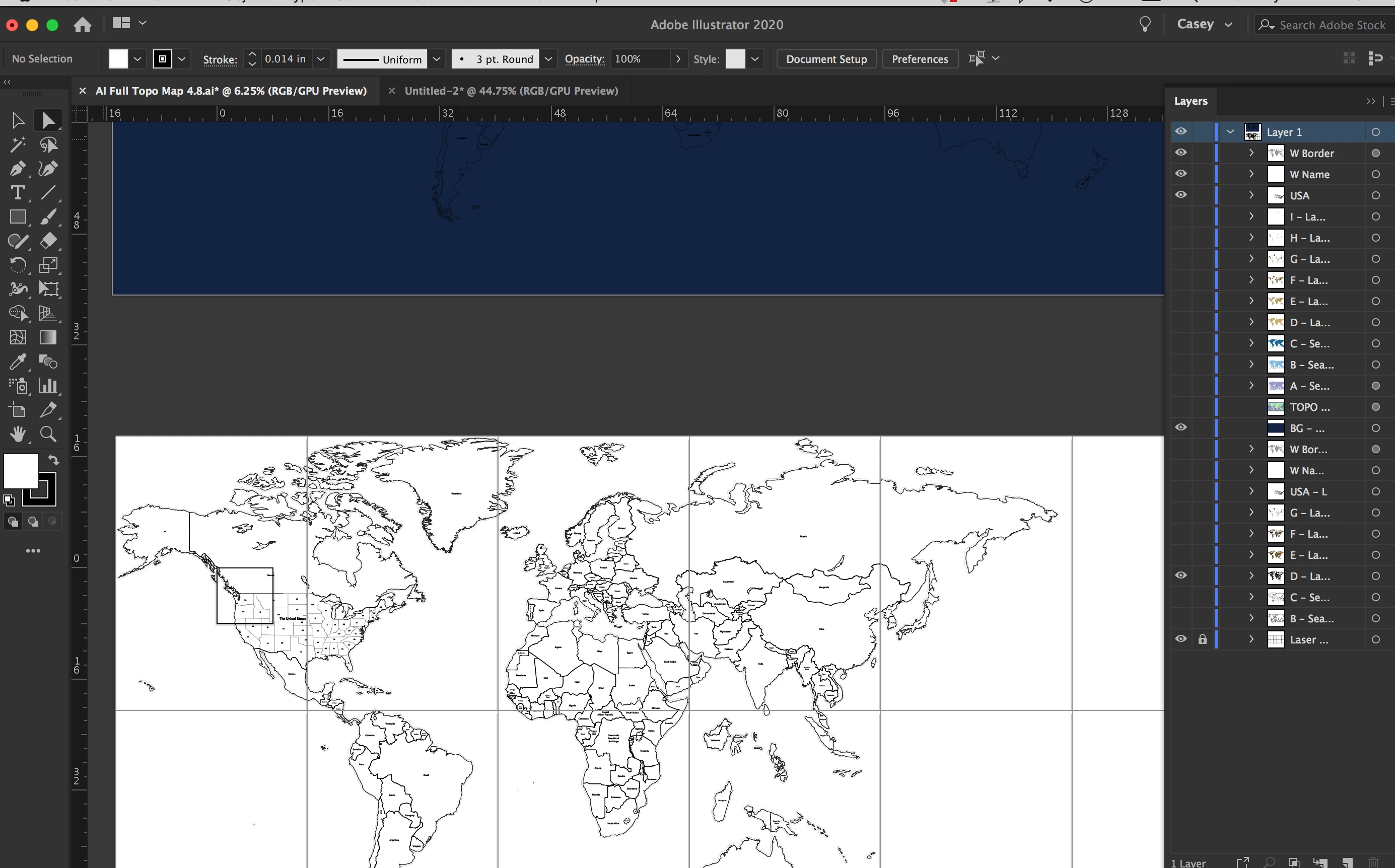
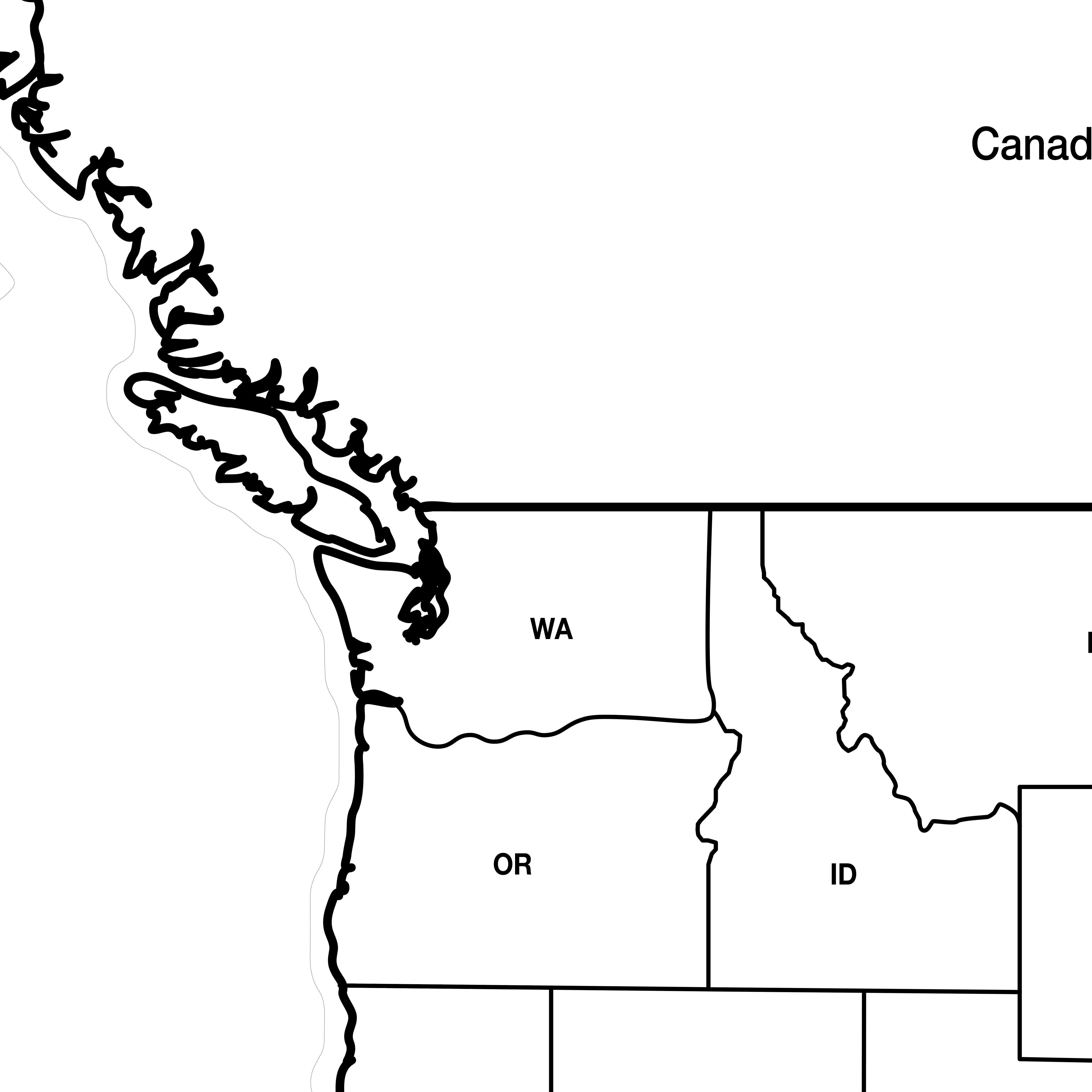
When I export an SVG, or PDF, then open in Finder it looks great. All the artwork is right where it should be. If I print on a paper printer it looks exactly right.
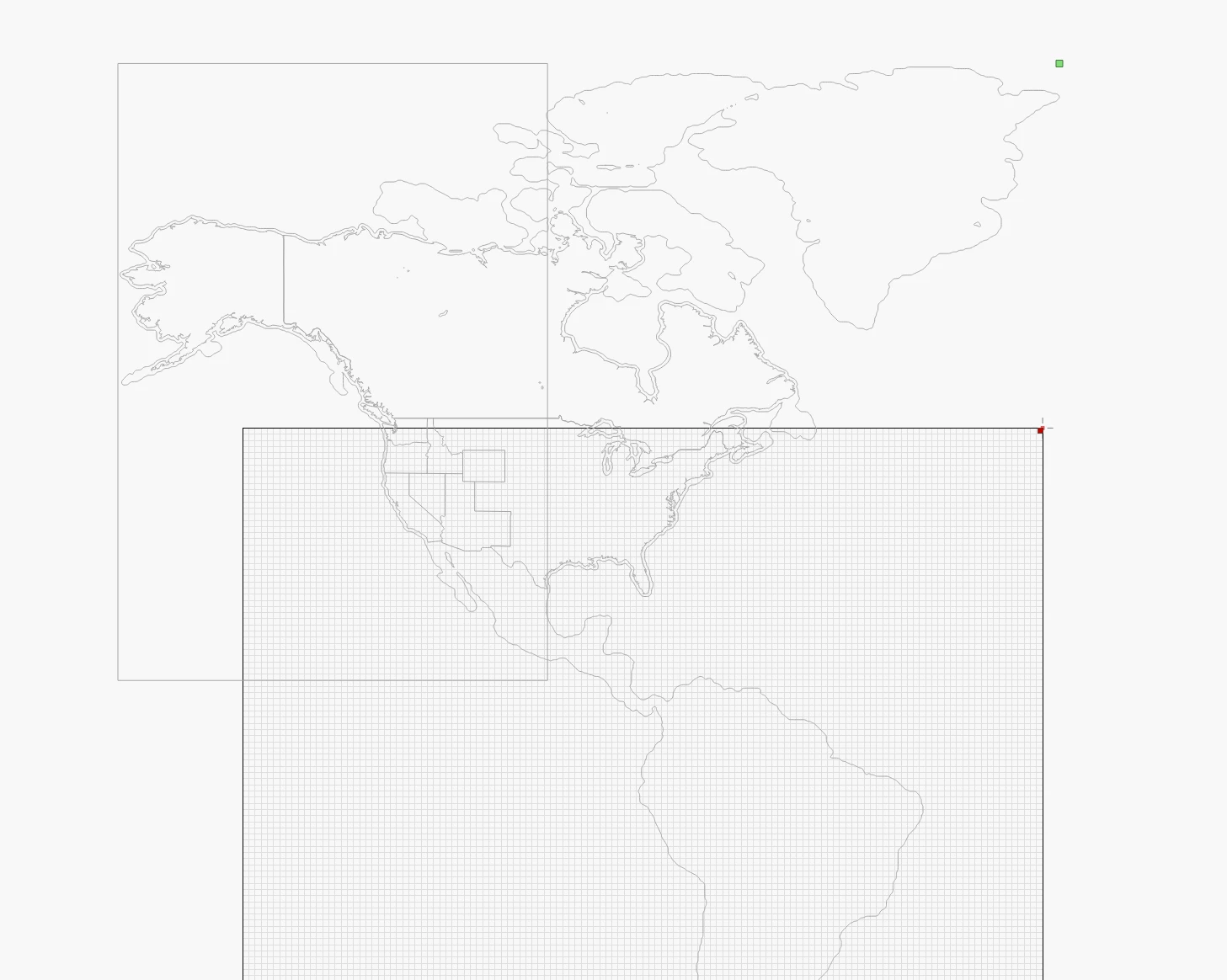
However, when I bring that SVG or PDF into another program such as Lightburn (or even re-open it in AI) the artwork has all these overhanging extra pieces. This is where I am struggling.
How can I easily crop or remove these extra pieces and lines? Illustrator is a powerful program and I am sure it has a way to easily and simply do this. I know I am nt the only person on Earth trying to export multiple artboards and not have extraneous artwork hanging off the side messing up the CNC machines.
Any tips, search terms, scripts, other software, or ideas are very welcome!
 AdChoices