How to delete colors from the Recolor Artwork tool in Adobe Illustrator 2024?
I used Image Trace on High Fidelity to get the best resolution of this photo of a tree and I'm currently trying to remove as much white from the background as possible. I noticed with using the Recolor Artwork tool you can grab every color in your workspace and sort the colors from light to dark. I don't want to change the colors and would much rather delete them if this is possible please help me out I've been on the search for weeks now!
Tool Navigation:
[Edit>Edit Colors>Recolor Artwork...>Advanced Options...>Color Reduction Options>Sort: Lightness - light to dark]
Now, before anyone asks yes, I know that there is such thing as Remove Background in Photoshop and there're other desktop software's that do the same but I'm not interested in using those as I see potential with using this method in Illustrator. Id like to expand my knowledge of Illustrator and further understand this tool, thank you!
I'm also familiar with the tool [Select<Same<Fill Color], which allows you to pick one color at a time. However, this method can be slow and isn't efficient in terms of my time. If this is the only way around to my issue I wonder if there's a way I can set a range of colors to [Select<Same<Fill Color] or select multiple colors at a time, If so I'd love to know!
This leads me to my last option I've heard Adobe Illustrator has the ability to hold extensions similar to SketchUp, not sure, if so there may be an extension that I don't know of that may help...
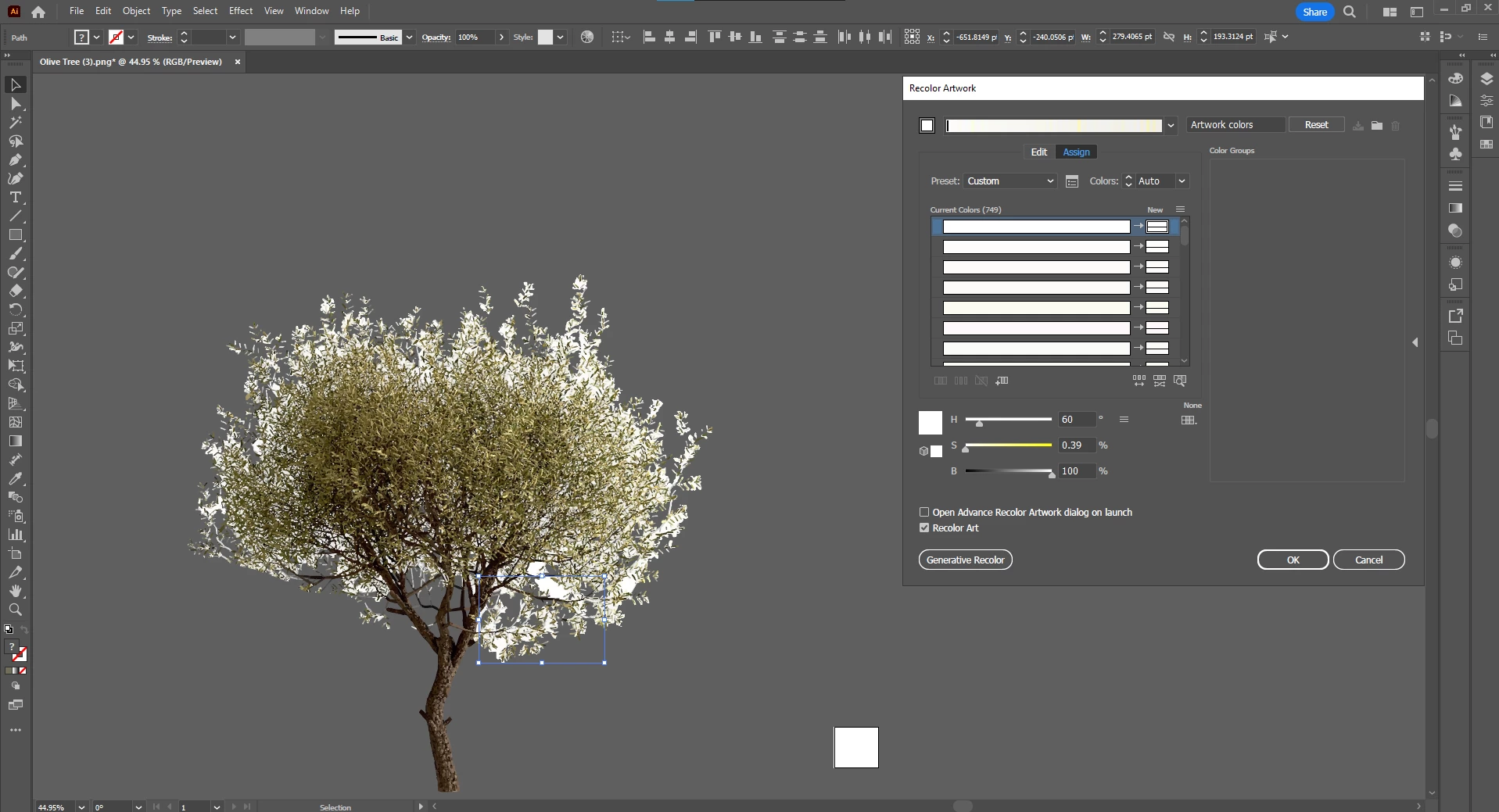
Photo Reference
 AdChoices