
Known Participant
October 20, 2024
Answered

How-To Display Proper Unicode text via ExtendScript

  • October 20, 2024
  • 3 replies
  • 883 views

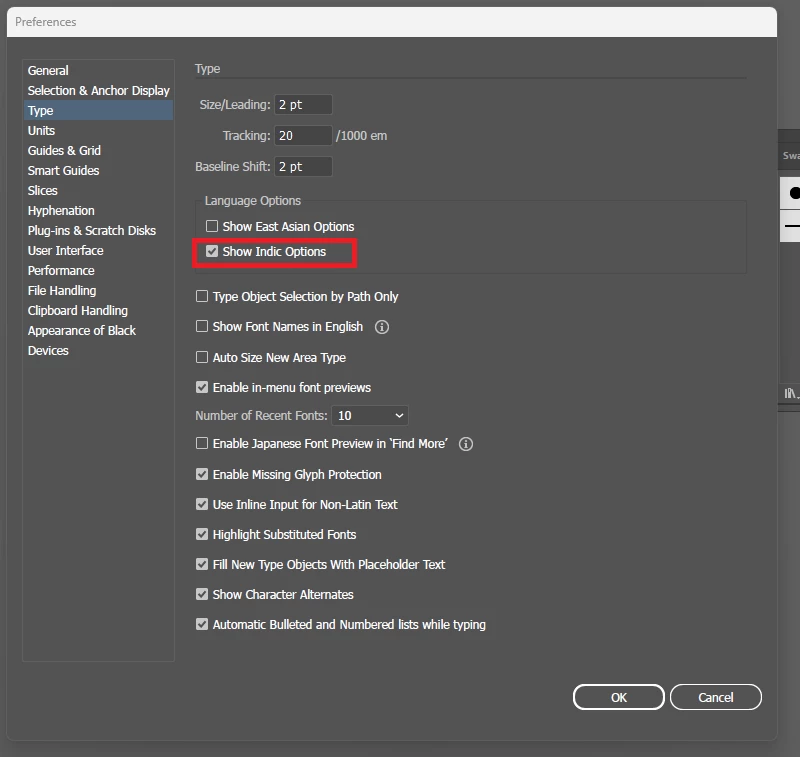
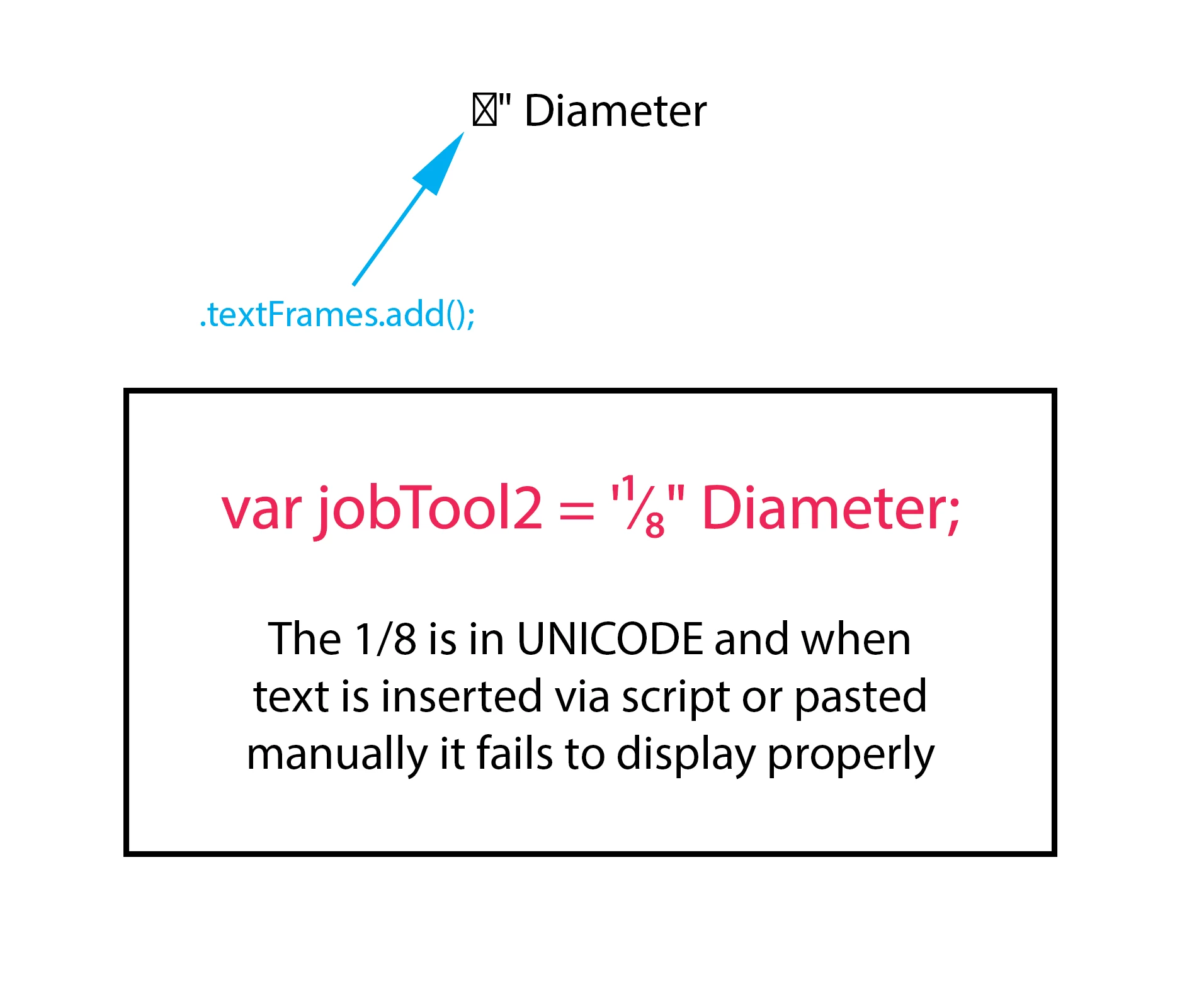
Is there a way to properly display UNICODE text when adding it via script. I was able to get Illustrator to display UNICODE by enabling "Show Indic Options" under Type Preferences but it still fails via script.
 

This topic has been closed for replies.
Correct answer hhas01

That’s a font issue, not a Unicode issue. The empty box symbol means the current font doesn’t contain the required glyph.


Set the text in a font that contains the “⅛” glyph (e.g. try Arial) and it appears correctly.

3 replies

renél80416020
Inspiring
October 21, 2024

Salut!

Petit script en réponse...

// JavaScript Document
// diametre.js
var police1 = "SymbolMT";

var doc = activeDocument;

 var Phi = String.fromCharCode(8709); // Phi = "\u2205";

      alert(Phi+" 1254");

      police1 = getFont(police1);
      var pointText = doc.textFrames.pointText([20,-20]);
          pointText.contents = Phi+" 1254";
          if (police1 != undefined) pointText.textRanges[0].textFont = police1;
// -------
function getFont(nomPolice) {
     try {
       var police = textFonts.getByName(nomPolice);
     }   catch (e) {
        alert( "The specified font doesn’t exist" );
        return undefined;
        }
     return police;
}
// -------

si ensuite vous modifez la police, dans de nombreux cas le symbole ∅ subsiste.

René

hhas01Correct answer
Inspiring
October 21, 2024

That’s a font issue, not a Unicode issue. The empty box symbol means the current font doesn’t contain the required glyph.


Set the text in a font that contains the “⅛” glyph (e.g. try Arial) and it appears correctly.

nutradialAuthor
Known Participant
October 21, 2024

I used this script to cycle thru my fonts and obtain proper names for scripting and as you said Arial is one the fonts that contain all necessary glyphs to display the Unicode fractions. Thanks for the help.

Participant
November 20, 2024

Great script! For advanced text manipulation or working with hidden text, you can also explore Text Invisible—a handy tool for such tasks. Let me know if you'd like details!

Sergey Osokin
Inspiring
October 21, 2024

Would it help to use the Unicode character for insertion?

var tf = app.activeDocument.textFrames.add();
tf.contents = '\u215B" Diameter';