



Document Geek
Community Expert
Community Expert
February 14, 2020
解決済み

How to do a wholesale swap of all instances of one shape to another shape?

  • February 14, 2020
  • 返信数 2.
  • 1135 ビュー

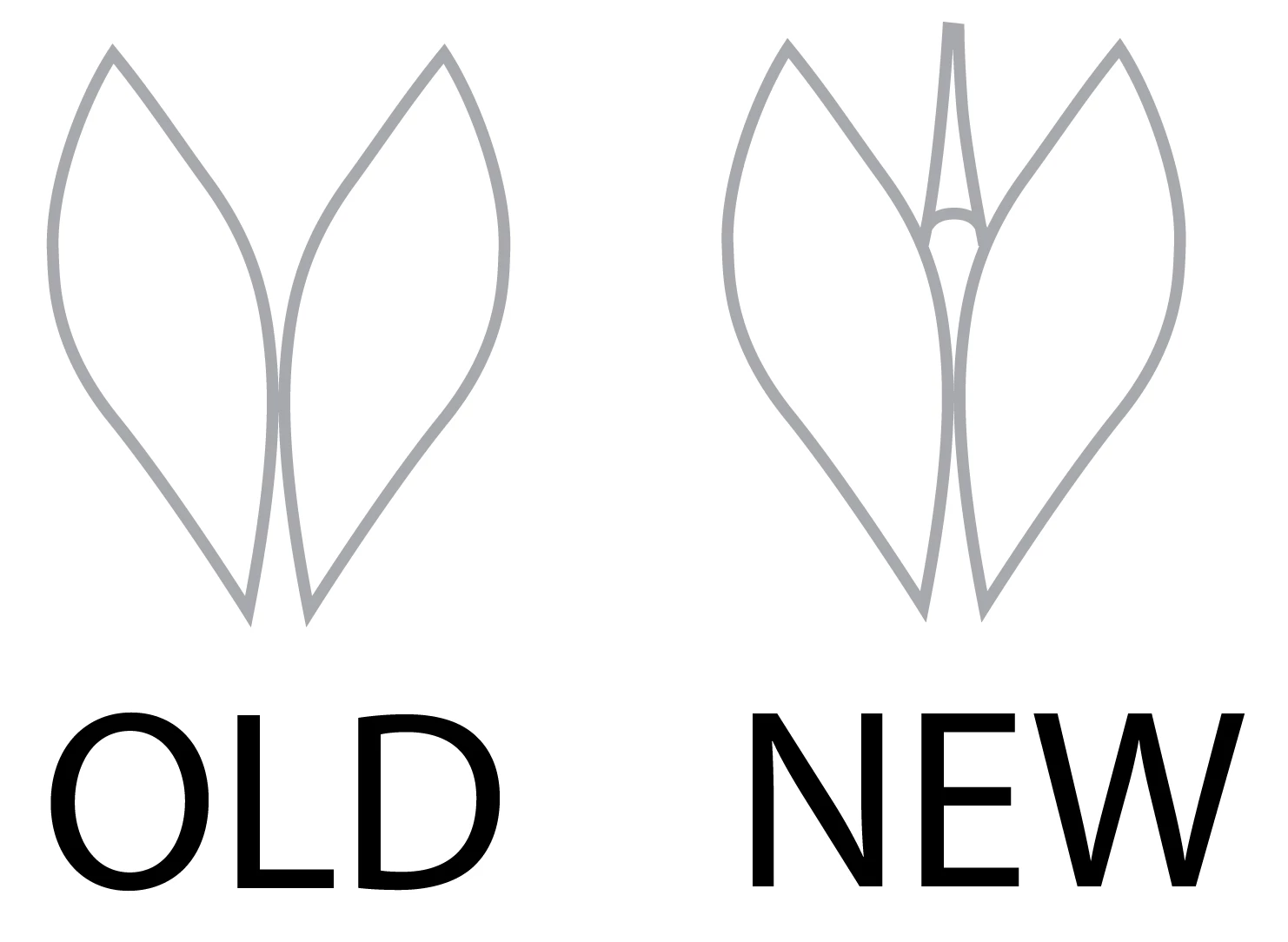
I have a design that uses a large amount of a single shape. I've been refining it and now I want to do a wholesale swap one of shape to another shape. I know I can do this one at a time using symbols, but I'm wondering if there is a way to have Illustrator search for all instances of a particualr shape geometry and replace them with the new shape. Maybe a script like this exists?
 

このトピックへの返信は締め切られました。
解決に役立った回答 Kurt Gold

Yes, there are scripts (do a search fo zamena or zamena size, for example).


And there are other ways as well. Which one depends on the Illustrator version you are using. What version is it?

返信数 2

Kurt Gold
Community Expert
Community Expert
February 14, 2020

You may try the built-in Global Edit feature.

Document Geek
Community Expert
Document GeekCommunity Expert作成者
Community Expert
February 15, 2020

Zamena will do exactly what I want. And I had no idea that global editing existed. I learn two new things today. Thank you so much!

Kurt Gold
Community Expert
Kurt GoldCommunity Expert解決!
Community Expert
February 14, 2020

Yes, there are scripts (do a search fo zamena or zamena size, for example).


And there are other ways as well. Which one depends on the Illustrator version you are using. What version is it?

Document Geek
Community Expert
Document GeekCommunity Expert作成者
Community Expert
February 14, 2020

I am using Illustrator 23.0.1 on Mac.