Answered
How to do gradient masking for complex objects?
Hey! Thank you for your time! Is there any way to mask this object (see attached screenshot), so that the result would look like that (see another screenshot ) in Illustrator?
Thank you!
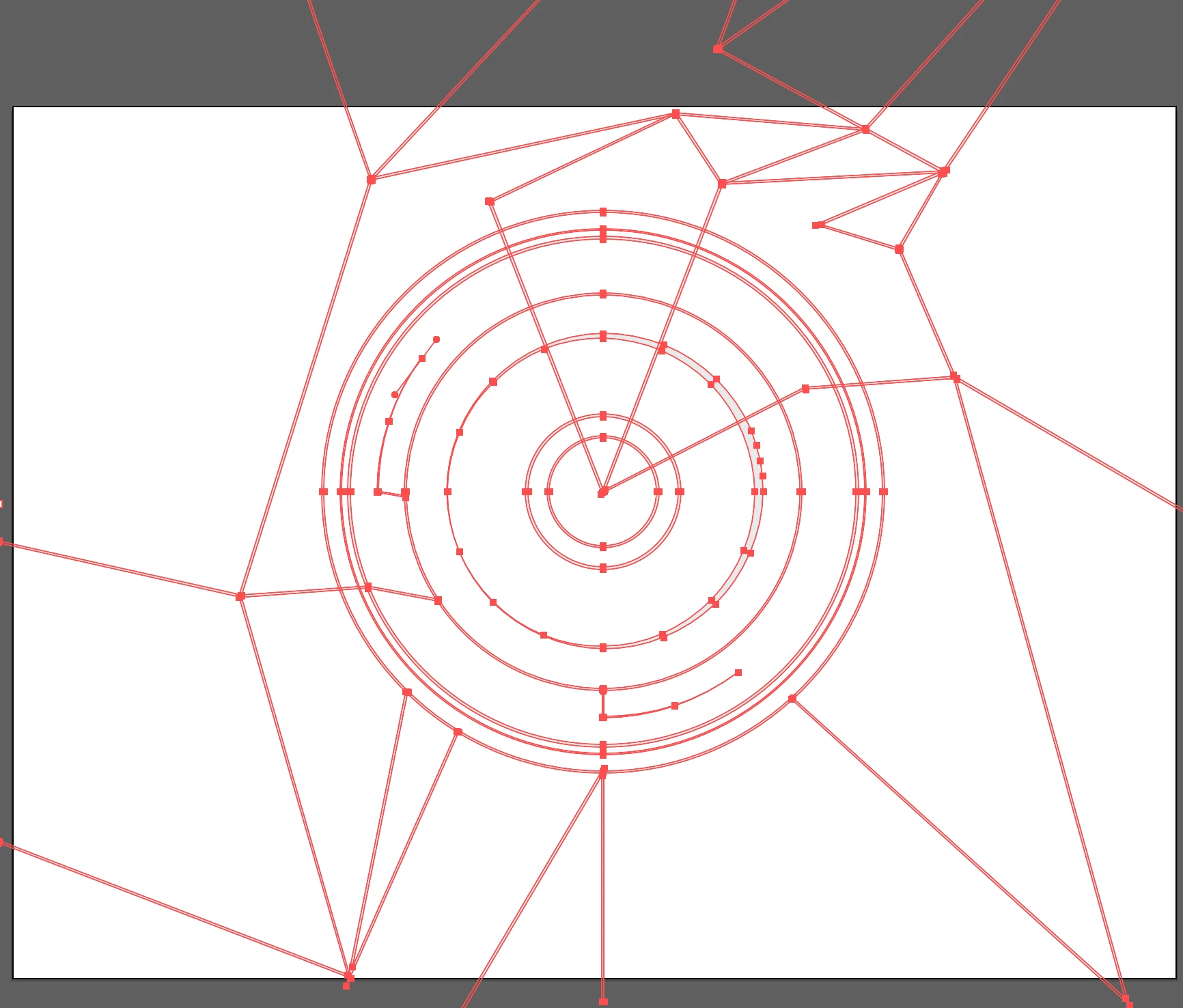
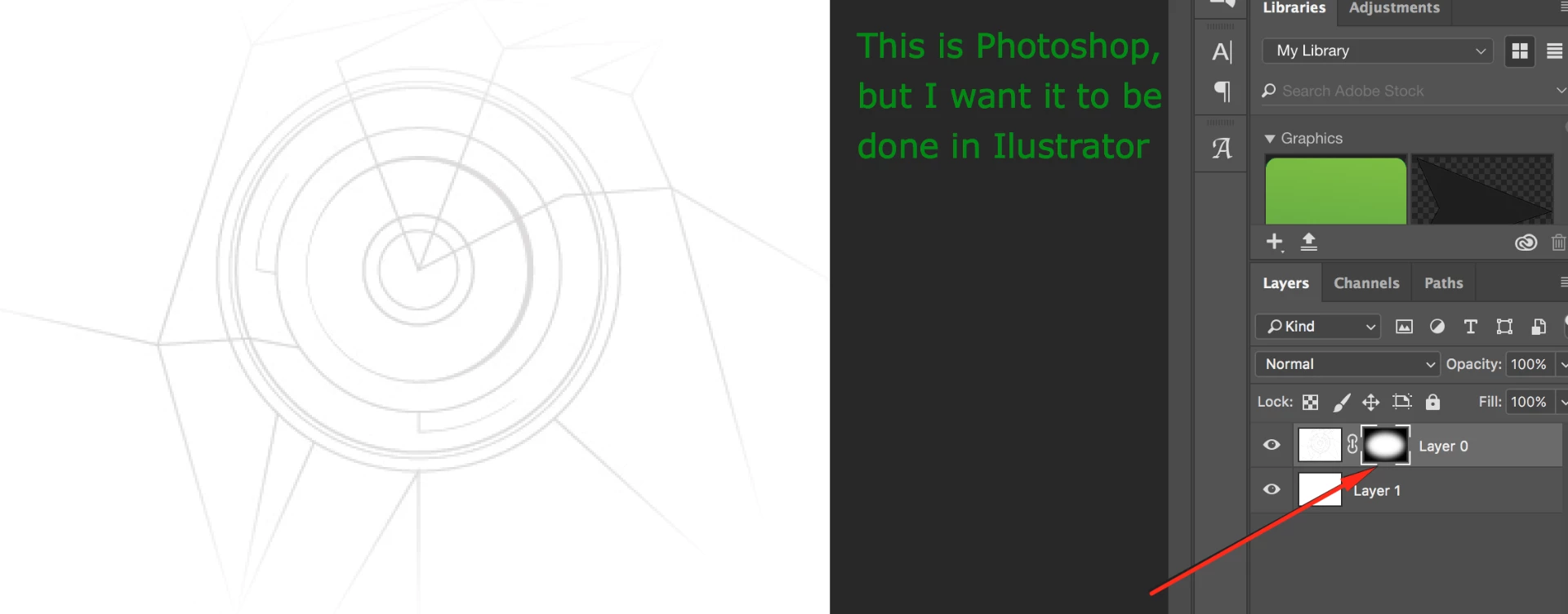
Hey! Thank you for your time! Is there any way to mask this object (see attached screenshot), so that the result would look like that (see another screenshot) in Illustrator?
Thank you!
Yes, you could make an object filled with a gradient (similar to what you did in the mask in Photoshop).
Put it above your lines, select both and use the Make Mask option in the Transparancy Panel.
Already have an account? Login
Enter your E-mail address. We'll send you an e-mail with instructions to reset your password.
 AdChoices