
Participant
April 15, 2021
Question

How to draw/ Creating a path from a point without having the stroke corner pointed-out

  • April 15, 2021
  • 3 replies
  • 331 views

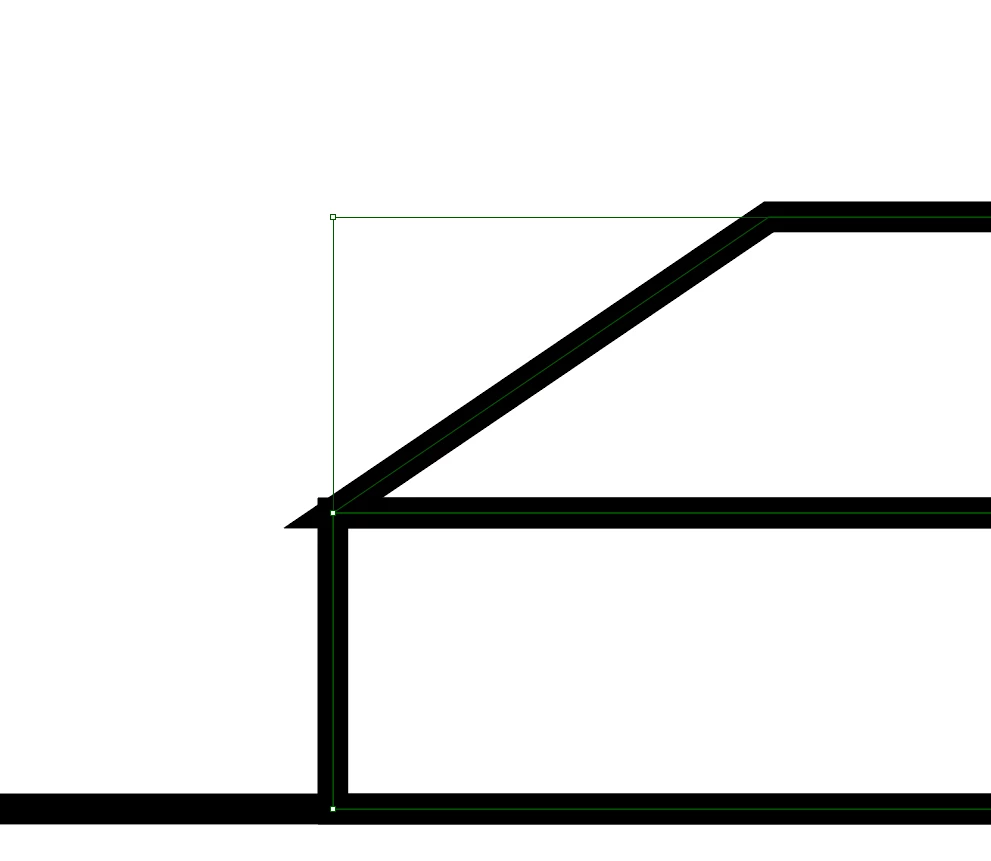
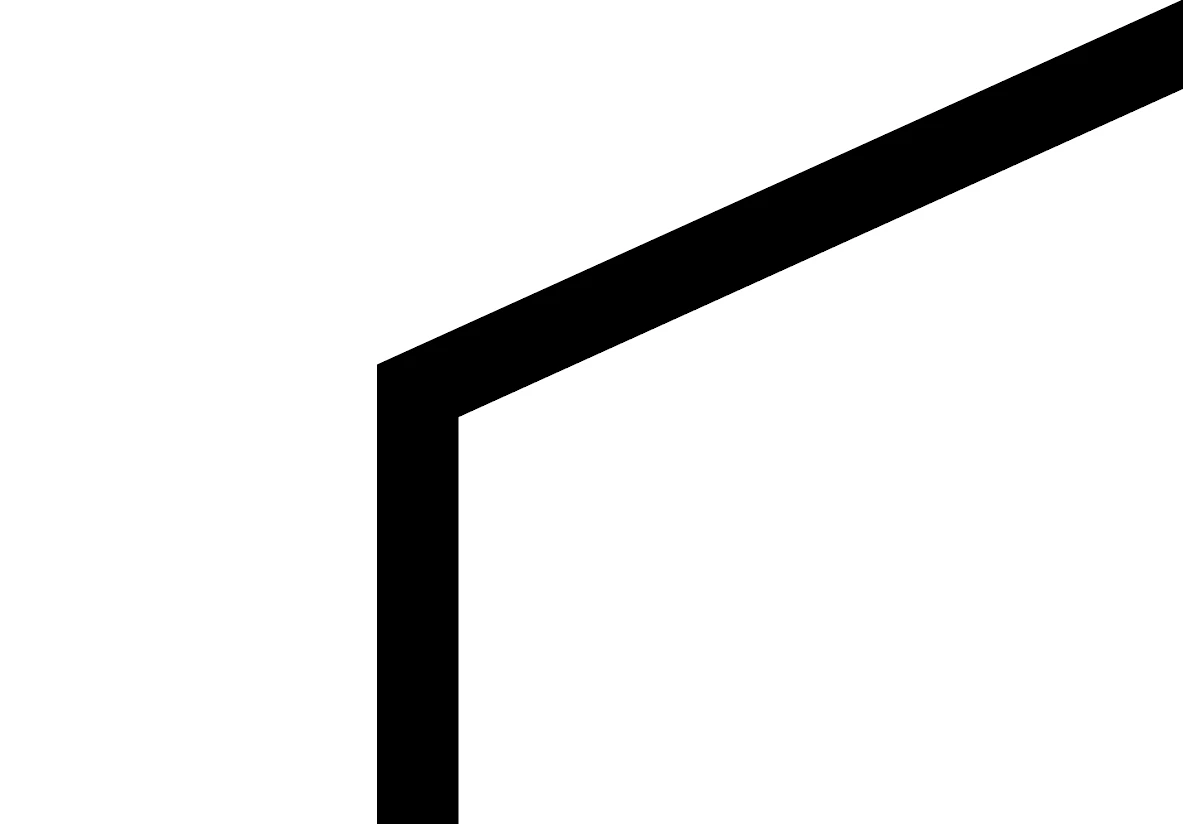
Hello, I'm getting started with Illustrator and here I'm trying to draw a house-like shape using a rectangle and a trapezoid (I used 2 rectangles and distorted the top one). But the problem is the 2 corners here is being pointed out. Is there any way to draw this with a clean corner? The picture on the right is the kind of corner I'm trying to achieve.
 

This topic has been closed for replies.

3 replies

Jacob Bugge
Community Expert
Community Expert
April 16, 2021

luann,


This is a recurring issue.


The straightforward and easy way is to use the Round Cap and Join (on both quadrangles) as shown by Hans-Jürgen.


If you wish to have sharp corners as shown in your picture to the right, you need to change the structure as shown by Peter. In this case you can do it with what you have as follows:


1) With everything deselected, with the Direct Selection Tool Click the internal eave = the top segment of the rectangle or the bottom segment of the trapezium (whichever is on top), and hold Ctrl/Cmd and press C+F+X+B to send it to the back as a new separate line (just avoid Projecting Cap), then lock it (in the Layers panel);

2) ClickDrag with the normal Selection Tool over both quadrangles and click Unite in the Pathfinder panel, then unlock the eave line from 1);

3) ClickDrag over everything and Group (Ctrl/Cmd+G) if desired.


tromboniator
Community Expert
Community Expert
April 15, 2021

Another approach, possibly using the trapezoid and rectangle as a guide, is to draw the external shape as a continuous path and the internal eave line as a separate path.

Peter

pixxxelschubser
Community Expert
Community Expert
April 15, 2021

Please try to use these stroke settings for caps and corners: