
Answered
How to edit a path on flat 3D shape
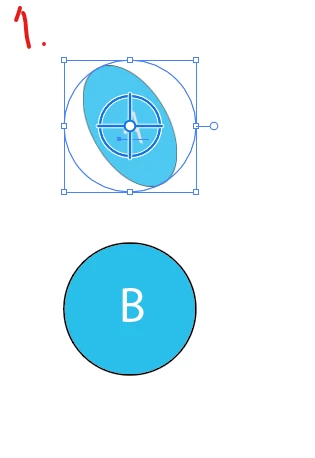
How can I change a path on a simple shape that's turned into a flat 3D shape? This what I do:
1. I change Plane on shape A (B is there for reference)
2. 
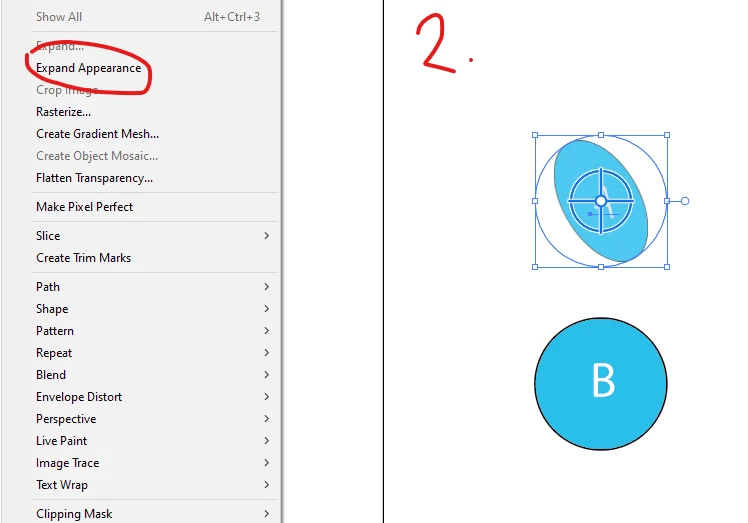
I click Expand Appearance
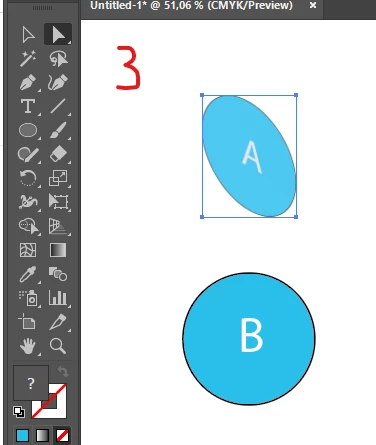
3. I select the Direct Selection tool but I can't edit and anchor points (there's a square bounding box)
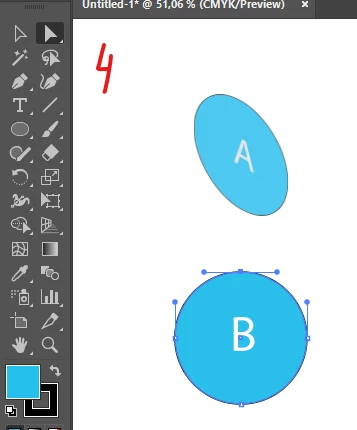
4. As reference, the B shape allows me to edit the anchor points. So, what do I need to do to able to edit the path on shape A??
Appreciate any help.


 AdChoices