


How to edit path(s) between two shapes resulting from using Pathfinder tools
Hello all! First, apologies if there's an answer to this question somewhere already, I searched and couldn't find one, and I made a quick sketch of what I did rather than trying to find the points I'm struggling with on my original work, so don't judge the example too harshly! 🙂 My actual task and questions are in bold type, for clarity.
So I am creating a complex logo for a client that involves a lot of overlapping shapes. In the end, the circles in the example will be filled shapes, and the front "snake" shape will have an outline only, and no fill.
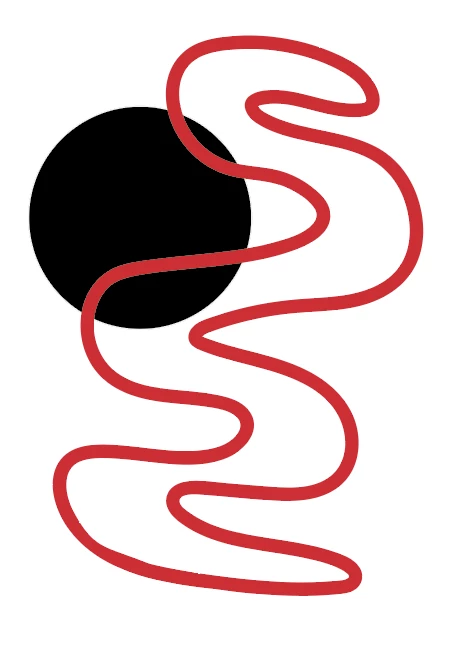
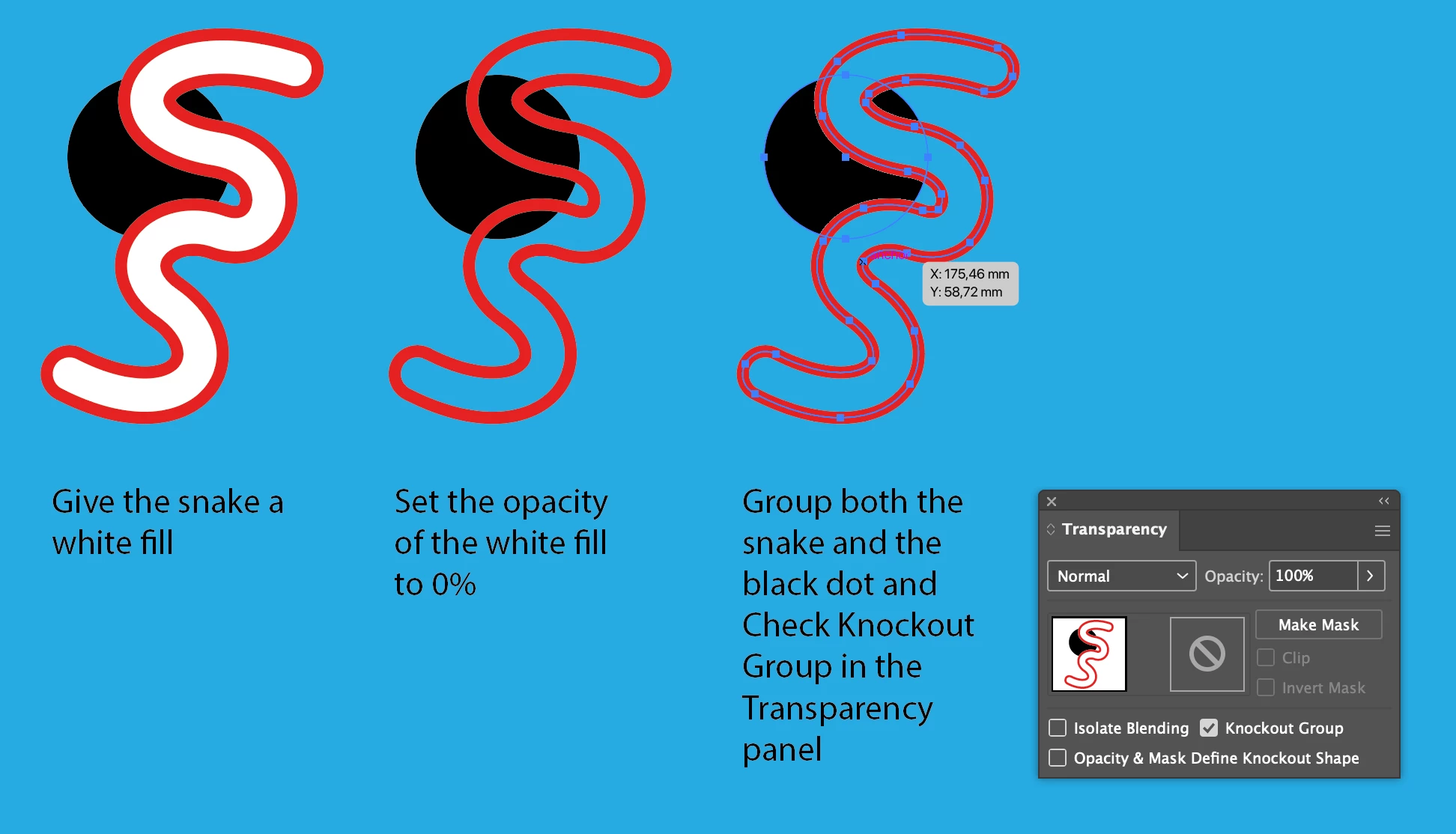
I was struggling to find a way to take the front "snake" shape (which I drew with the blob brush :-/) and position it over the circle shapes so that the circles only showed along the edges of the snake and not in the middle of the snake (which will have no fill) so I used pathfinder tool (divide) together with shape builder (to rejoin the outline of the snake that had been divided by the pathfinder tool into several parts) and accomplished it that way.
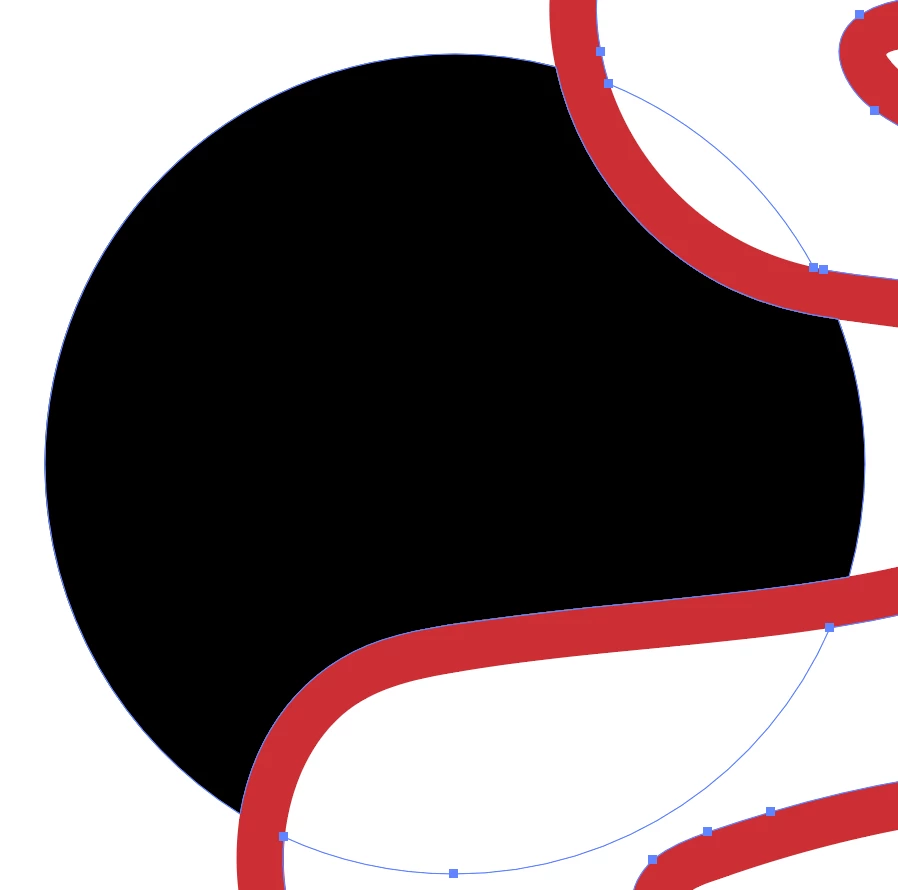
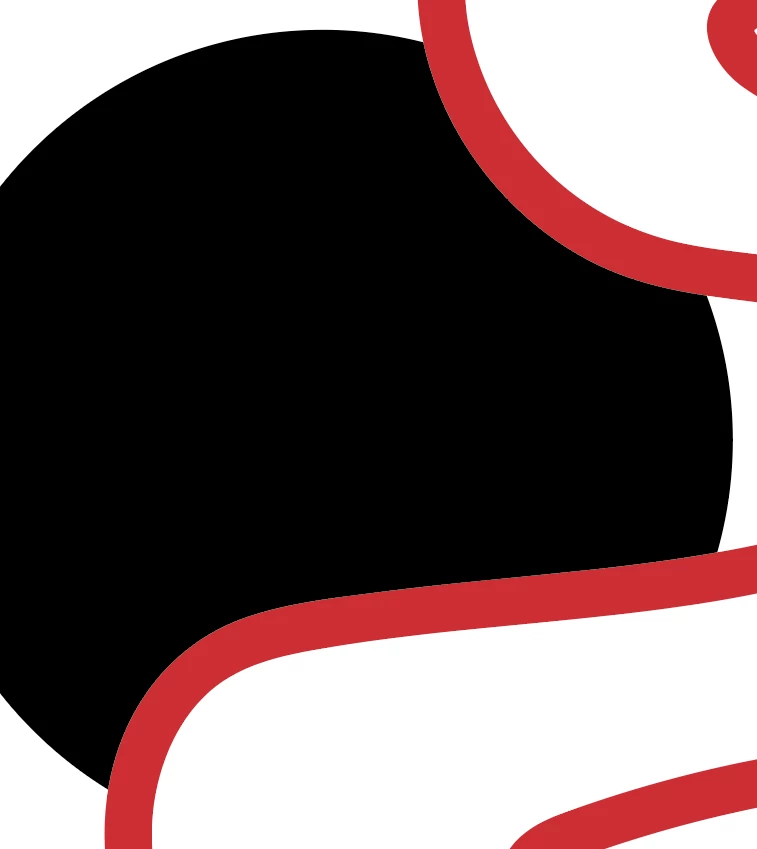
The client wanted some changes to the shape of the snake:
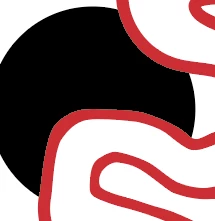
...so I had to edit some of the paths between shapes the pathfinder created, but I'm having trouble doing that (easily) and not creating gaps between the shapes, which had previously been perfectly aligned by illustrator. I started off moving each anchor point individualy (move one from circle, move corresponding one from snake) instead of using the lasso tool (so add that to the list of mistakes I made on this job...). Then I figured out I had done it the hard way, and (instead of undoing and doing it the easy way...mistake) went through and lassoed the each of the groups of anchor points I'd already moved:
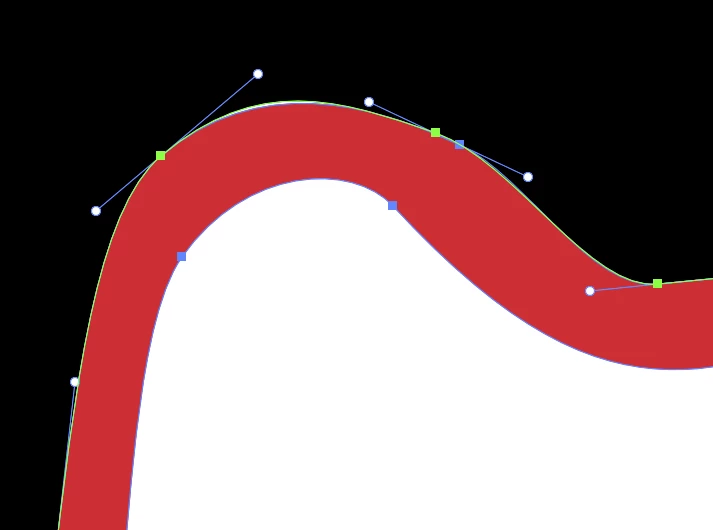
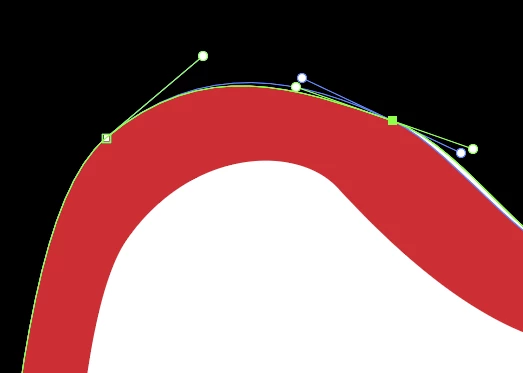
aligned them using the align menu, and then painstakingly maeuvered the handles of both anchor points (individually, as it's the only way I know how to do it) to precisely overlap so that the curves of both paths match and the gap disappears. I've done at least a hundred, and probably have 50 more to do. Is there a way to align the handles of two aligned anchor points more easily, now that I'm in this far? Obviously I can see several places where bad illustrator practices made my life more difficult along the way (not saving in the cloud so I could go back to a previous version of my logo, deleting the white interior shapes that resulted after I drew the snake and it's details with the blob brush in order to get rid of the outline of the scraps of circle I'd deleted, using pathfinder too early and stubbornly forging ahead with the insane edits rather than undoing the pathfinder and making the edits first, etc etc etc) and I'll do things differently next time, but for this logo, is there a way to perfectly align the edges of two irregular shapes? Are the align tools useless to me in this scenario, outside of aligning individual anchor points as I have been doing? Is there a way to adjust the handles of two different anchor points on two different paths simultaneously, OR align the handles to one another automatically? Or should start from scratch and chalk this up to an expensive learning experience? Thanks, folks.

 AdChoices