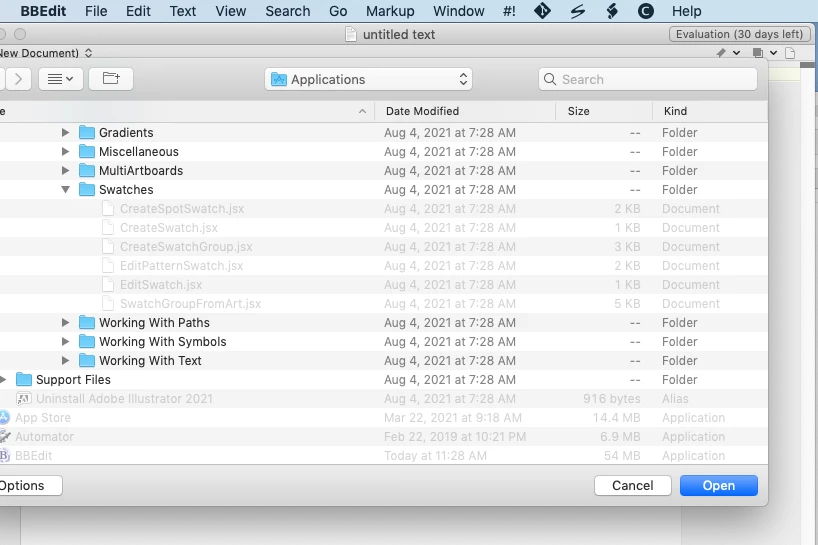
The files will be greyed because that the app doesn’t recognize their filename extensions. The scripts in Illustrator’s Scripting folder have read-only permissions so can be opened but not saved (at least, not without Admin permissions).
Adobe no longer supports ESTK, which is a 32-bit app that won’t run on macOS 10.15+. OP can use BBEdit if that’s what they’re familiar with; they just need to update its Language preferences to recognize ,jsx files. They can also put this crude but convenient AppleScript in its Scripts menu if they wish:
-- Run Script in Illustrator.scpt
-- run the front BBEdit window as JSX in Illustrator

tell application "BBEdit"
	set txt to text of document 1
end tell

tell application "Adobe Illustrator"
	activate
	with timeout of 30 seconds
		do javascript txt
	end timeout
end tell
The big disadvantage of using BBEdit or other editor is no debugger support. That’s especially aggravating if a script gets stuck in an infinite loop. VSCode is not the most beautiful app (typical Electron), but it’s what Adobe supports now so depending on OP’s scripting ambitions they may be best with that.

 AdChoices