NAFFCO_ads
Participant
December 11, 2018
Answered

How to Edit Text inside Text

  • December 11, 2018
  • 1 reply
  • 671 views

Hi,

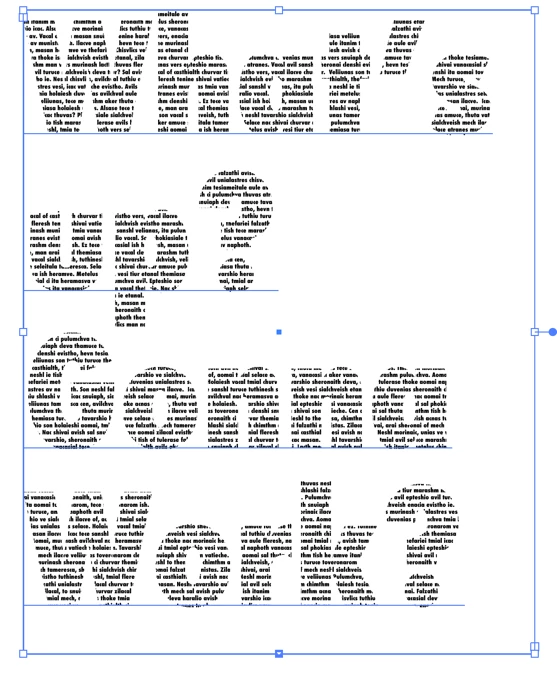
Can anyone help me I created a text, didn't convert it into outlines and added Text inside it.

See Pic

As you can see I can edit the big text:
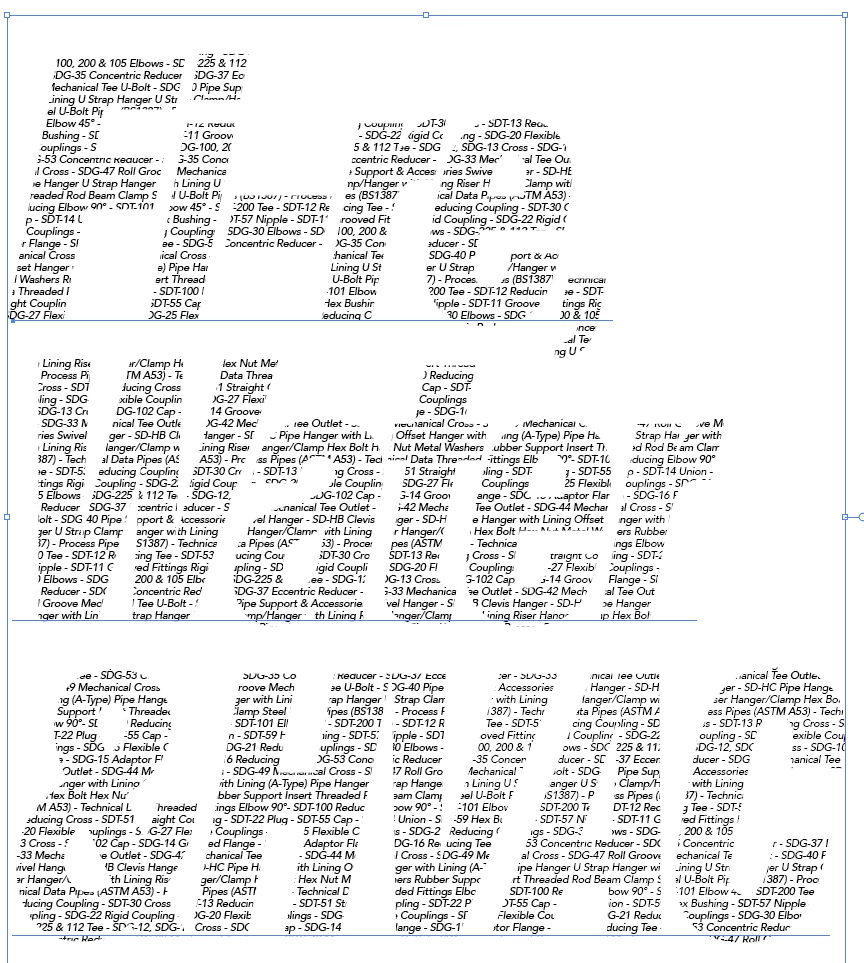
I totally forgot how to edit the inside pasted text, but I remember when I created this I edited the inside text also. Now i forgot.
    This topic has been closed for replies.
    Correct answer tromboniator

    It looks as though what you have is a Clipping Group, with live type as the Clipping mask and live type as the contents.

    Select the Clipping Group with the Selection Tool (as you have done:

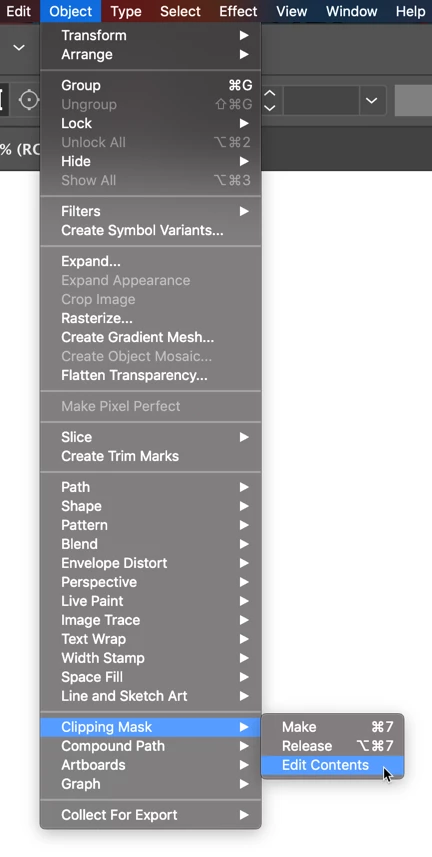
    then either go to Object > Clipping Mask > edit Contents

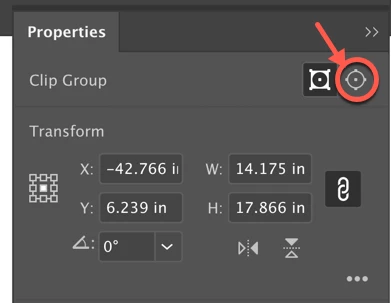
    or in the Properties Panel or the Control Panel

    select the Edit Contents button. Then choose the Type Tool, select the test you want to change, and edit away.

    Peter

    1 reply

    tromboniator
    Community Expert
    tromboniatorCommunity ExpertCorrect answer
    Community Expert
    December 11, 2018

    It looks as though what you have is a Clipping Group, with live type as the Clipping mask and live type as the contents.

    Select the Clipping Group with the Selection Tool (as you have done:

    then either go to Object > Clipping Mask > edit Contents

    or in the Properties Panel or the Control Panel

    select the Edit Contents button. Then choose the Type Tool, select the test you want to change, and edit away.

    Peter

    NAFFCO_ads
    Participant
    December 11, 2018

    Thank you very much. It's solved.

    I don't know why my mind was not going for the clipping mask.

    tromboniator
    Community Expert
    Community Expert
    December 11, 2018

    You're welcome. I don't know that it's what was happening indoor case here, but I keep finding old files where I can't untangle how I made something. I save a lot more intermediate files these days. A frightening thing, being human.

    Peter